
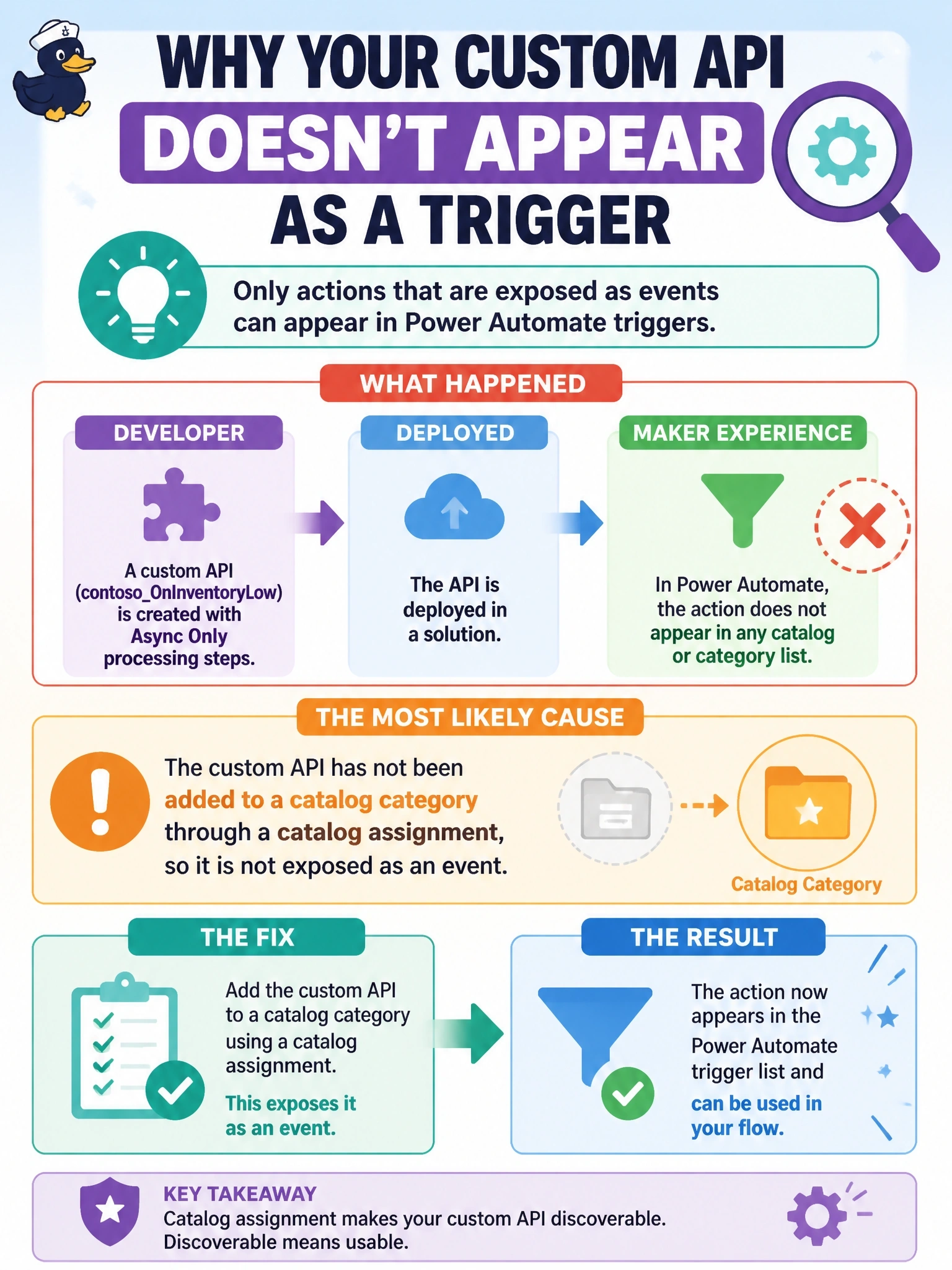
A developer creates a custom API named contoso_OnInventoryLow with Async Only processing steps and deploys it in a solution. A maker opens the Dataverse When an action is performed trigger in Power Automate, but the action does not appear in any catalog or category list. What is the most likely cause?
Select an answer to reveal the explanation.
Short Explanation
A business event that isn't cataloged is like a shop with no sign: it exists, but nobody can find it. You have to assign the custom API to a category in a catalog. Async Only, no plug-in, no response properties: those are actually the recommended settings, not the problem.
Full Explanation
Business events must be cataloged before they are exposed to subscribers. The catalog structure has a root catalog representing the solution and categories beneath it, and a catalog assignment row links a custom API, custom process action or table to a category. The When an action is performed trigger lists only cataloged events, so a custom API without a catalog assignment does not appear even though it exists and can be called. Creating the catalog, a category and the assignment, and including them in the solution, fixes the problem. Async Only is the recommended processing step type for business events, because it lets subscribers respond while preventing synchronous interference, so it is not a blocker. A main operation plug-in type is optional, and for event-only custom APIs, especially those representing external events, Microsoft recommends not specifying one. Response properties are also not required; event-only custom APIs typically define only request parameters, because without synchronous logic nothing sets response values. Exam caveat: catalog and category records are solution components, so a catalog created only in development and not added to the solution will be missing after import. Operational check: query the catalogassignment table for a row referencing the custom API, then refresh the trigger's catalog list in the flow designer and confirm the event appears.