
A developer has cataloged a custom API named contoso_OnPaymentPosted as a Dataverse business event. A business analyst who does not write code needs to send an email to the finance team each time the event occurs. What should the analyst use?
Select an answer to reveal the explanation.
Short Explanation
Business events have their own front door in Power Automate: When an action is performed. You pick the catalog, the category and the event, and the flow fires each time it happens, no code needed. The trap is the row trigger, which only knows about table changes.
Full Explanation
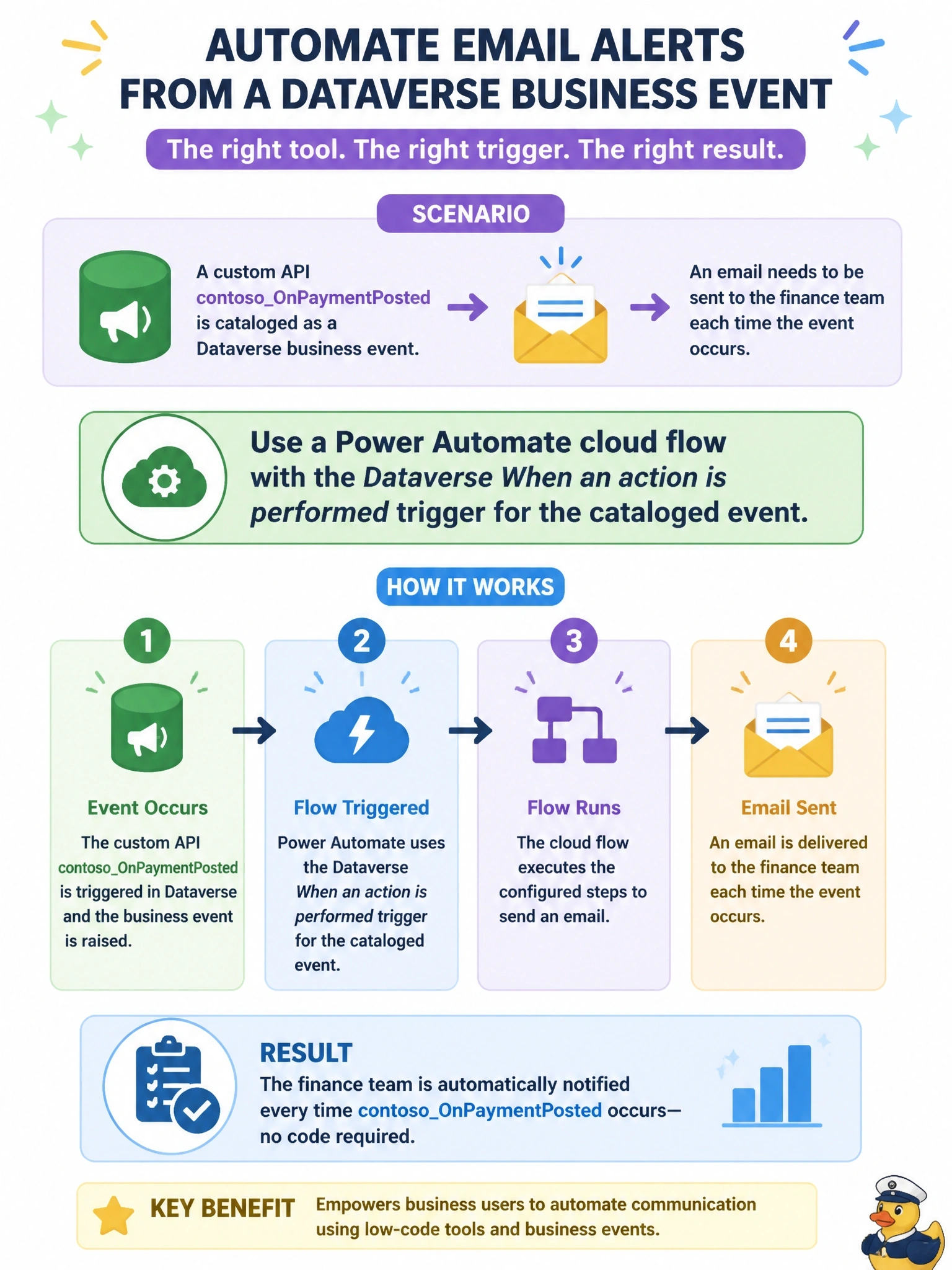
Business events are surfaced to makers through the Microsoft Dataverse connector's When an action is performed trigger. The flow author chooses the catalog, the category and the specific action, here contoso_OnPaymentPosted, and the flow runs asynchronously after each successful occurrence, receiving the event's request parameters as dynamic content for the email. This requires no code and is the experience Dataverse provides for business events. The When a row is added, modified or deleted trigger responds to Create, Update and Delete operations on a table; a custom API message is not a row change, so this trigger cannot subscribe to it. A classic background workflow on the payment table depends on a status column changing, which is a different event that may not correspond to the posted payment and reintroduces logic the business event was designed to express directly; classic workflows are also not the recommended tool for new automation. An HTTP request trigger registered as a webhook is a developer integration: it requires registering a service endpoint and step with the Plug-in Registration Tool and handling the execution context payload, which contradicts the no-code requirement. Exam caveat: table Create, Update and Delete events do not appear in When an action is performed because the row trigger already covers them. Operational check: build the flow, invoke the custom API with a test payload, and confirm a run with the expected parameters.