
A team migrating from an on-premises deployment asks which isolation mode to select when registering plug-in assemblies in their new Dataverse online environment, because their old assemblies were registered with isolation set to None. Which isolation mode applies?
Select an answer to reveal the explanation.
Short Explanation
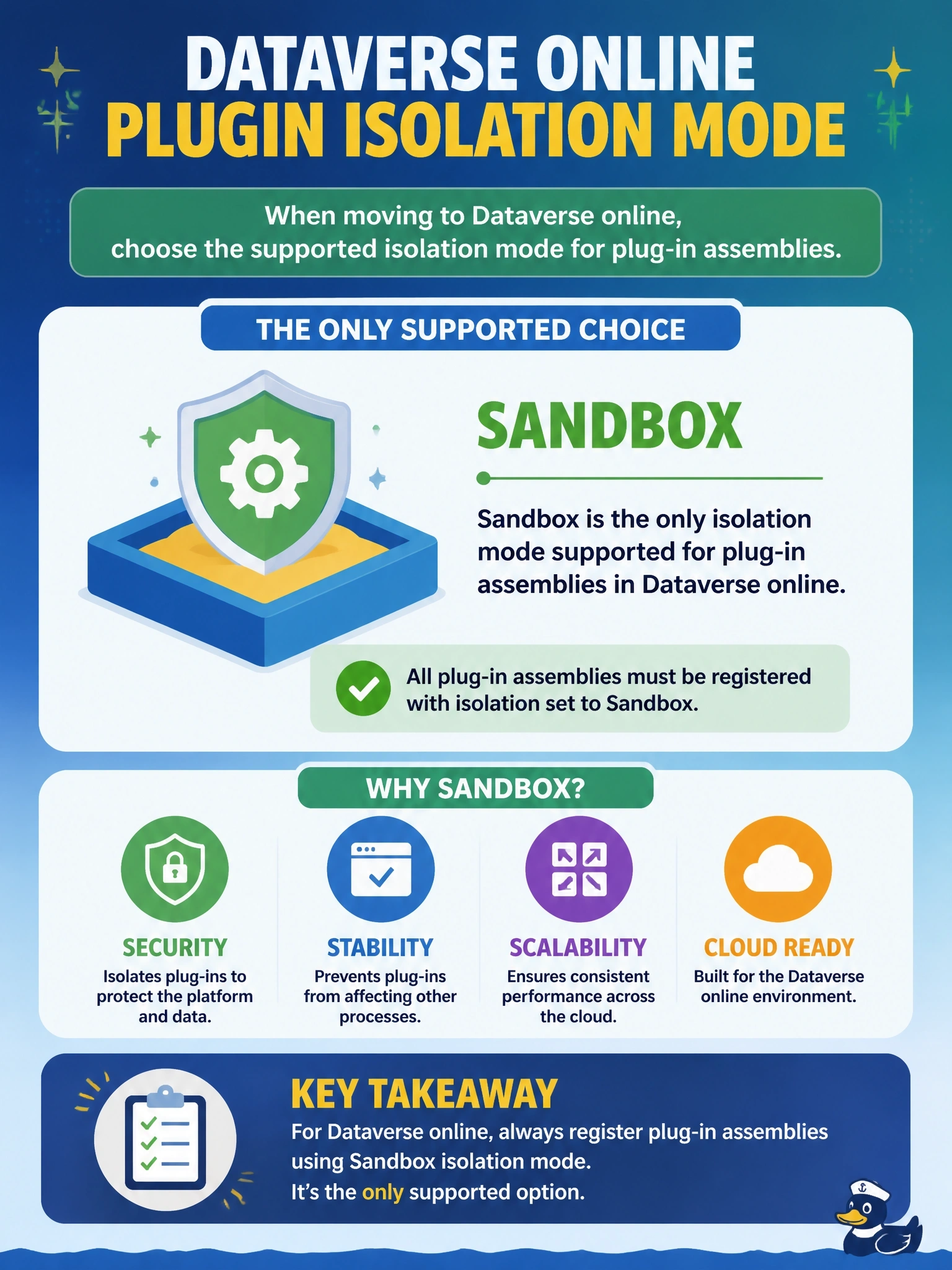
In Dataverse online there's only one room your code gets to run in: the sandbox. It doesn't matter who registers it, how it's packaged, or whether it's async. The trap is assuming an admin can unlock full trust; that door simply doesn't exist online.
Full Explanation
Dataverse online runs all custom plug-in and custom workflow activity code in sandbox isolation. The sandbox restricts access to the file system, registry and other machine resources, limits outbound network access to HTTP and HTTPS calls, and enforces an execution time limit, which protects the shared service. When registering an assembly in an online environment the Plug-in Registration Tool uses sandbox isolation, so the migrated assemblies must work within those restrictions. Isolation set to None, sometimes called full trust, was available only for on-premises deployments, and administrator privileges do not enable it online. Sandbox isolation applies to the assembly and therefore to all its steps, whether they run synchronously or asynchronously, so there is no split by execution mode. Isolation mode is also unrelated to signing or packaging; signed individual assemblies and assemblies inside plug-in packages both run in the sandbox. Exam caveat: code that relied on full trust, such as reading local files or using unmanaged libraries, must be refactored, and work that cannot run in the sandbox is often moved to Azure Functions called from Dataverse. Operational check: register the migrated assembly, trigger each step, and review the plug-in trace log for security exceptions that indicate code still depending on full trust.