
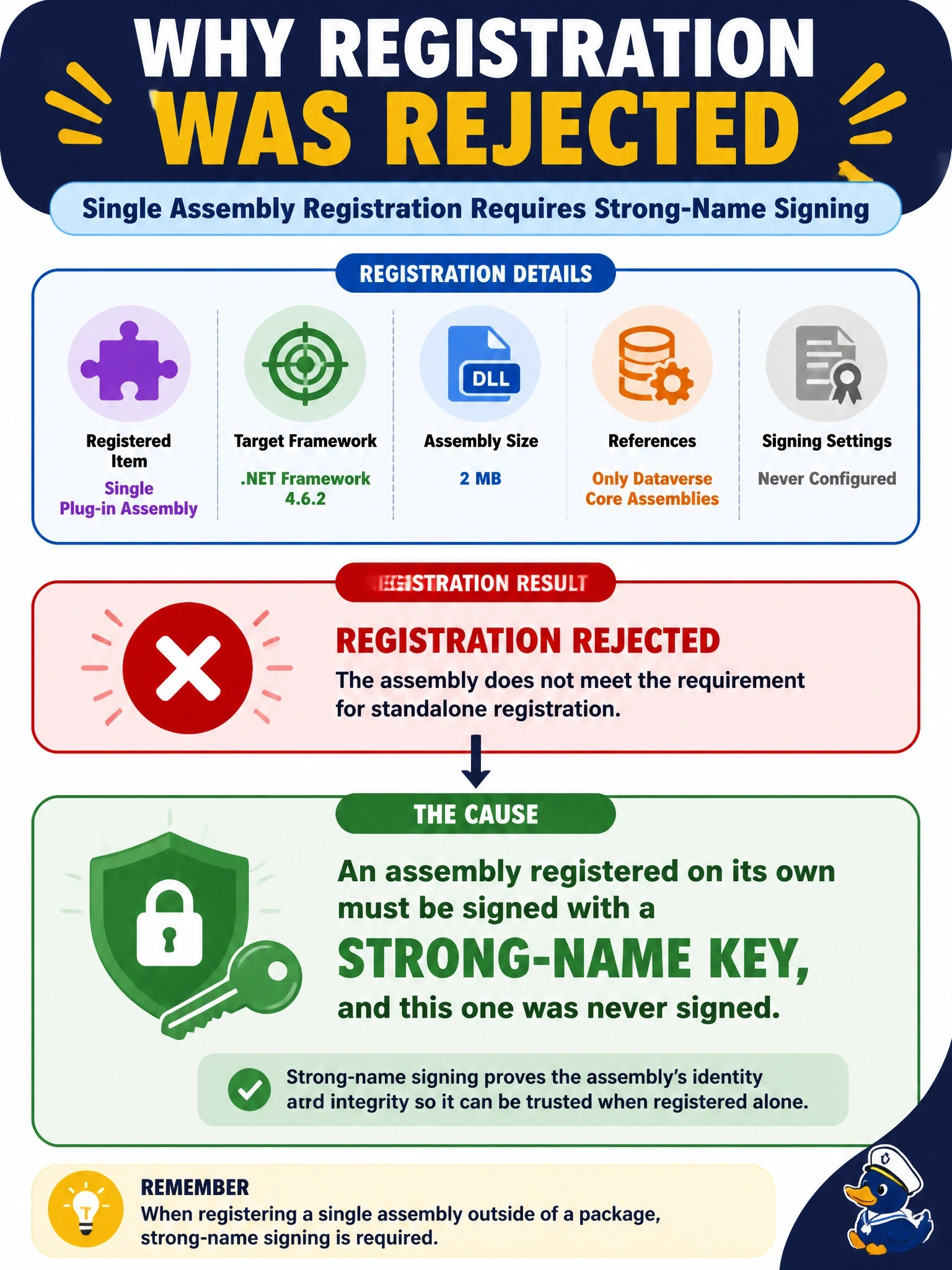
A developer tries to register a single plug-in assembly, not a plug-in package, with the Plug-in Registration Tool. The project targets .NET Framework 4.6.2, the DLL is 2 MB, and it references only the Dataverse core assemblies. Registration is rejected. The project's Signing settings have never been configured. What is the cause?
Select an answer to reveal the explanation.
Short Explanation
Dataverse wants your standalone assembly to carry a unique ID badge, and a strong-name signature is that badge. No signing, no entry. The trap is the framework: .NET Framework 4.6.2 is exactly what plug-ins are supposed to target.
Full Explanation
When a plug-in assembly is registered individually rather than inside a plug-in package, it must be signed before registration, because the strong name gives the assembly a unique identity in Dataverse. Signing is done from the project's Signing tab in Visual Studio or with the Strong Name tool, and an unsigned assembly is rejected. The scenario rules out the other usual constraints, which points to the unconfigured signing settings. Plug-in and custom workflow activity projects must target .NET Framework, and 4.6.2 is the target used by the Power Platform CLI project template, so requiring .NET 8 reverses the actual rule. The documented assembly size limit is 16 MB, so a 2 MB DLL is well within it, and no 1 MB limit exists. The Dataverse core assemblies are already present in the sandbox runtime; projects reference them through NuGet, but they are not uploaded with the plug-in assembly, so referencing them without including them is correct behavior. Exam caveat: assemblies inside a plug-in package do not need to be signed, but if any assembly in the package is signed, every assembly it depends on must also be signed. Operational check: enable signing with a strong-name key file, rebuild, confirm the DLL has a public key token, and register it again.