
A code app calls two instant cloud flows. The developer plans to move the app from development to test with Power Platform Pipelines. What must be true for the app and its flows to deploy together cleanly?
Select an answer to reveal the explanation.
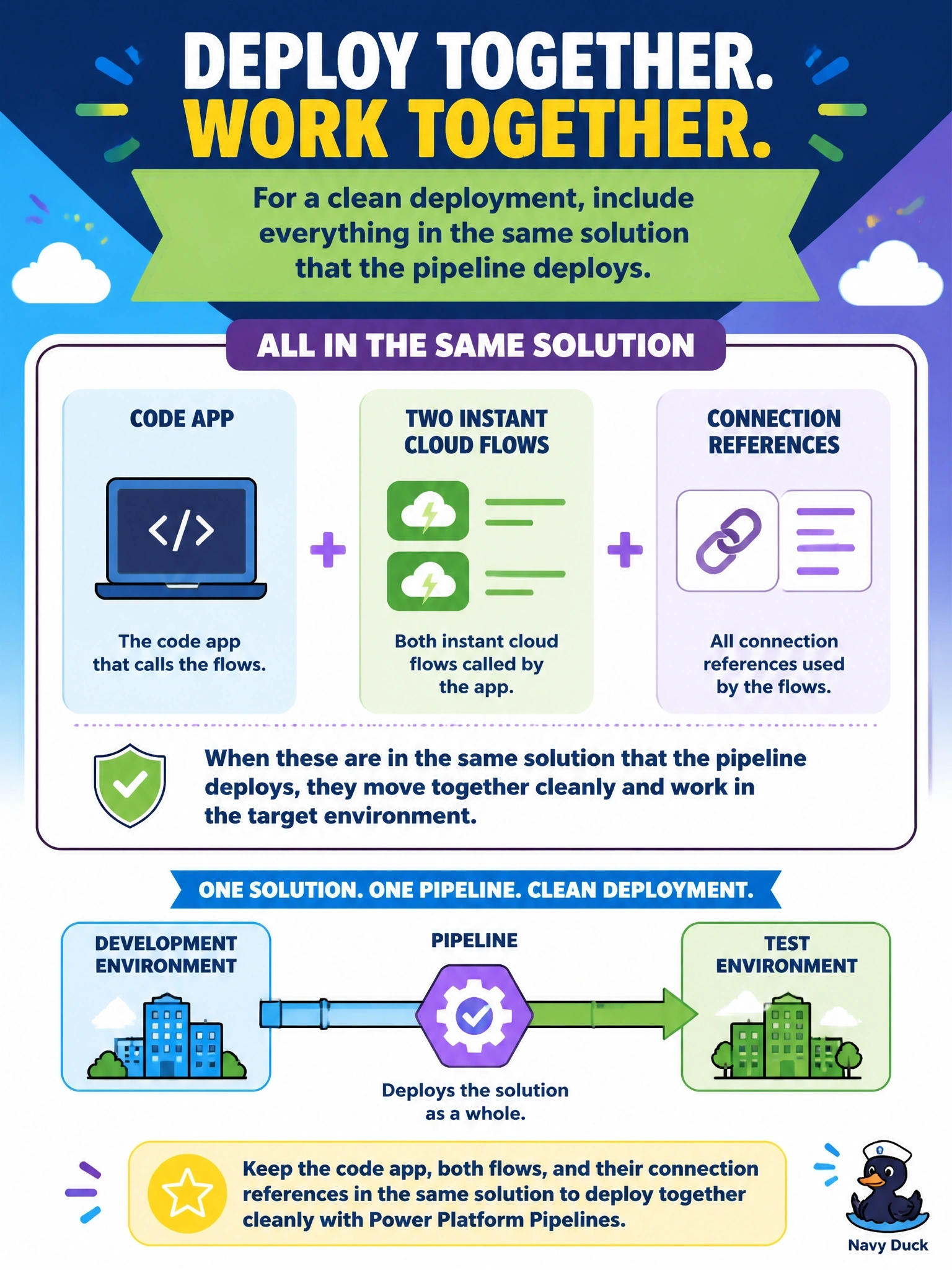
Short Explanation
Moving house works best when everything goes in one truck. Put the code app, its flows and their connection references in the same solution, and your pipeline moves them as a unit. Leaving flows outside solutions isn't even an option; code apps can only add solution-aware flows.
Full Explanation
Power Platform ALM moves components between environments as solutions, and Power Platform Pipelines deploys a solution with preflight checks for dependencies and connection references. A code app can be placed in a solution when it is published, and code apps can only add solution-aware flows, so the clean pattern is one solution containing the code app, the flows it calls and their connection references. In test, the connection references are mapped to test connections at deployment, and the app resolves the flows that arrived with it. Leaving flows outside solutions is not possible here, because unmanaged non-solution flows cannot be added to a code app, and fixed run URLs are not how code apps call flows. Exporting each flow as a separate legacy package splits the dependency graph, so the pipeline cannot validate that the app's dependencies exist. Pushing the app directly to test while the pipeline deploys the flows creates two release paths that can drift and leaves the test copy of the app outside managed ALM. Exam caveat: the generated flow services and power.config.json are part of the app source, so regenerate them if a flow's inputs or outputs change before packaging. Operational check: open the solution and confirm the code app, both flows and their connection references are listed before running the pipeline.