
A code app form shows captions for the columns of a Dataverse table. Users in France and Germany see English captions because the developer hard-coded them, and customizers rename column display names from time to time. How should the developer source the captions?
Select an answer to reveal the explanation.
Short Explanation
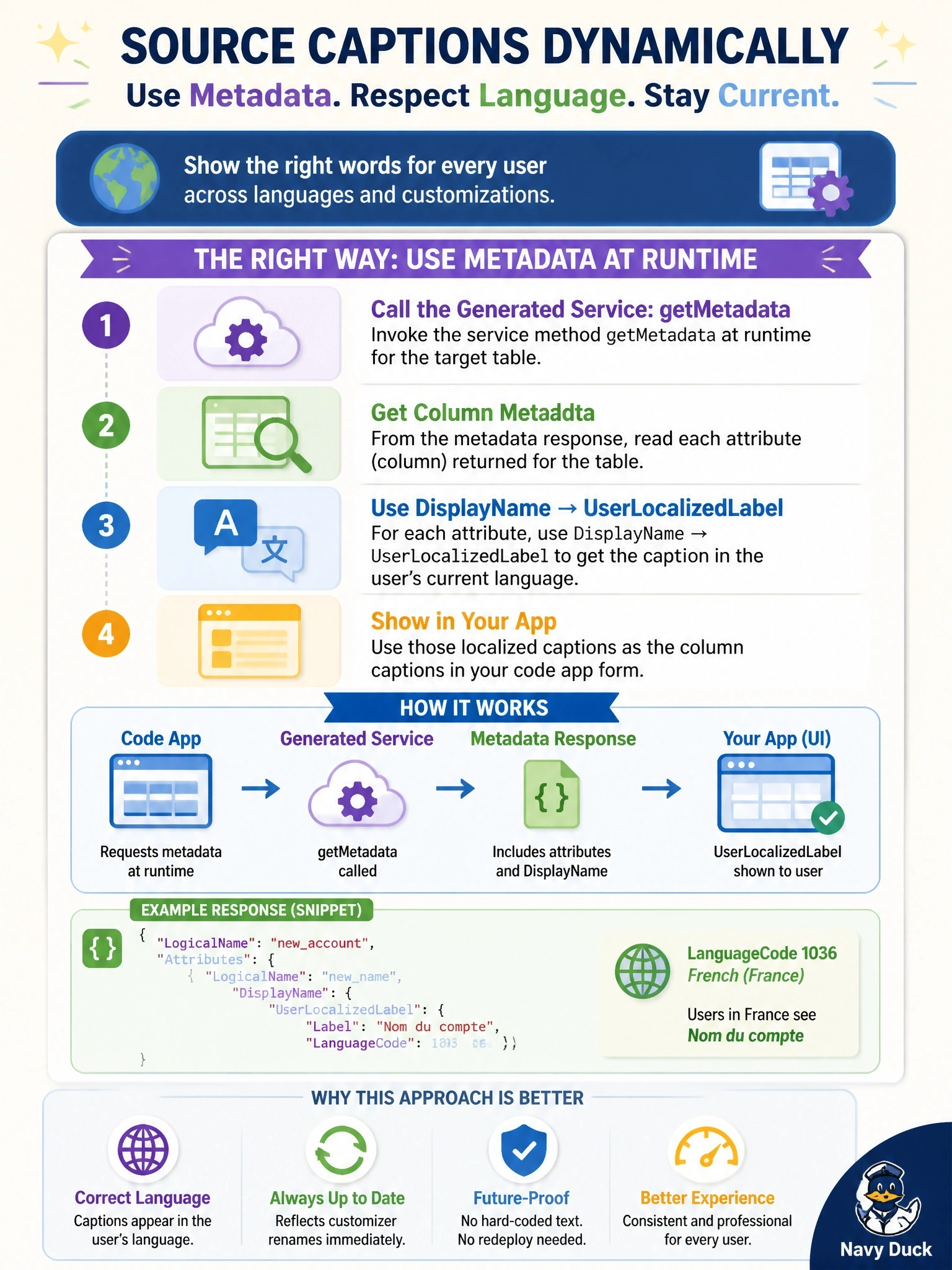
Hard-coded captions are like printing street signs in one language and hoping nobody renames the street. Ask Dataverse for the table definition at runtime and you get the label in each user's language, renames included. Don't confuse a CLI dev-time command with something your app can run in the browser.
Full Explanation
Dataverse stores table and column definitions, including display names with localized labels for each installed language. In a code app, the generated service exposes getMetadata, which wraps the Web API table-definition queries and returns attribute metadata when the schema option requests columns. Each attribute's DisplayName carries a UserLocalizedLabel resolved for the signed-in user's language, so captions follow both translation and later renames without a code change. A JSON file of translations in the bundle duplicates data Dataverse already holds and forces a rebuild and push every time a customizer edits a display name, so the app drifts out of date. Logical names are fixed schema identifiers such as cr5a2_priorityscore; they are never translated and are not meant for end users. pa app refresh data-source is a developer command that regenerates TypeScript files on a workstation; it cannot run in a user's browser and does not carry localized labels into types. Exam caveat: getMetadata returns base AttributeMetadata properties only, so choice option lists defined on derived types are not available through it; use formatted values for choice labels. Operational check: request metadata with the needed columns, switch a test user's language, and confirm the captions change.