
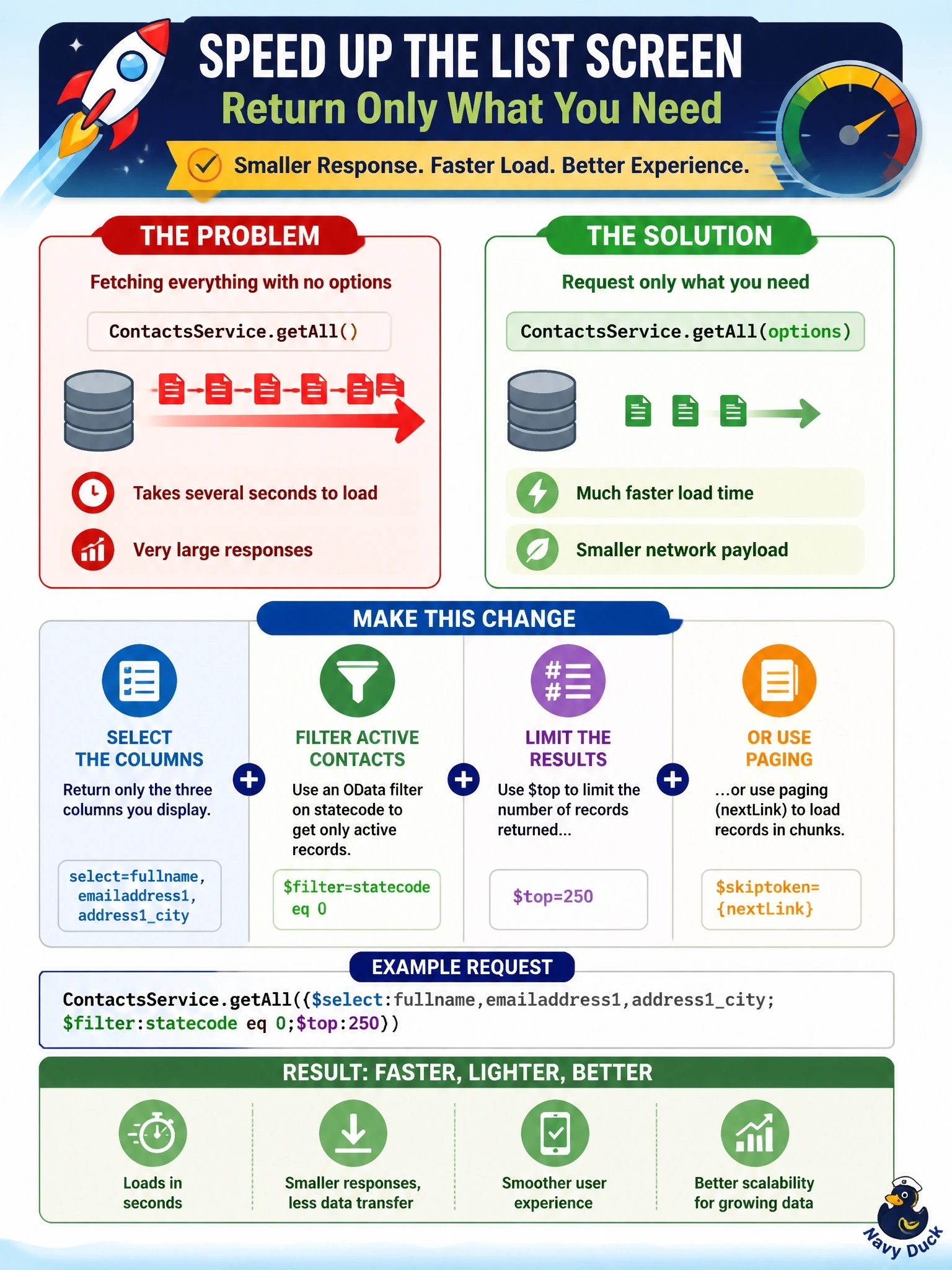
A code app list screen calls ContactsService.getAll() with no options and renders only full name, email and city for active contacts. The screen takes several seconds to load, and the network trace shows very large responses. What change best improves load time?
Select an answer to reveal the explanation.
Short Explanation
Ordering the whole menu when you only want a coffee is going to slow you down. Ask Dataverse for just the three columns and only active rows, and cap the count. Filtering in React feels tidy, but you've already paid to download everything.
Full Explanation
The getAll method on a generated Dataverse service accepts an options object with select, filter, orderBy, top, maxPageSize and paging properties, and Microsoft guidance is to always limit the columns retrieved. With no options, every column of every row the user can read is serialized and downloaded, which explains the large responses. Supplying select with the three displayed columns shrinks each row, an OData filter on statecode returns only active contacts, and top or paging bounds how many rows reach the browser at once. Filtering and mapping in React leaves the expensive part in place, because the full payload has already crossed the network. Issuing one get per contact converts a single request into hundreds, multiplies round trips and raises the chance of service protection throttling. Increasing maxPageSize asks for bigger pages, which makes the first response larger and slower rather than smaller. Exam caveat: delegation of filter, sort and top to the server is supported for Dataverse in code apps, so pushing work to the query is the expected pattern. Operational check: compare response size and duration in the browser network trace before and after adding select, filter and top to the call.