
A developer is building a Power Apps code app that must display the signed-in user's display name and job title from the Office 365 Users connector. The environment allows code apps and the developer is signed in with the Power Apps CLI. What is the correct approach?
Select an answer to reveal the explanation.
Short Explanation
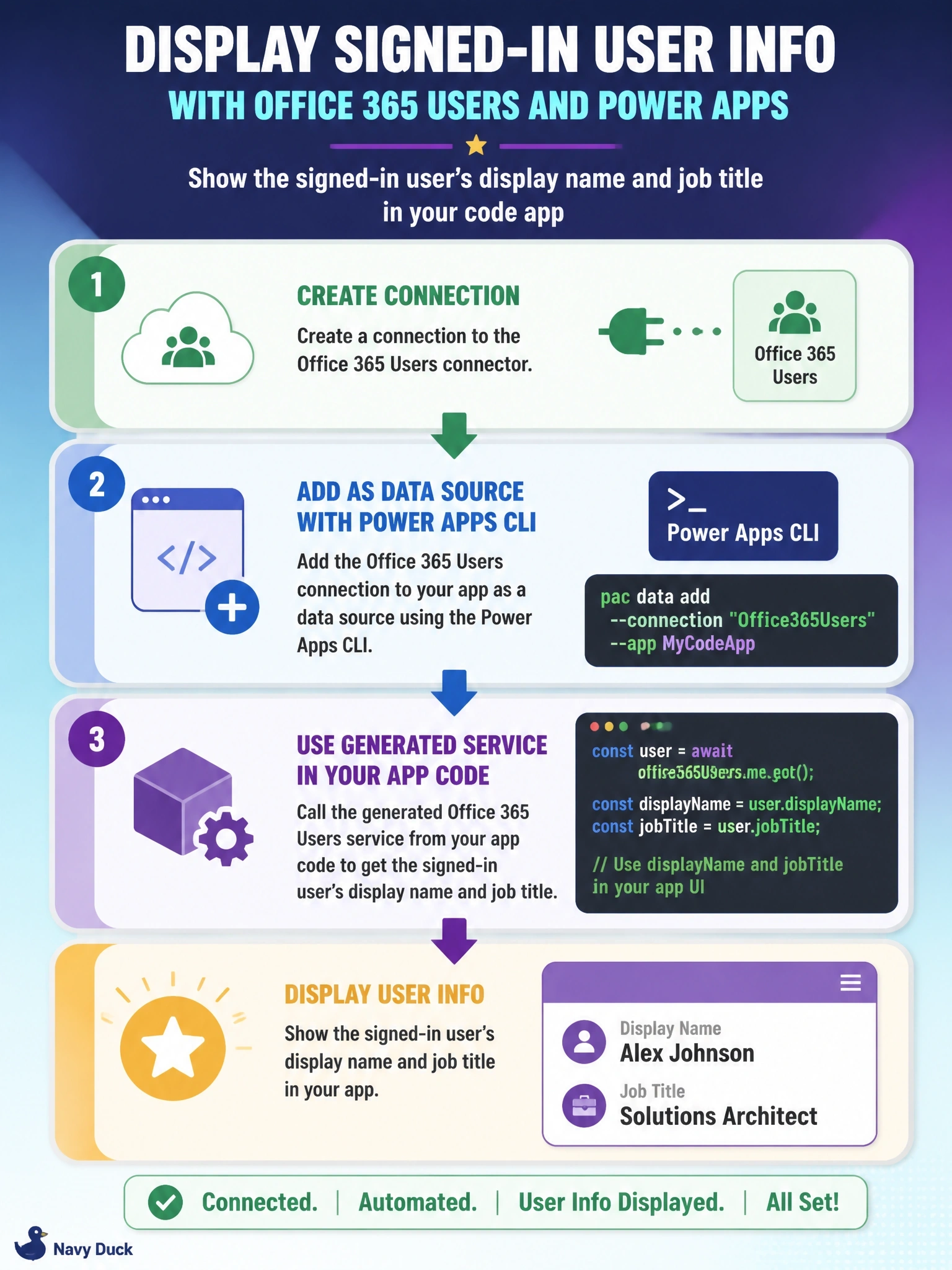
In a code app, connectors come to you the same way twice: you make a connection, then you add it to the app as a data source. The CLI writes typed model and service files for you, so you call the generated service instead of hand-rolling HTTP calls.
Full Explanation
Code apps use Power Platform connectors through connections. The developer first creates or identifies a connection to the connector, Office 365 Users in this case, and then adds it to the app as a data source with the Power Apps CLI, supplying the connector and connection identifiers. Adding the data source generates typed TypeScript model and service files in the project, such as an Office 365 Users model and service, and the app calls the generated service methods, for example to read the user's profile, through the Power Apps client library, which handles authentication and runs under platform governance. Registering a separate Entra ID app and placing a client secret in browser code exposes the secret to every user and bypasses the connector and its data policies. Copying a canvas app's connection ID into a constant and calling a REST endpoint with fetch skips the client library and the app's data source registration, so the call is neither authenticated nor governed correctly, and connections are tied to their owners. There is no npm package that makes a connector work without a connection; the client library depends on data sources added to the app. Exam caveat: connection references can be used instead of connection IDs when the app must move between environments through solutions. Operational check: run the app locally, confirm the profile appears, then push it and confirm the same result in Power Apps.