
A developer adds a modern command with a Power Fx Visible formula to the contact table using the Main grid command bar location. The button works on the contact list, but it never appears on the Contacts subgrid on the account form, even when rows are selected. What is the cause?
Select an answer to reveal the explanation.
Short Explanation
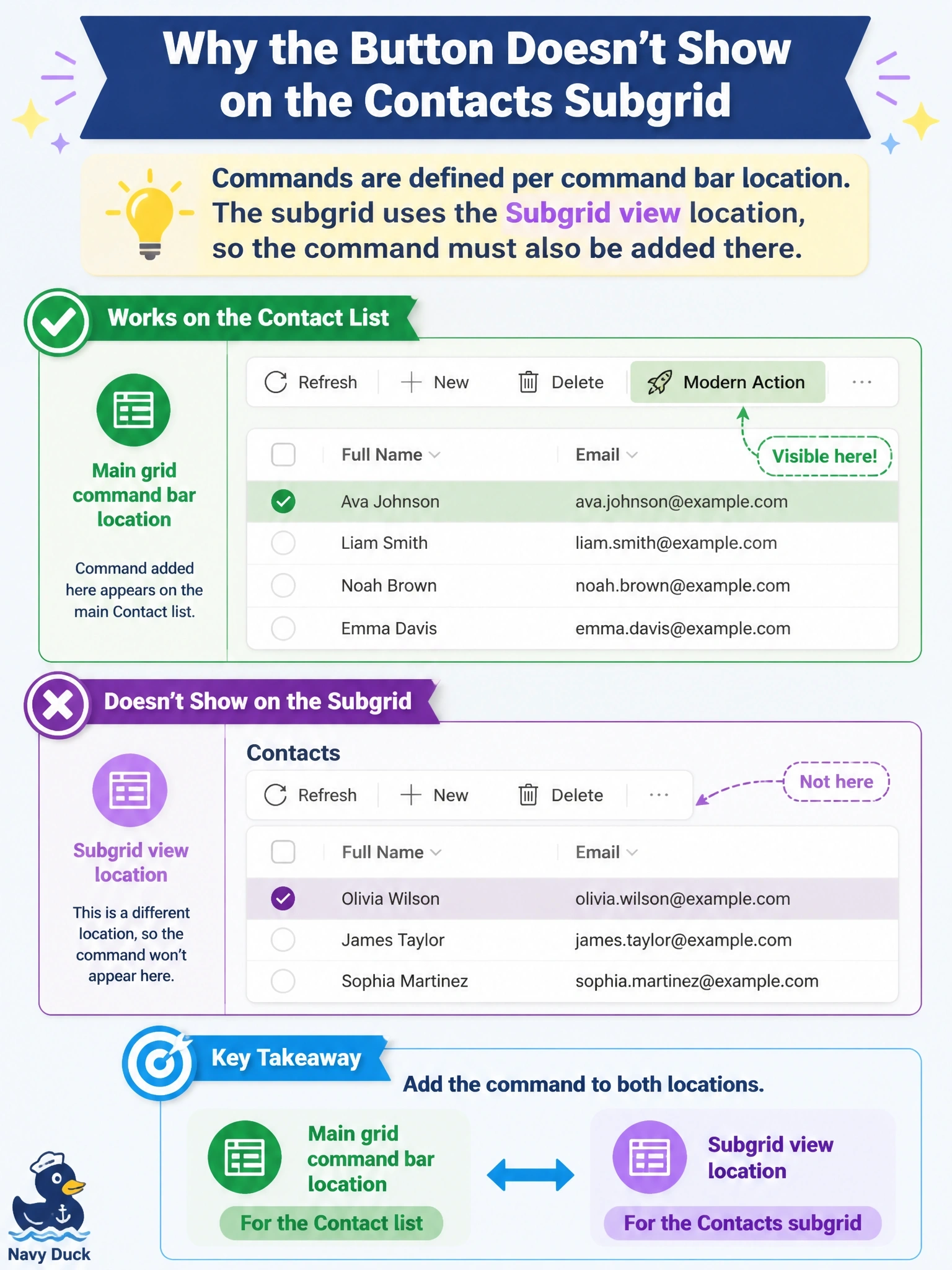
Each command bar is its own shelf: main grid, main form, subgrid view and associated view. You stocked the main grid shelf, so the subgrid shelf is empty no matter how good your formula is.
Full Explanation
In the modern command designer, a command is created for a table in a specific command bar location: Main grid, Main form, Subgrid view or Associated view. The Contacts subgrid on an account form shows the contact table's Subgrid view command bar, which is a separate location from the contact Main grid. A command defined only for the Main grid therefore never appears on the subgrid, and its Visible formula is never evaluated there. Adding the command to the Subgrid view location for contact, with the same action and Visible formula, puts it where users expect it. Power Fx Visible formulas work in grid locations, and the documented example for showing a command when one or more rows are selected is written for grids, so there is no need to fall back to JavaScript enable rules. The subgrid's commands come from the table whose rows it displays, contact, not from the parent form's table. Subgrids support selecting several rows, and AllItems returns those selected rows. Exam caveat: the associated view, opened from the related tab of a record, is yet another location, so a command meant to be available everywhere must be added to each relevant location. Operational check: open the command designer for contact, select the Subgrid view location, confirm the command is listed, publish, and test the subgrid on an account.