
A bug fix to a form was shipped in an updated managed solution and imported into production without errors, but users still see the old form behaviour. Someone had previously edited that form directly in production. What should the developer do?
Select an answer to reveal the explanation.
Short Explanation
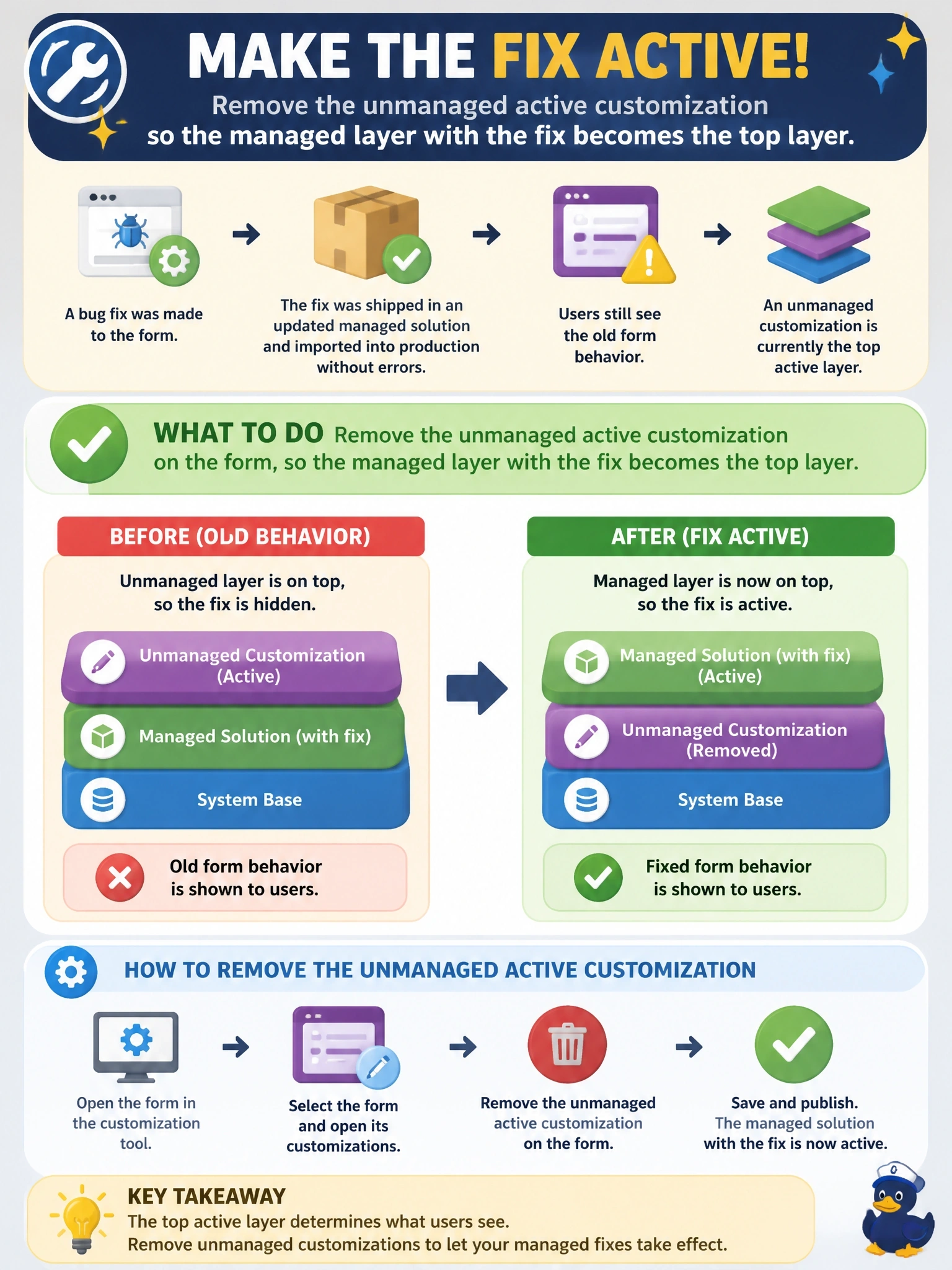
Think of the unmanaged edit in production as a sticky note slapped over the official notice: you can post a new notice behind it all day and nobody will see it. Peel off the sticky note by removing the active customization. The trap is uninstalling the managed solution, which can take your data with it.
Full Explanation
Dataverse stores customizations in layers. Managed solutions stack in the managed layers, and all unmanaged changes, including direct edits made in an environment, sit in the unmanaged active layer above them. The top layer defines runtime behaviour, so an unmanaged edit to the form hides changes delivered by later managed updates, even though the import succeeds. Viewing the solution layers for the form shows the active layer on top, and removing the active customization deletes that unmanaged layer so the managed layer with the fix takes effect. Patches are managed layers too; they stack within the solution's managed layers and still sit below the unmanaged active layer, so importing a patch changes nothing that users see. Publishing makes unmanaged changes visible but does not move managed changes above an unmanaged layer. Deleting the managed solution removes its components and can delete tables and data that belong to it, a destructive step that also fails to address the unmanaged layer if components remain. Exam caveat: forms use merge logic between layers, but the unmanaged layer still takes precedence over managed changes for the elements it overrides. Operational check: open the form's solution layers, confirm the active layer is gone after removal, and verify the fix in the app; then block direct edits in production.