
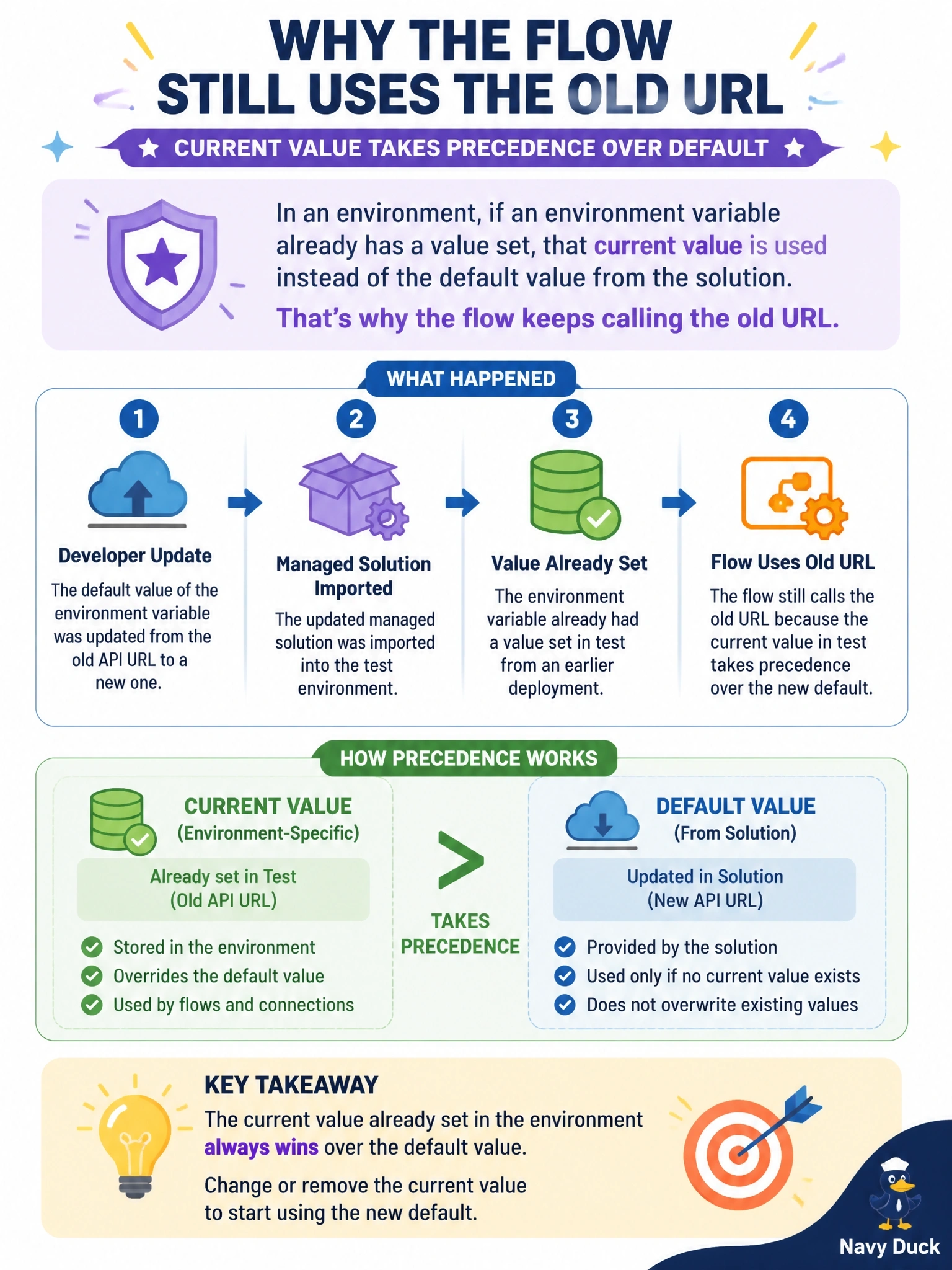
A developer updated an environment variable's default value from an old API URL to a new one and imported the updated managed solution into test. A flow in test still calls the old URL. The variable already had a value set in test from an earlier deployment. What is the cause?
Select an answer to reveal the explanation.
Short Explanation
Think of the default value as the factory setting and the current value as the setting someone already dialed in. As long as your test environment has its own current value, the factory default never gets a look in. The trap is assuming that importing a new default overwrites what's already set.
Full Explanation
An environment variable has a definition with an optional default value and, per environment, an optional current value. At run time the current value is used whenever it exists; the default is used only when no current value is present. Importing a managed solution that updates the default changes the definition, but an existing current value in the target is not overwritten by a new default, so the flow keeps resolving the old URL. The fix is to update the current value in test, through the solution's environment variables area, a deployment settings file or pipeline configuration, or to remove it so the default applies. Defaults are not bound to flows at creation; flows resolve the variable value when they run. Connection references and environment variables are separate components: a connection reference maps a connector to a connection and does not override an HTTP URL held in a variable. Managed imports do bring environment variable definitions and defaults into the target. Exam caveat: a related trap is exporting a current value from development inside the solution, which then lands in other environments; remove current values from the solution before export. Operational check: in test, open the variable and check whether a current value exists, correct or remove it, and rerun the flow to confirm the new URL in the run inputs.