
Users of a model-driven app ask that the Competitor Name column appear only when the Lost Reason column is set to Competitor, and that it update instantly while they fill out the form. Which implementation approach is appropriate for this requirement?
Select an answer to reveal the explanation.
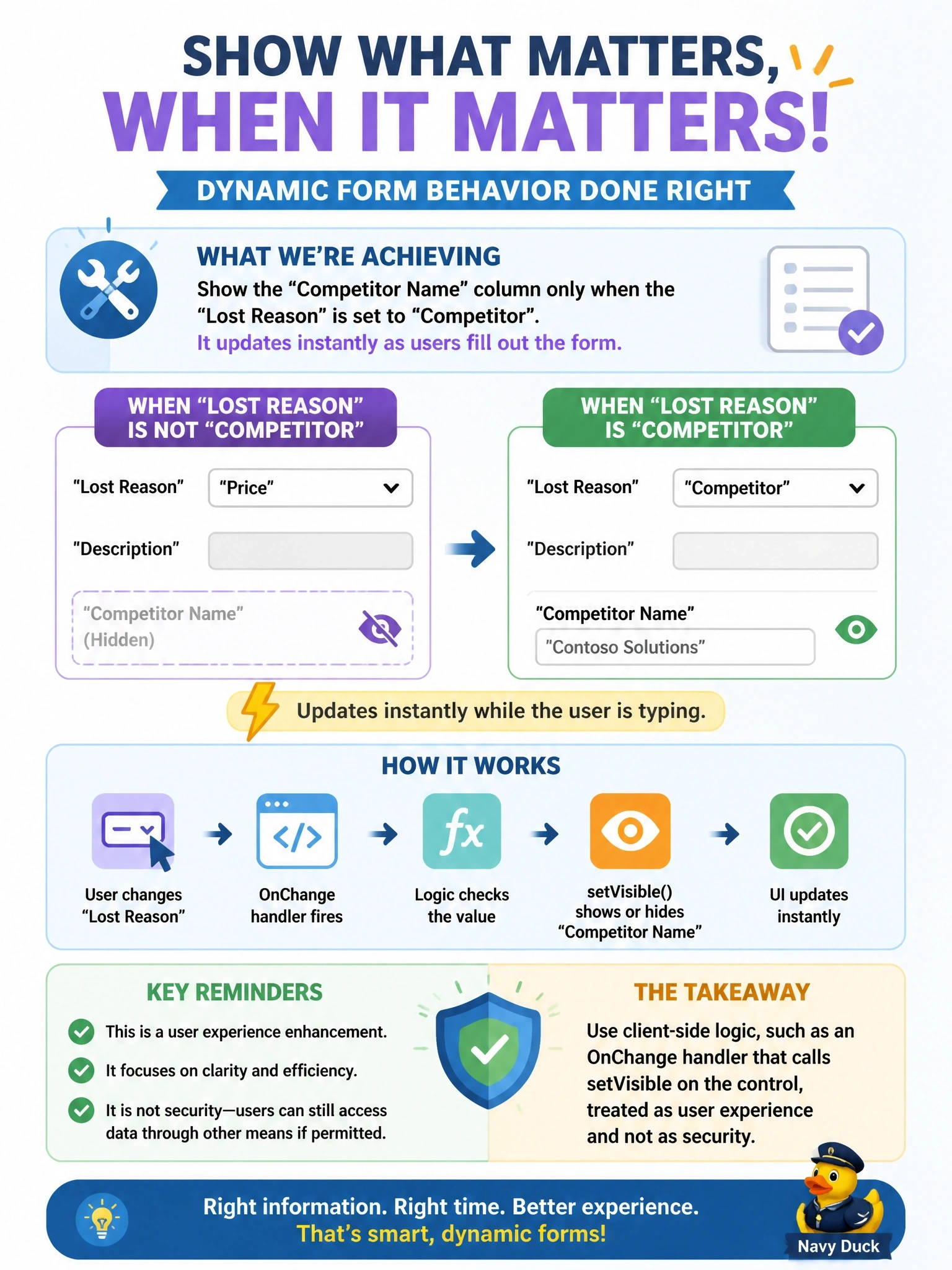
Short Explanation
Think of client-side logic as the dashboard lights in your car: great for telling you what's happening right now, useless as a lock. Show-and-hide is pure UI, so you handle it in the form with script or a form business rule. Just remember the trap: hidden isn't secured.
Full Explanation
Responsive form behaviour belongs in client-side processing because it runs in the browser as the user edits, with no server round trip. An OnChange handler on Lost Reason can read the value through formContext and call setVisible on the Competitor Name control, and an OnLoad call sets the initial state; a form-scoped business rule with a show or hide action achieves the same without code. Either way the logic changes presentation only, so it must not be relied on to protect data: the column is still readable through the Web API and in other views. A plug-in runs on the server during save operations and has no access to the user's open form, so it cannot change visibility while the user types. Field security profiles control whether users can read or update a column at all; they do not react to values on the form and would hide the column from everyone without access. A cloud flow runs asynchronously after a save and modifying form definitions at run time is neither supported nor instant. Exam caveat: if the requirement were to prevent users from reading the column, field security would be correct, but that is a different requirement. Operational check: switch Lost Reason on an open form and confirm the column appears and disappears without saving.