
A consultant is extending a sales accelerator sequence for an enterprise sales team. When a rep completes the 'Send Proposal' step, the manager wants a corresponding task automatically created in the team's external project delivery tool (not Dynamics 365) so the delivery team can begin onboarding preparation. Sales accelerator does not have a native step type for this. What should the consultant do?
Select an answer to reveal the explanation.
Short Explanation
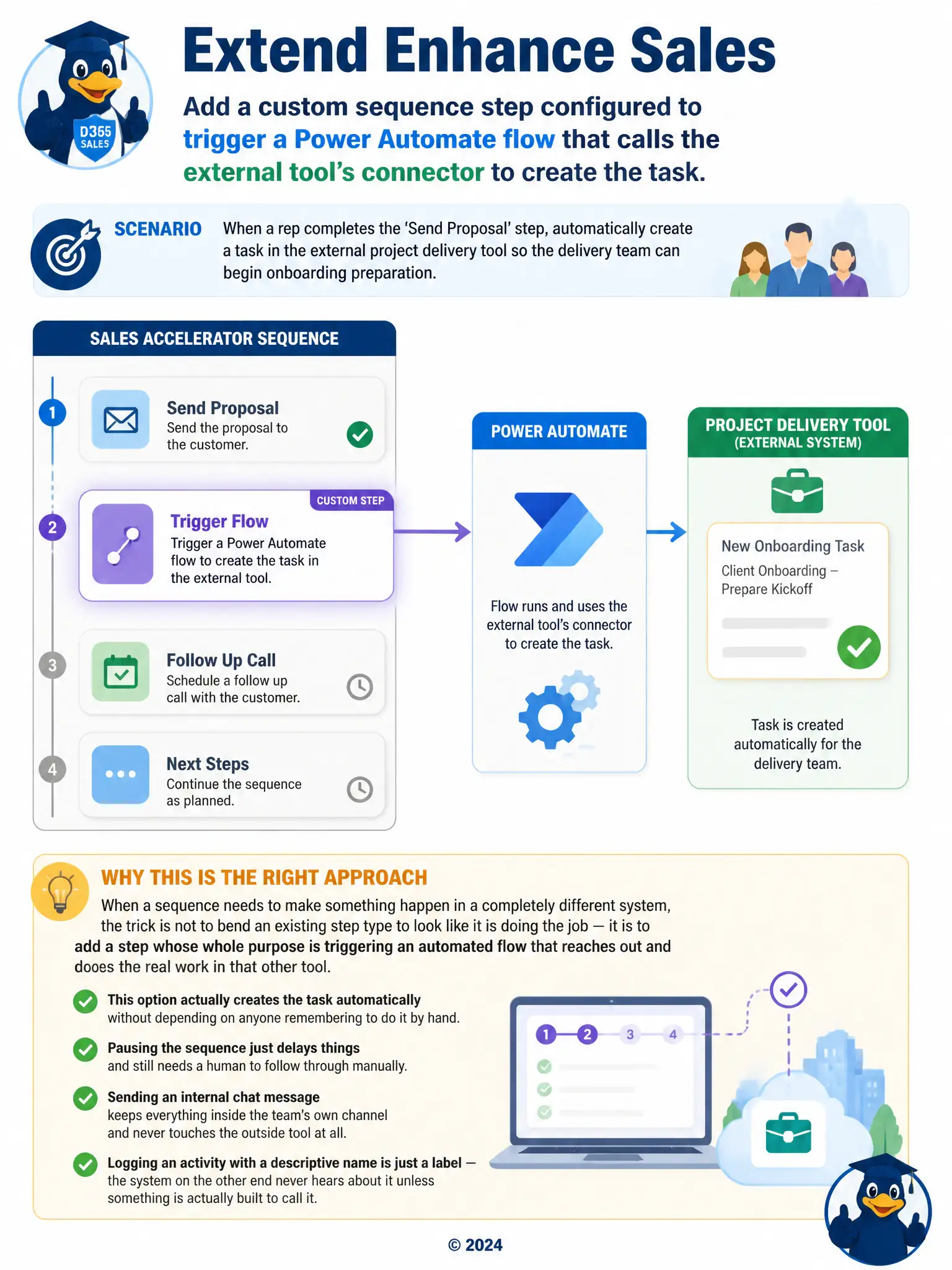
When you need a sequence to create something in another system, add a custom step that fires a Power Automate flow and uses that tool's connector. That makes the task happen automatically, without making reps remember to do it by hand.
Full Explanation
The correct choice is adding a custom sequence step configured to trigger a Power Automate flow that calls the external tool's connector to create the task. Sales accelerator does not ship a native step type for creating records in an external project delivery tool, so extending it to trigger that action requires a custom step configured to call a Power Automate flow, which in turn uses the appropriate connector to create the task in the external system. This keeps the automation triggered automatically at the right point in the sequence, exactly as the manager wants. The wait-step choice is incorrect because a Wait step only pauses the sequence and depends on a rep remembering to manually create the task elsewhere, which does not satisfy the requirement for automatic creation. The Teams-message choice is incorrect because sending a Teams message is an internal notification, not an integration with the external delivery tool, and forwarding a chat message does not reliably or automatically create a tracked task there. The phone-call choice is incorrect because a phone call step only logs a call-type activity in Dynamics 365 for tracking purposes; it does not invoke any external system, so labeling it 'Notify Delivery Team' does not make it functionally call the third-party tool.