
A consultant configures Sales Accelerator for a team that wants leads graded Hot routed into a segment that opens with an immediate phone call, while leads graded Cool are routed into a segment that starts with a slower-paced nurture email. How should the consultant set this up?
Select an answer to reveal the explanation.
Short Explanation
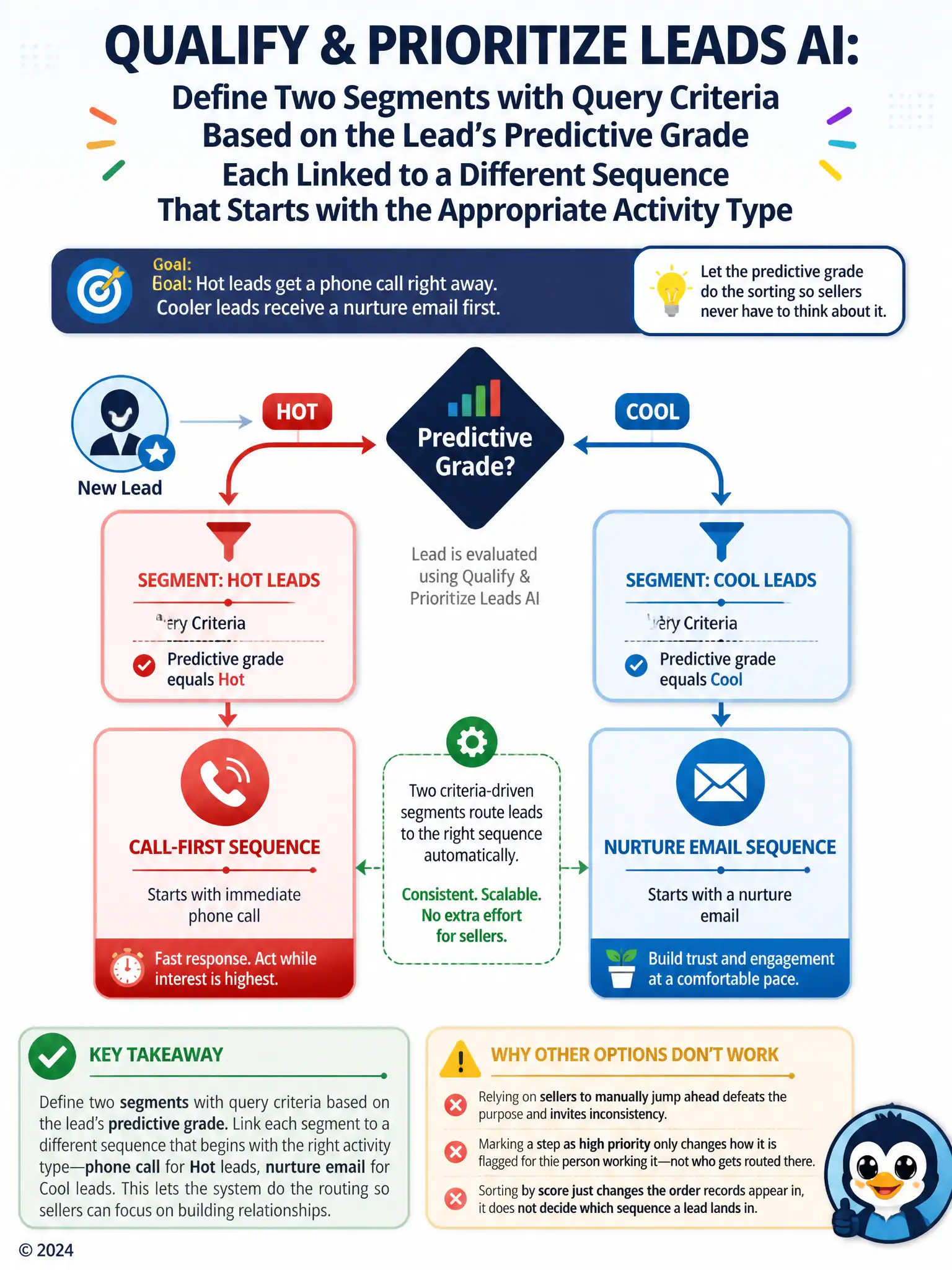
You want the grade to do the routing, so you build one segment for Hot leads that feeds a call-first sequence and another for Cool leads that feeds a nurture-email sequence. That keeps sellers from guessing and keeps the process consistent.
Full Explanation
The correct setup is to define two segments with query criteria based on the lead's predictive grade, each linked to a different sequence that starts with the appropriate activity type. Sales Accelerator segments are defined by query criteria, and building two segments whose criteria filter on the lead's predictive grade lets each segment automatically capture the right population: Hot leads into one segment feeding a call-first sequence and Cool leads into another feeding a nurture-email sequence, with routing happening without seller intervention. The single-segment, single-sequence approach that relies on sellers to manually skip ahead to the call step for Hot leads is incorrect because it pushes the routing decision onto sellers manually, which defeats the purpose of segmentation and invites inconsistency as different sellers make different judgment calls. The option that sets the first sequence step to High priority is incorrect because a step's priority marking affects how a step is flagged for the seller working it, not which leads are admitted into a segment; it has no filtering effect based on grade. The option that configures one segment sorted by predictive score is incorrect because sort order only changes the display sequence of records within a view or segment, it does not determine which sequence a lead is enrolled in or where in that sequence it starts.