
A consultant is asked to enable predictive scoring on a custom Referral table the client built to track partner-submitted prospects before they become full leads. The client wants a predictive score to appear directly on Referral records. What should the consultant explain?
Select an answer to reveal the explanation.
Short Explanation
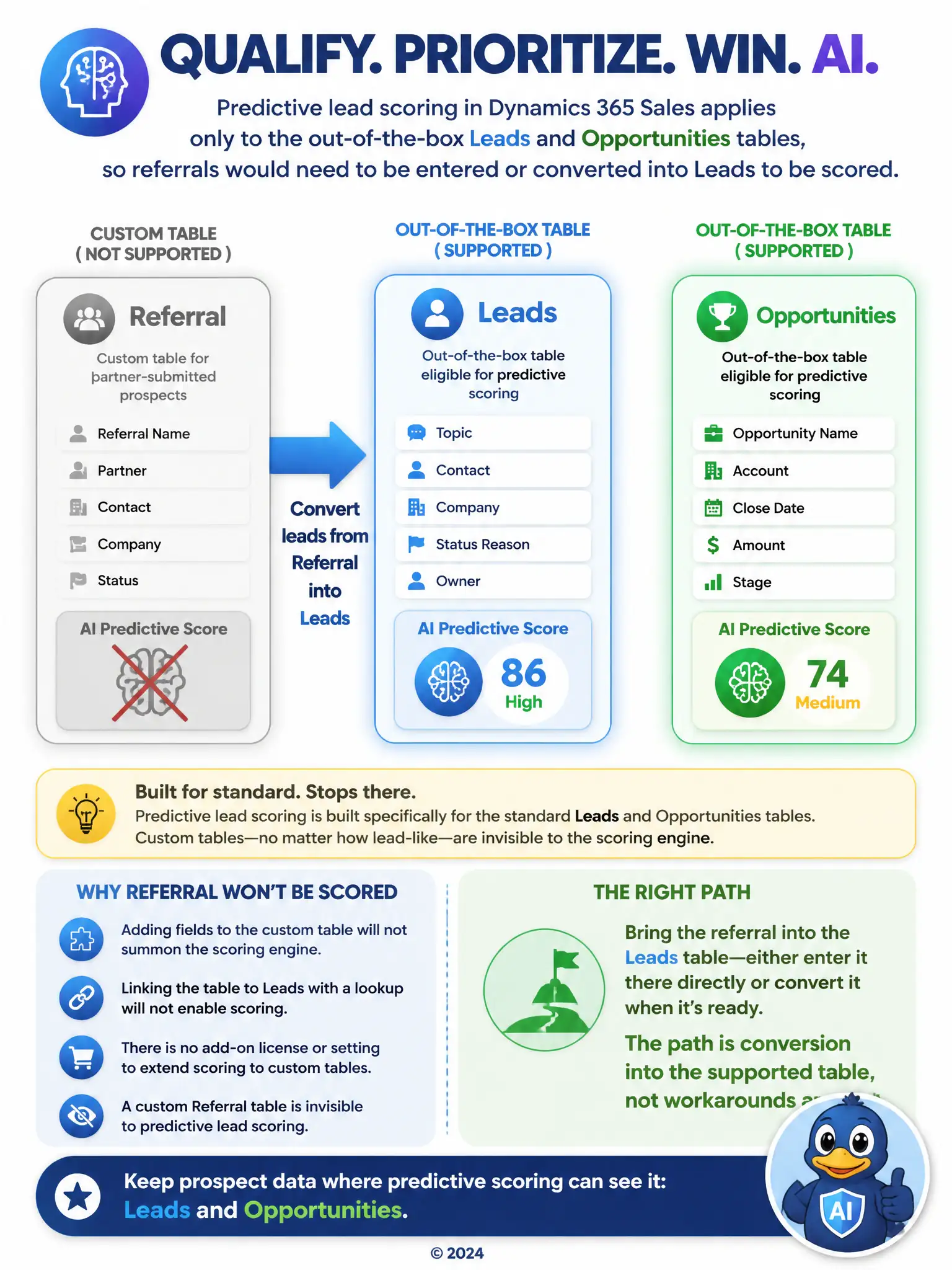
Predictive scoring in Dynamics 365 Sales only works on standard Leads and Opportunities tables, so custom Referral records won't get scores on their own. You'll need to enter or convert referrals into Leads to have them scored. Adding fields, lookups, or licenses won't stretch scoring to that custom table.
Full Explanation
The correct answer states that predictive lead scoring operates on standard Leads and Opportunities tables only, and it does not extend to arbitrary custom tables no matter how closely they resemble lead records, so referrals held in bespoke Referral tables are outside its reach until they are entered or converted into actual Lead records. The claim that predictive scoring can be extended to any custom table simply by adding Score and Grade columns to its form is incorrect because adding those columns only creates empty fields for display; it does not connect the table to the underlying model that computes those values. The claim that the Referral table can be scored once it is related to the Leads table through lookup relationships is incorrect because lookup relationships between two tables do not bring scoring capability along with them; relating tables changes how records reference each other, not which tables the scoring engine evaluates. The claim that predictive scoring works on any table, but each additional custom table requires separate premium licenses purchased on top of base subscriptions, is incorrect because there is no per-table licensing add-on that unlocks predictive scoring for custom tables; the feature's table scope is product limitation, not something purchasable around.