
A consultant is enabling conversation intelligence so reps can get AI-generated call summaries and keyword tracking from customer calls held in Microsoft Teams. (Select TWO.) Which two conditions must be in place for this to work?
Select all correct answers, then click Submit.
Short Explanation
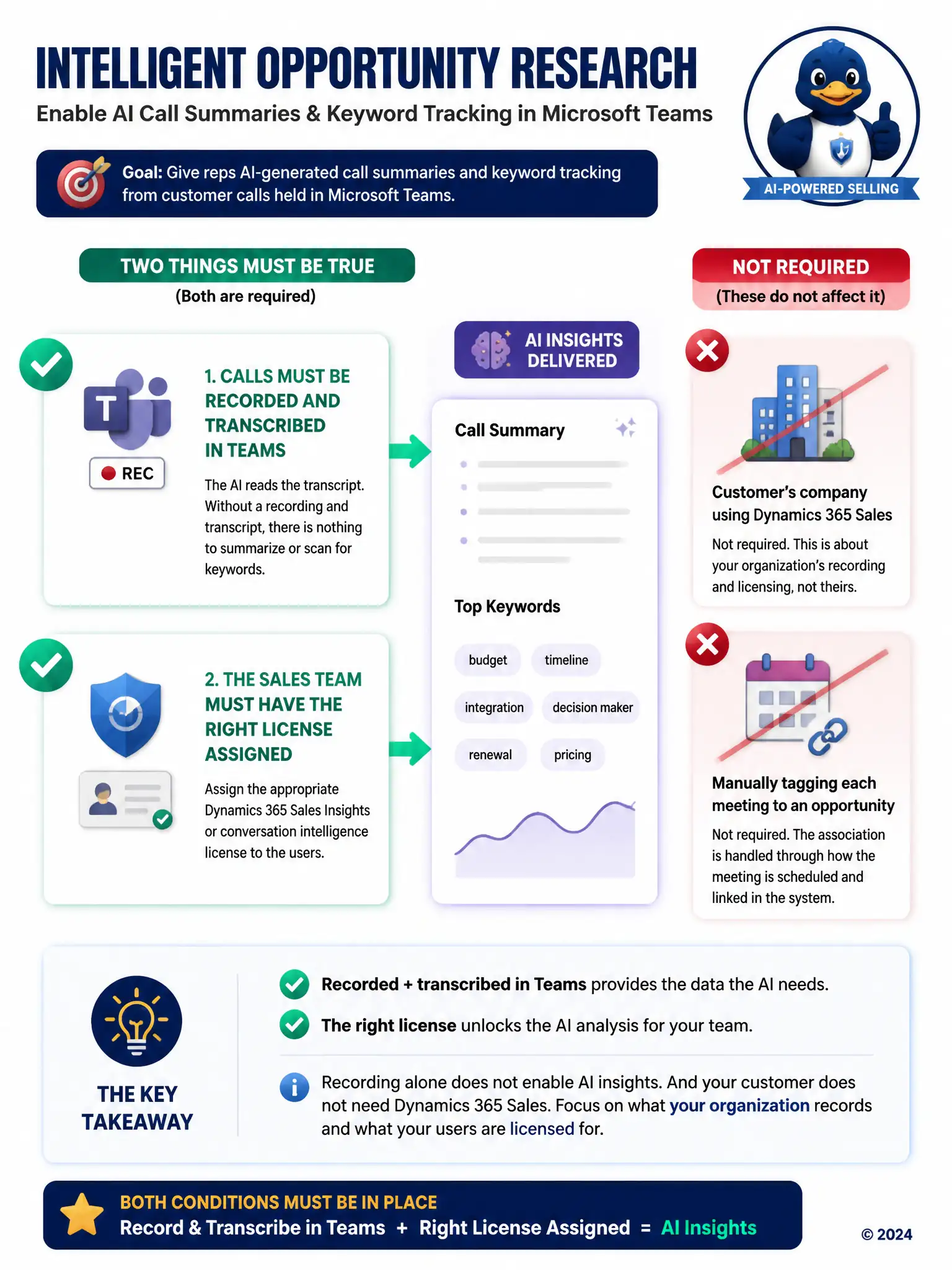
You need the right Dynamics 365 Sales Insights or conversation intelligence license turned on, and you need the Teams calls recorded and transcribed. The AI reads the transcript, so no transcript means no summary or keyword tracking, and no license means the capability stays off.
Full Explanation
Conversation intelligence generates AI summaries and keyword tracking from Teams calls when two conditions are met: the calls must be recorded and transcribed in Teams, because the feature analyzes that transcript, and the sales team must hold the appropriate Dynamics 365 Sales Insights or conversation intelligence licensing that turns the capability on. Without a transcript there is nothing for the feature to analyze, and without the license the capability is simply not available regardless of how calls are handled. The idea that the customer's organization must also license Dynamics 365 Sales is incorrect because conversation intelligence operates on the calling organization's side using its own licensing and recording, independent of what the customer's company runs. The idea that every call participant must manually tag the call with the associated opportunity in Teams before the meeting starts is also incorrect because associating a call with an opportunity does not require every participant to manually tag the meeting; the relevant association is handled through how the call or meeting is scheduled and linked in Dynamics 365 Sales, not a manual tagging step performed by each attendee in Teams.