
A seller on a Dynamics 365 Sales Professional license asks why she cannot see the Copilot lead-qualification chat pane that her colleague, who was recently upgraded, uses to ask questions about assigned leads. A consultant investigating the difference explains the likely cause. What is it?
Select an answer to reveal the explanation.
Short Explanation
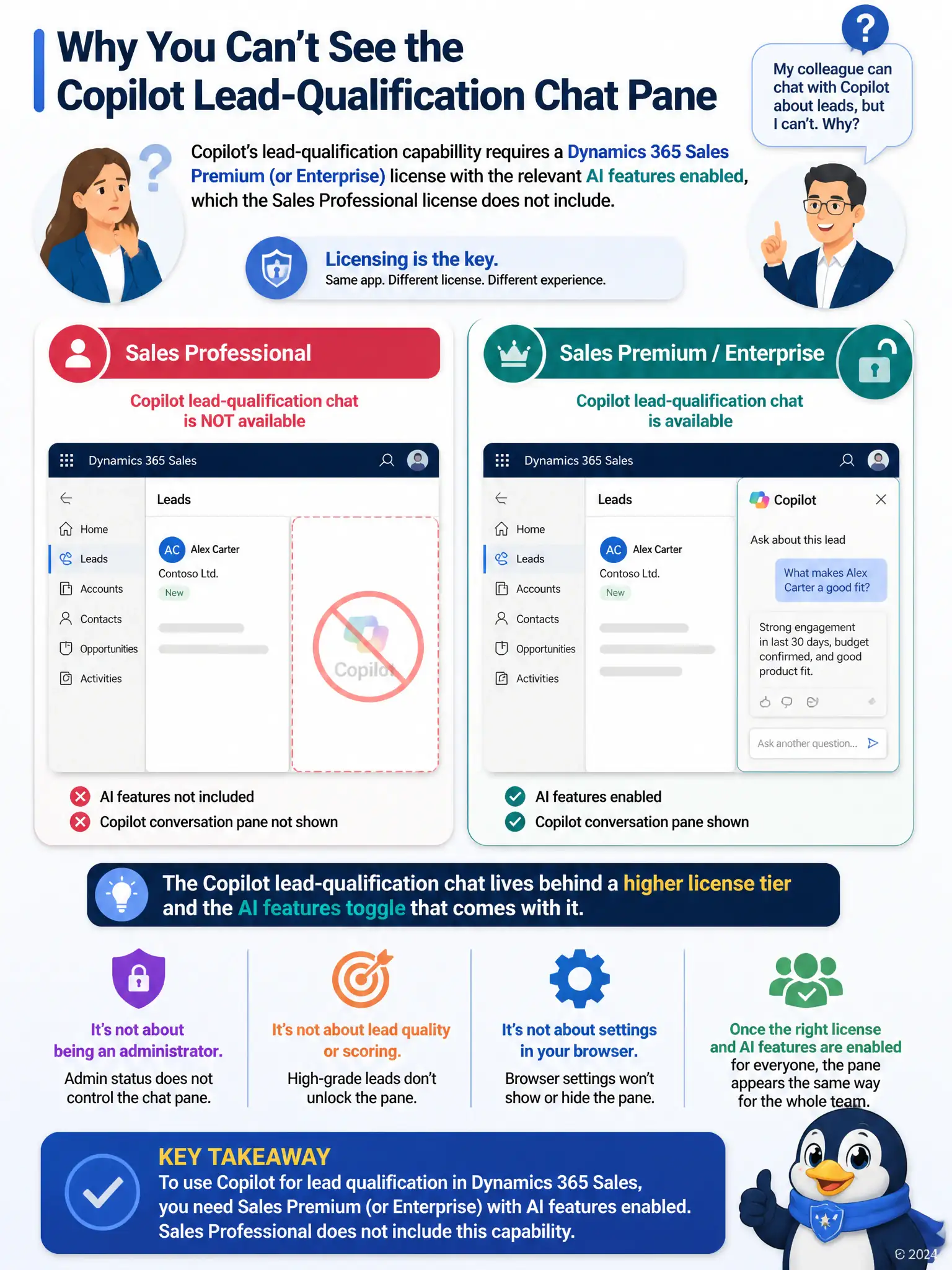
When one seller can chat with Copilot about leads and another can't, you should look at licensing first. The lead-qualification chat pane sits behind a higher Dynamics 365 Sales tier with AI features enabled, so a Sales Professional user doesn't have that capability yet. Don't chase browser cache, admin rights, or Hot lead grades.
Full Explanation
The correct answer is the licensing explanation: Copilot's lead-qualification chat pane is an AI feature tied to a Dynamics 365 Sales Premium or Enterprise license with the relevant AI capability enabled, so a user on Sales Professional will not see it even though the rest of the lead record functions normally. The browser-caching explanation is incorrect because Copilot access depends on licensing and configuration, not on every licensed user automatically receiving it, so a caching issue would not explain a consistent, license-tied difference between two users. The missing System Administrator privilege explanation is incorrect because using Copilot does not require the System Administrator privilege; that role governs system configuration, not day-to-day AI feature access for sellers. The Hot-lead gating explanation is incorrect because Copilot's availability is not gated by whether a specific lead has been graded Hot by predictive scoring; a properly licensed and enabled user can ask Copilot about any assigned lead regardless of its current grade.