
A consultant has built a custom AI Builder model that scores opportunities using industry-specific signals not available in the out-of-box predictive opportunity scoring model. Sales leadership wants both scores visible to sellers so they can compare them, rather than replacing one with the other. What should the consultant do?
Select an answer to reveal the explanation.
Short Explanation
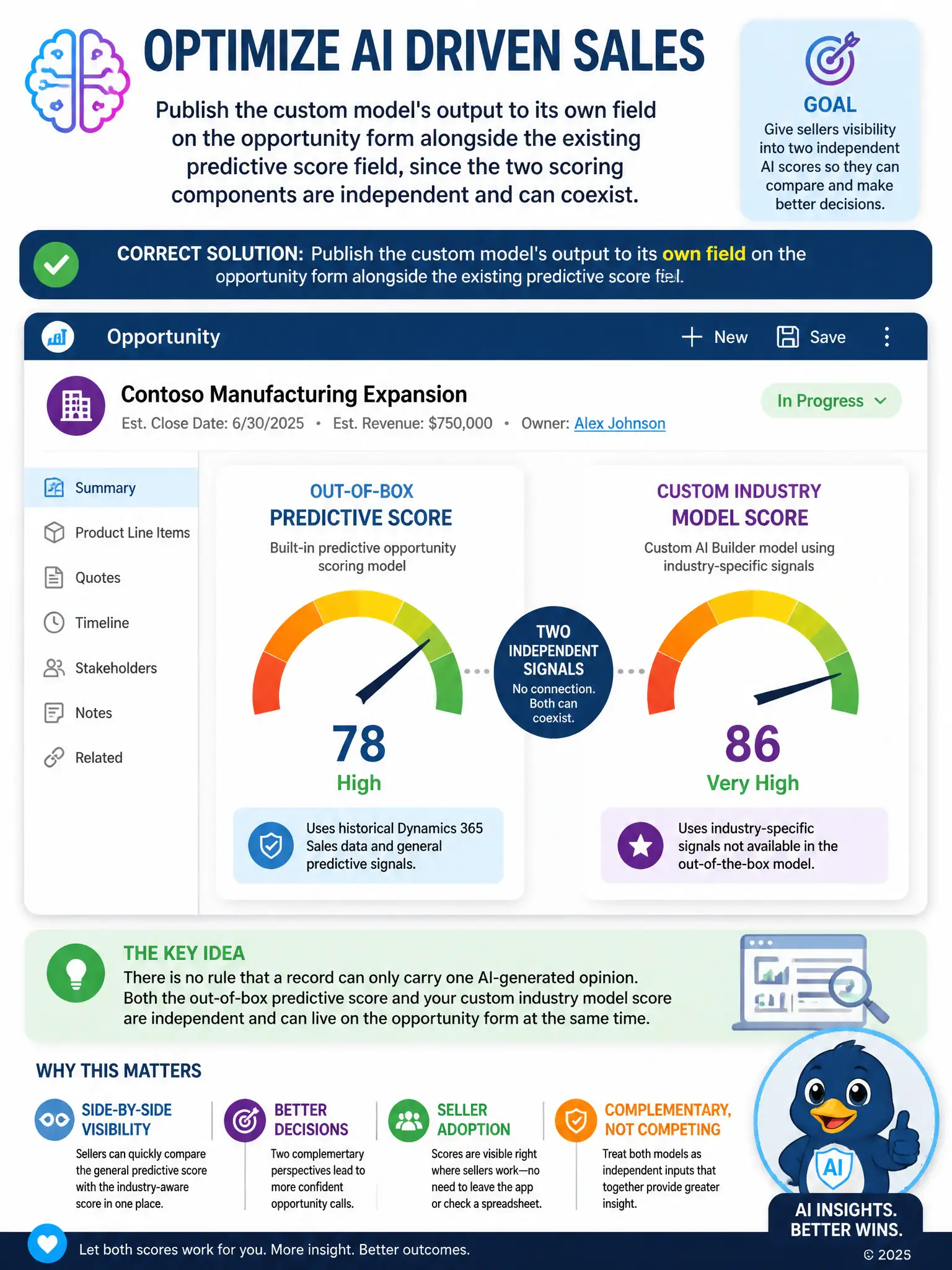
You don't have to tear out the out-of-box predictive score to add the custom score. Publish the custom model's output to its own field on the opportunity form, so sellers see both scores side by side. Treat the two models as complementary inputs, not competitors.
Full Explanation
The correct approach is publishing the custom model's output to its own field on the opportunity form alongside the existing predictive score field, since the two scoring components are independent and can coexist. Custom AI Builder models and the out-of-box predictive opportunity scoring model are independent components; each can write its output to its own field on the opportunity table, so both scores can sit side by side on the form for sellers to compare. This satisfies leadership's request without forcing a choice between the two models or degrading either one's output. Overwriting the out-of-box predictive score field with the custom model's output is incorrect because there is no platform restriction limiting a table to a single AI-generated score field, and overwriting the existing score would destroy a working, already-adopted signal for no technical reason. Disabling the out-of-box predictive scoring model first is incorrect because Dynamics 365 Sales does not block custom AI Builder models from running alongside the first-party predictive scoring model; the two are designed to be independent and can operate on the same table concurrently. Exporting the custom model's scores to Excel for sellers to reference separately is incorrect because AI Builder models can write predictions directly back to Dynamics 365 tables through model output actions or Power Automate flows; routing scores to Excel is unnecessary and would defeat the goal of giving sellers both scores in-context on the record.