
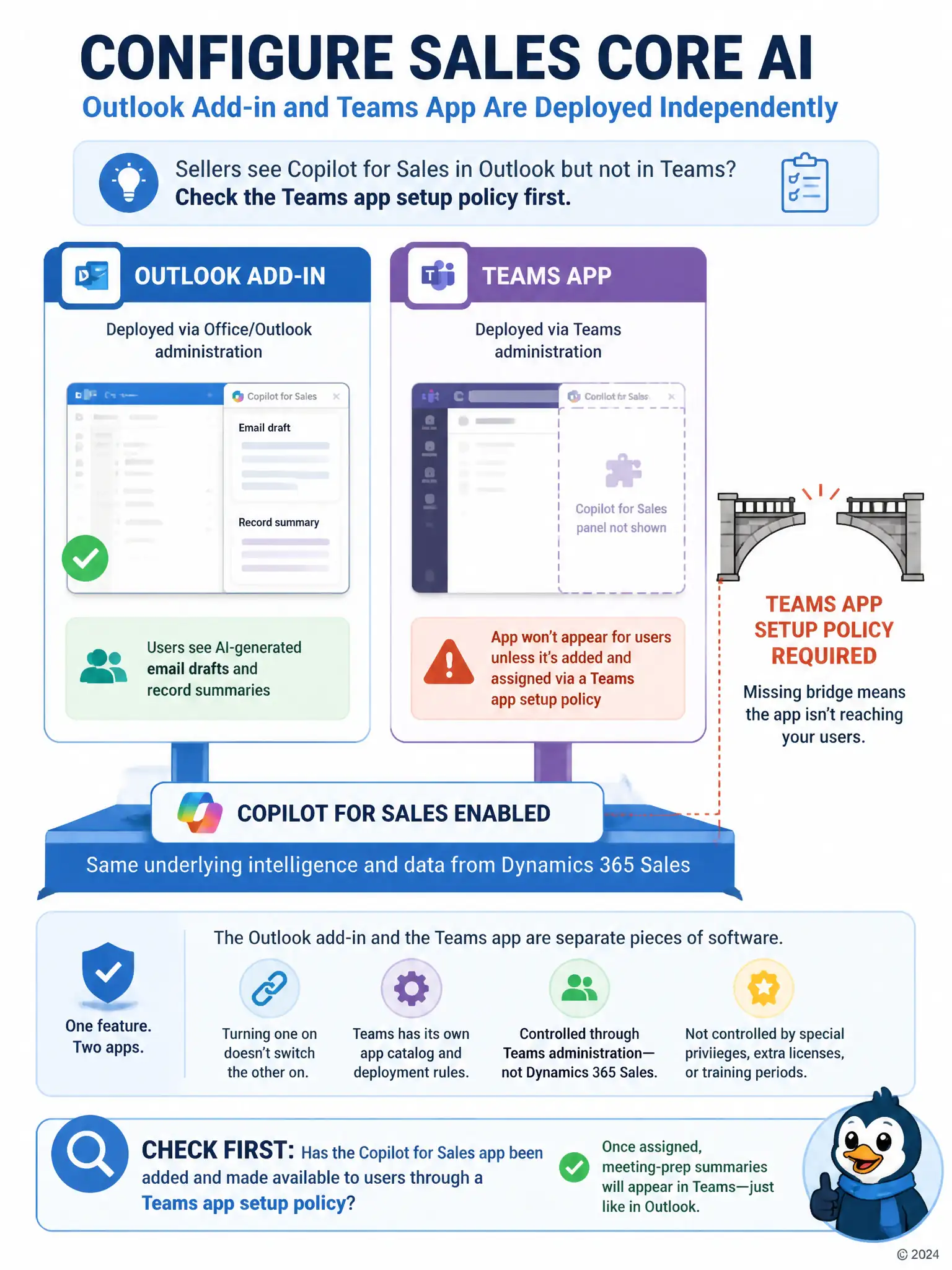
A consulting team has enabled Copilot for Sales for a sales organization and confirmed the Outlook add-in shows AI-generated email drafts and record summaries. Sellers now ask for the same meeting-prep summaries inside Microsoft Teams before customer calls, but the Copilot for Sales panel does not appear in Teams for anyone. What should the consultant check first?
Select an answer to reveal the explanation.
Short Explanation
The Outlook add-in and the Teams app are separate pieces, so enabling one doesn't enable the other. Check whether the Copilot for Sales app has been added and assigned to users through a Teams app setup policy. Once that's done, the meeting-prep summaries should show up in Teams.
Full Explanation
The correct answer is whether the Copilot for Sales app has been added and made available to users through a Teams app setup policy, since the Outlook add-in and the Teams app are deployed independently. The Copilot for Sales experience in Outlook and the Copilot for Sales app in Microsoft Teams are deployed as separate applications, and making the Teams app visible to users requires it to be added and assigned through a Teams app setup policy in the Teams admin center, in addition to the tenant-level Copilot for Sales enablement already completed. Enabling the Outlook add-in does not automatically push the Teams app to anyone. The Dynamics 365 Sales security role answer is incorrect because there is no 'Teams Collaboration' privilege gating Copilot for Sales inside a Dynamics 365 Sales security role; Teams availability is controlled through Teams administration, not Dataverse security roles. The separate Copilot for Teams Premium license answer is incorrect because Copilot for Sales is licensed once per user for the product, not split into a separate Teams-specific premium SKU. The Conversation Intelligence training-period answer is incorrect because Conversation Intelligence has no fixed 30-day training gate that blocks the Copilot for Sales Teams panel; the two features are configured independently of each other. The consultant should check the Teams app setup policy and confirm the app has been deployed to the affected users.