
A sales manager wants her team's default Active Leads view to list leads in descending order of predictive score so the most promising leads appear first without any manual sorting each morning. The predictive score column is already present in the view. What is the most direct way for the consultant to accomplish this?
Select an answer to reveal the explanation.
Short Explanation
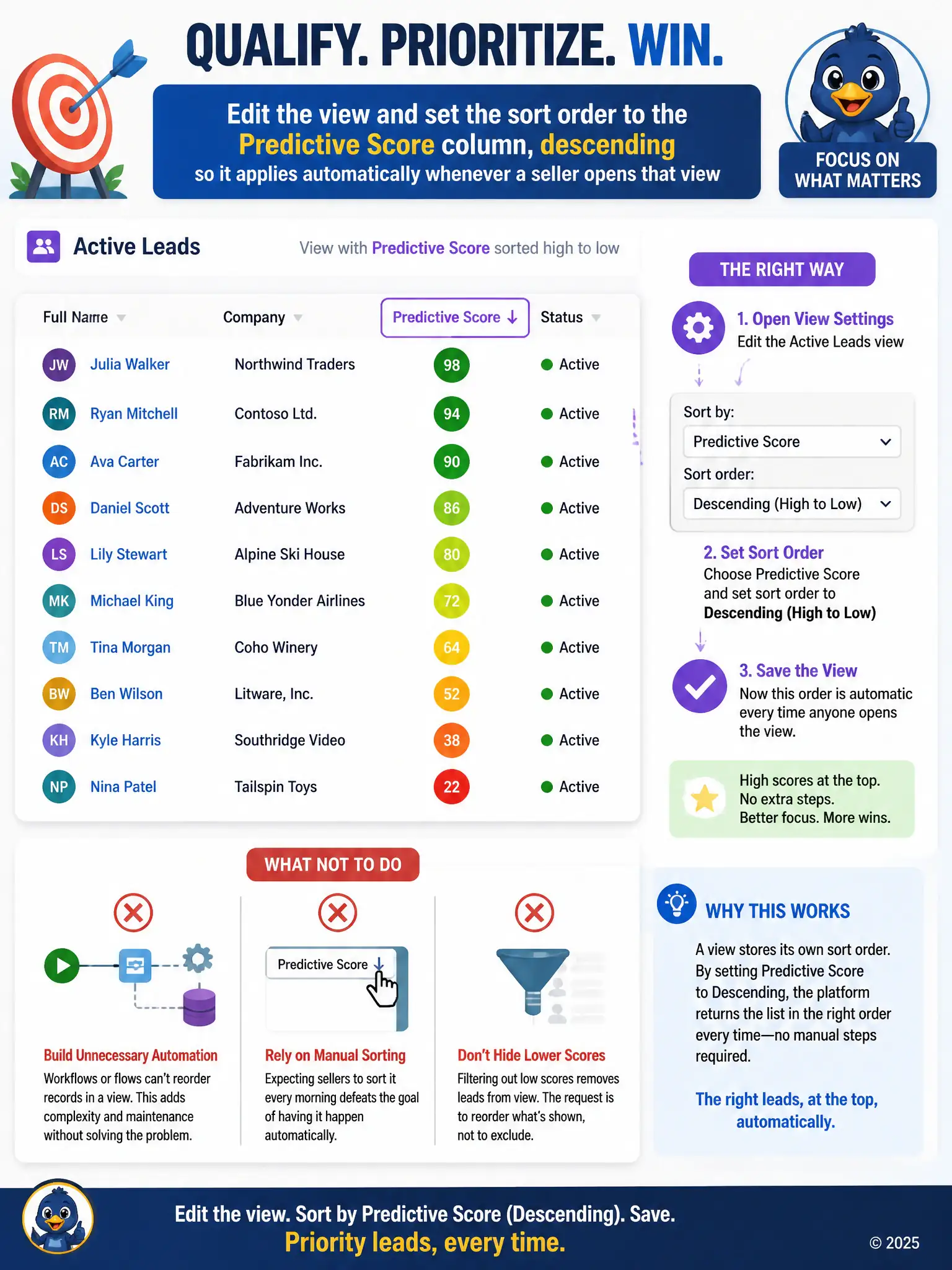
You fix this in the view itself, not with a nightly flow or a manual routine. Set the view's sort order to the predictive score column, descending, and the most promising leads show up automatically for everyone.
Full Explanation
The right approach is to edit the view and set the sort order to the predictive score column in descending order. The model-driven app view carries its own sort order as part of its definition, so this makes every seller who opens the Active Leads view see it pre-sorted, with no manual step required, which is exactly what the manager asked for. The Power Automate flow that runs nightly to physically re-order records is incorrect because table records are not physically reordered in Dataverse; a flow built to attempt this would be solving a problem that does not exist and would add unnecessary complexity and maintenance overhead for no benefit over a simple view setting. Asking each seller to manually click the score column header every time they open the view is incorrect because it requires every seller to repeat the same manual click every single morning, which directly contradicts the manager's stated goal of not needing manual sorting at all. The business rule that hides any lead scored below the Hot threshold is incorrect because hiding lower-scored leads changes what is visible in the view rather than sorting what remains, and it silently drops leads from sight instead of simply placing the strongest ones at the top, which is a different and more disruptive outcome than what was requested. The direct fix is a one-time change to the view's sort configuration.