
A consultant at a distribution company is rolling out Dynamics 365 Sales predictive scoring for both the Leads and Opportunities tables, since sellers work leads through to close and want a likelihood signal at every stage. After enabling scoring on the Leads table, the consultant notices the Opportunities table still shows no predictive score column available to add. What should the consultant do to get a working score on Opportunities as well?
Select an answer to reveal the explanation.
Short Explanation
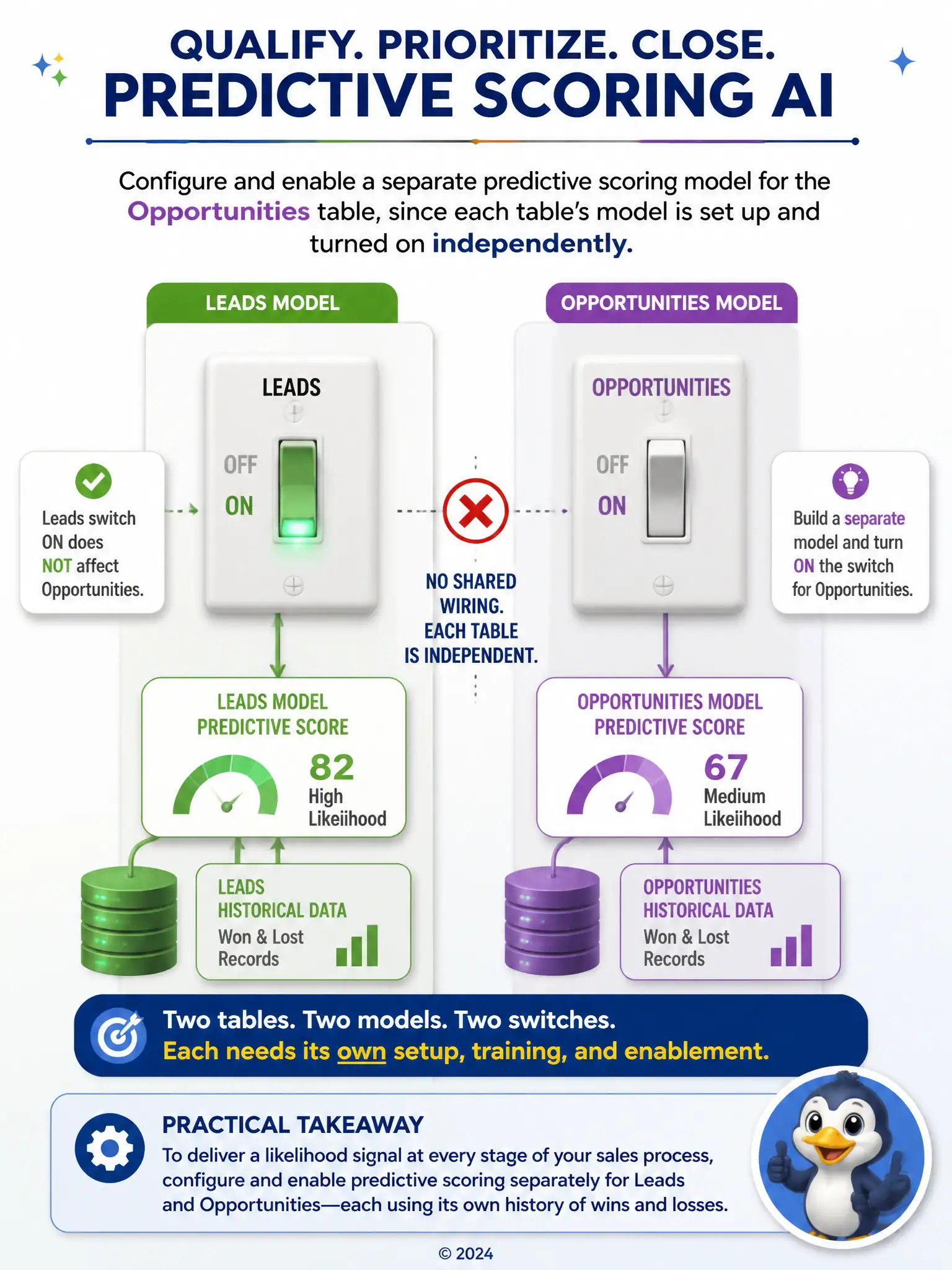
Think of Leads and Opportunities as separate light switches. Turning on scoring for Leads doesn't wire up Opportunities, so you need to configure and enable a separate predictive scoring model for Opportunities using its own won and lost history. Adding admins or waiting won't create that second switch.
Full Explanation
Predictive scoring in Dynamics 365 Sales is configured and enabled independently for each supported table, so turning it on for Leads does nothing for Opportunities. The consultant needs to go into the predictive scoring settings and set up a separate model targeting the Opportunities table, trained on that table's own historical won and lost records. The option to wait 24 hours is incorrect because there is no background sync that propagates a score from one table's model to another; each model only ever scores the records in the table it was built for, and no amount of waiting changes that. The option to change the Leads scoring model's target field to Opportunities is incorrect because scoring models are bound to the table they were configured against, and redirecting a Leads model's target field to Opportunities is not a supported path and would not produce a valid Opportunities score. The option to grant the System Administrator role to more users is incorrect because the number of System Administrators has no bearing on which tables have scoring enabled; role assignment controls who can open and configure the feature, not which tables it covers. The fix is a configuration step for the Opportunities model itself, not a permissions or timing issue.