
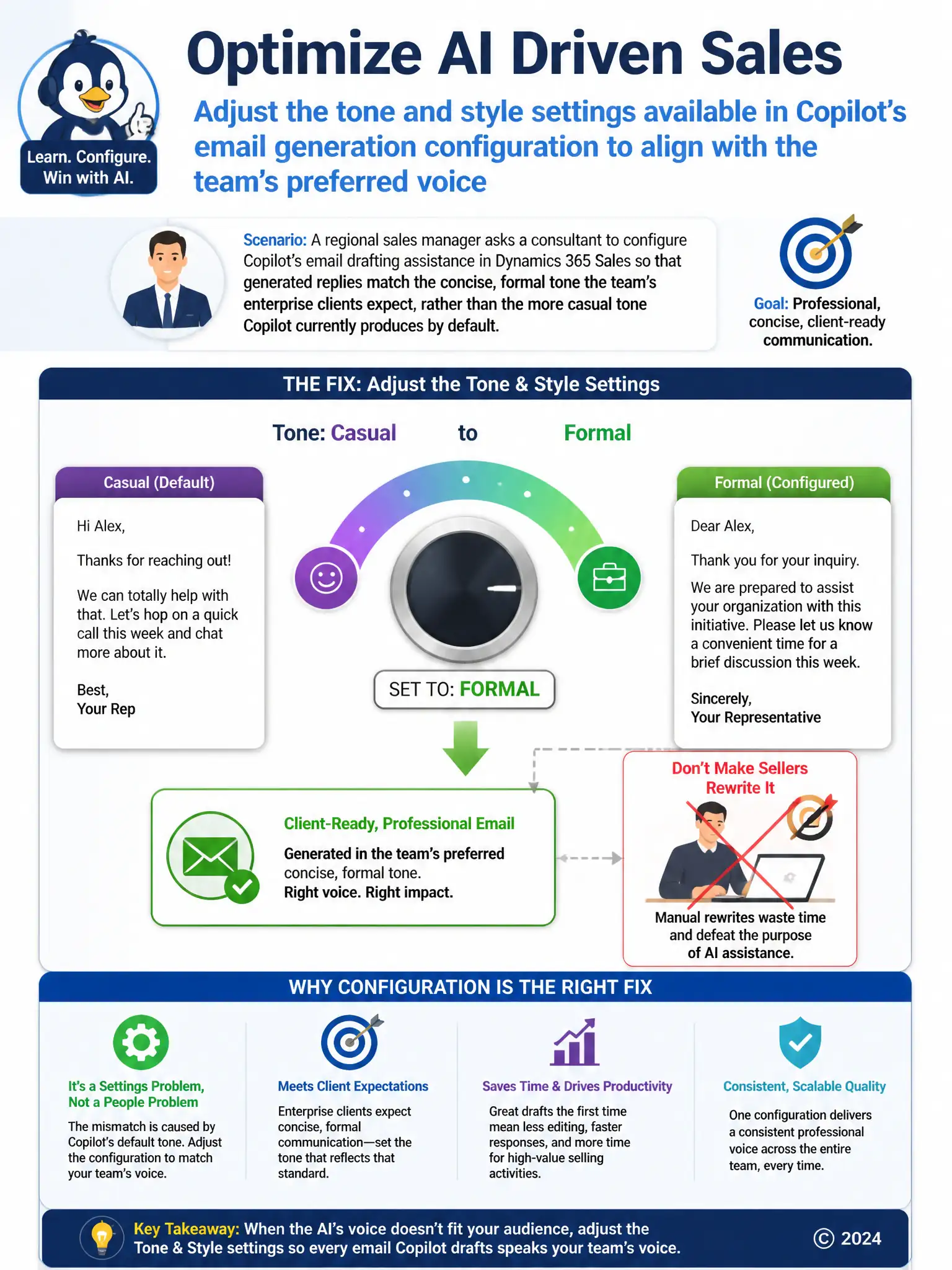
A regional sales manager asks a consultant to configure Copilot's email drafting assistance in Dynamics 365 Sales so that generated replies match the concise, formal tone the team's enterprise clients expect, rather than the more casual tone Copilot currently produces by default.
Select an answer to reveal the explanation.
Short Explanation
When Copilot's email drafts sound too casual for enterprise clients, you fix it in the tool's tone and style settings. Adjusting those settings to concise and formal gives you the right voice without extra manual work. Turning the feature off or retraining sellers doesn't change what the AI generates by default.
Full Explanation
The correct choice is to adjust the tone and style settings available in Copilot's email generation configuration to align with the team's preferred voice. Copilot's email drafting assistance exposes tone and style configuration that shapes the voice of generated content, and adjusting those settings to reflect a concise, formal register is the direct, supported way to align output with what enterprise clients expect. Requiring manual rewrites on every AI-drafted email is incorrect because it defeats the purpose of the drafting assistant, turning a time-saving feature into extra work rather than configuring the tool to produce the right output in the first place. Turning off Copilot email drafting and reverting to standard email templates is incorrect because disabling the feature removes the drafting capability entirely instead of tuning it, sacrificing the efficiency gains the team was getting from AI assistance to solve what is actually a configuration mismatch. Retraining sellers on formal business writing conventions during onboarding is incorrect because it addresses human writing habits, not the tone the AI itself generates; even well-trained sellers would still receive casually toned drafts from an unconfigured feature and have to fix them by hand. The consultant's task here is recognizing that a mismatch between AI output and the desired brand voice is solved at the configuration layer, not by working around the tool or retraining the humans using it.