
A sales director wants Dynamics 365 Sales forecasting to show, alongside what reps manually submit, an AI-generated projection of revenue so leadership can compare rep judgment against a model-based estimate in the same forecast view. Which configuration should the consultant recommend?
Select an answer to reveal the explanation.
Short Explanation
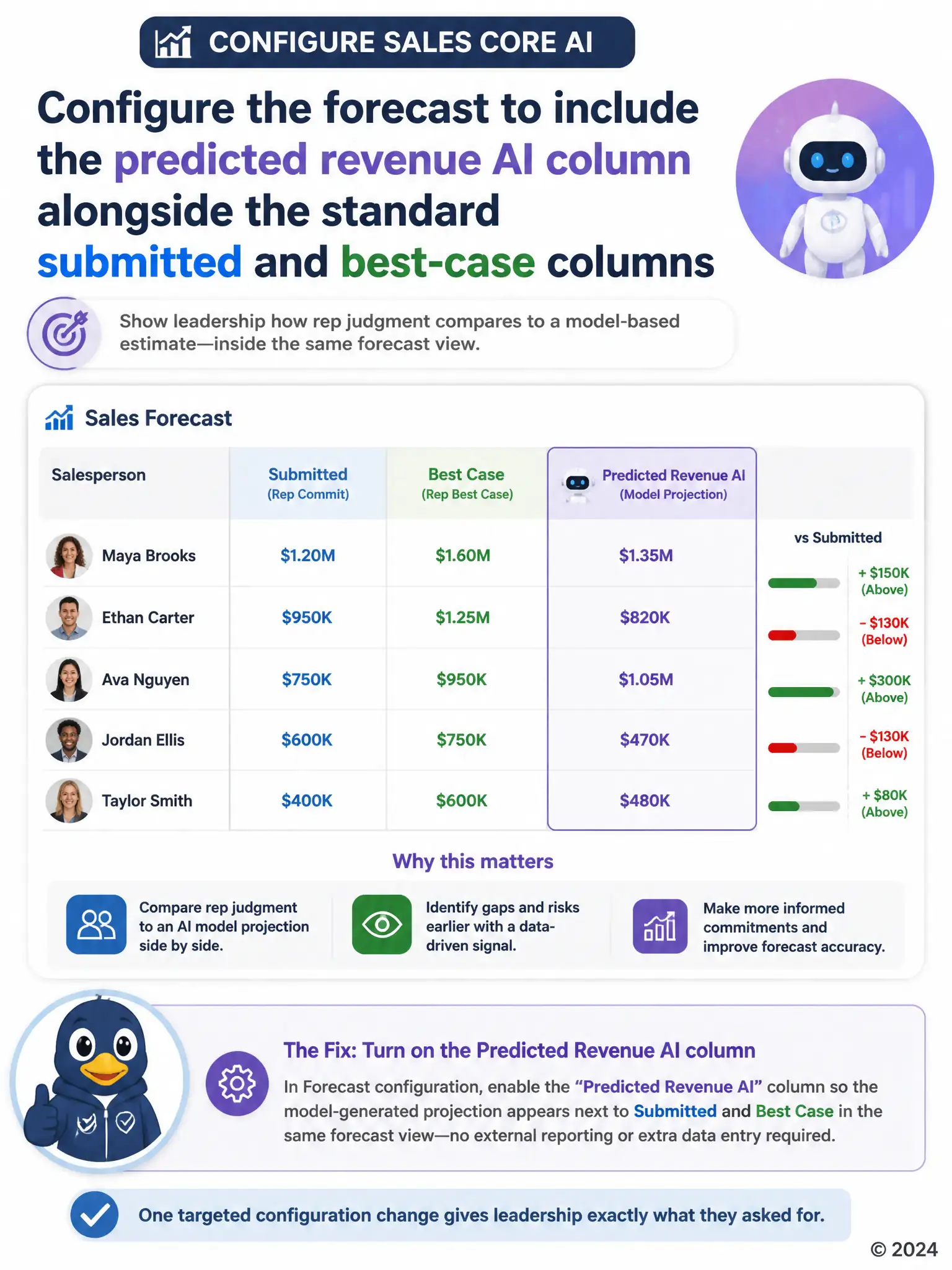
You want the forecast to show the predicted revenue AI column right next to the submitted and best-case numbers, so just turn that column on in the forecast configuration. That gives leadership rep judgment and a model-based estimate in the same view without bolting on a separate report or manual guess.
Full Explanation
The recommended configuration is to configure the forecast to include the predicted revenue AI column alongside the standard submitted and best-case columns. Dynamics 365 Sales forecast configurations support adding a predicted revenue column, driven by the AI scoring engine, directly alongside the standard submitted and best-case columns, which lets leadership view rep-submitted numbers and a model-based projection side by side in a single forecast without building anything outside the platform. The approach of replacing the forecast configuration entirely with a Power BI report is incorrect because it wrongly claims native forecasting has no AI support, when the predicted revenue column is a built-in configuration option; recommending a full Power BI replacement would be unnecessary extra work solving a problem that already has a native solution. The approach of having each rep manually type an AI-adjusted estimate into a custom field before submitting their portion of the forecast is incorrect because asking reps to manually type an AI-adjusted number defeats the purpose of an automated, model-generated projection and reintroduces the same subjectivity leadership is trying to compare against. The approach of enabling predictive opportunity scoring only is incorrect because turning on predictive opportunity scoring alone does not automatically surface predicted revenue inside a forecast; the forecast configuration itself still needs to be updated to include that column before the projection appears anywhere leadership can see it. The correct path is a direct, supported configuration change to the forecast, not a separate tool or manual workaround.