
A hospital buyer agent can see a purchase request in Supply Chain and cannot see that Finance has placed that vendor on hold. What should the design make visible to that same agent?
Select an answer to reveal the explanation.
Short Explanation
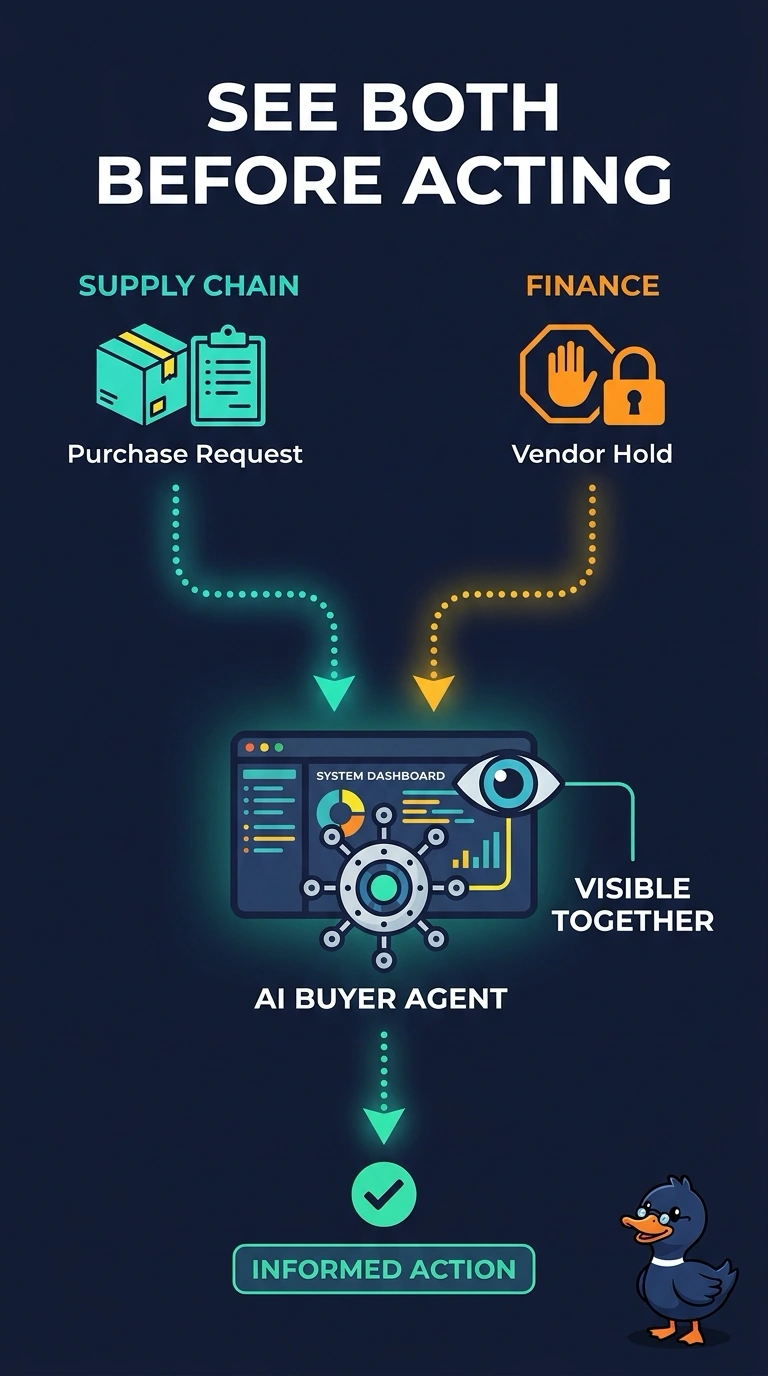
A buyer who can see the cart and not the stop sign will order from a blocked vendor. You make the purchase request and the vendor hold visible to the same buyer agent. An assistant that asks the buyer to retype both facts leaves the two apps split.
Full Explanation
A buying process that crosses Supply Chain and Finance has to put both facts in front of the agent that acts. The purchase request is not safe to pursue while Finance has the vendor on hold, so the design should make the request and the hold visible to the same buyer agent before it proceeds. Showing only the purchase request, and leaving the hold in a finance copilot the buyer does not open, keeps the blind spot. Last quarter's order transcript is history and does not include the current hold. A separate assistant that ignores both apps and asks the buyer to retype the request and the hold adds a manual bridge and still does not connect Supply Chain to Finance. The buyer agent should show the hold beside the request it is about to act on, using the vendor identity both apps already share. If the hold appears only after someone opens Finance, the agent will keep preparing orders the hospital should not send. Exam caveat: showing both facts to the buyer agent is not a reason to hide the hold inside a finance copilot the buyer is not expected to open. Supply Chain and Finance stay separate, and this agent still has to see the hold beside the request. Operational check: place a test vendor on hold in Finance, open a purchase request for that vendor, and confirm the buyer agent shows the hold before any order step.