
A retailer's prompt library already holds many prompts and has no named owner. Several teams want to add more prompt text this week. What should happen first?
Select an answer to reveal the explanation.
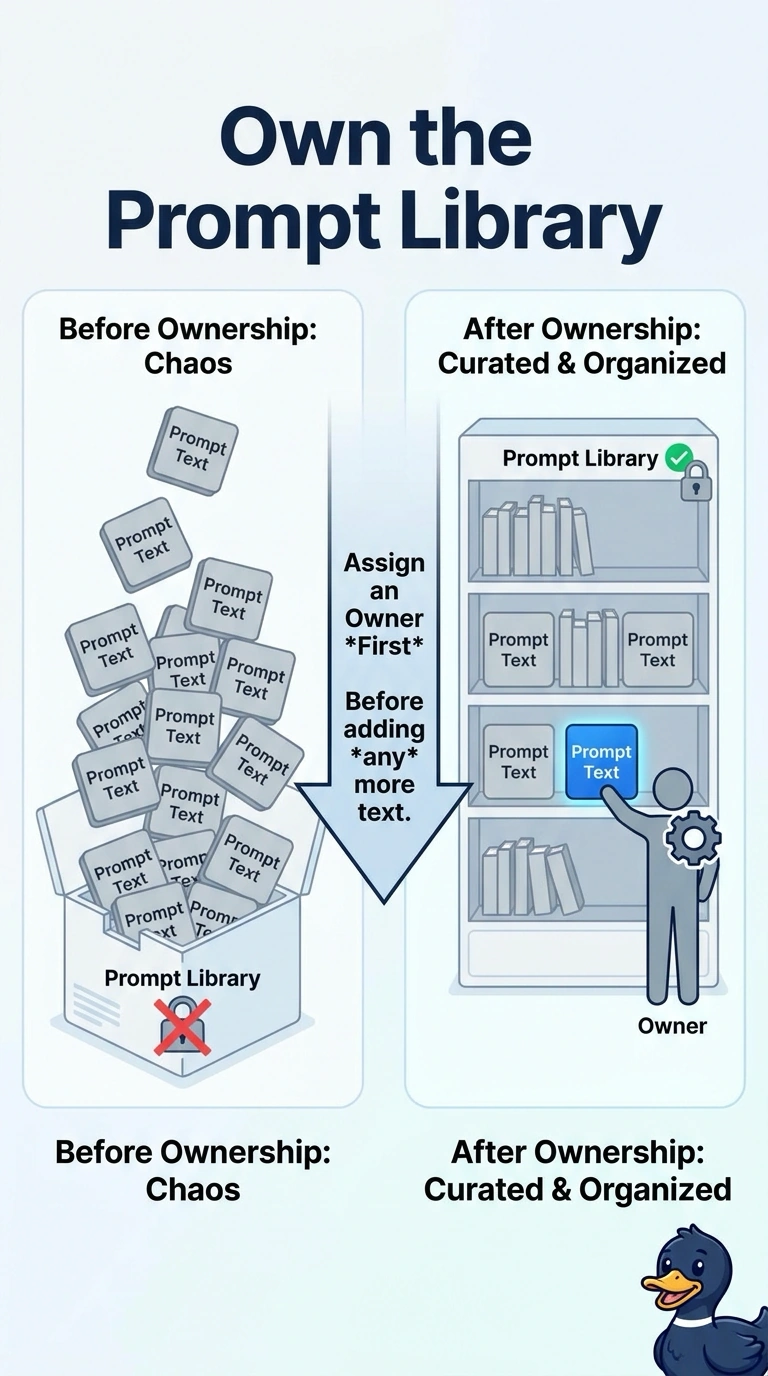
Short Explanation
You would not add more jars to a shelf that has no one responsible for what is in them. You assign an owner for the prompt library before any more text goes in. More text without an owner makes the next conflict harder to settle.
Full Explanation
A prompt library without an owner has wording and nobody accountable for approval, retirement, or reuse. This retailer should assign that owner before any more prompt text is added, so the new text enters under someone who can accept or reject it. Until that name is recorded, new text has no one to accept it, retire it, or explain it when two teams disagree. Adding the text this week and choosing an owner after the next holiday grows an unowned pile and postpones the control the library is missing. Deleting every prompt hides the empty owner field and throws away wording the teams may still need once an owner is named. Copying the library into one planner's mailbox and abandoning the shared library moves the problem into a private store, which is not an owner of a shared library. Exam caveat: naming an owner does not approve every prompt already in the library. The owner's first job can be to mark what is approved. Operational check: record the owner on the library, then reject or hold any new prompt that arrives before that name is set.