
An insurer wants Copilot in Dynamics 365 Sales to help a broker prepare for the next appointment. A proposal connects a copy of the entire claims database to that copilot. What should the connector bring?
Select an answer to reveal the explanation.
Short Explanation
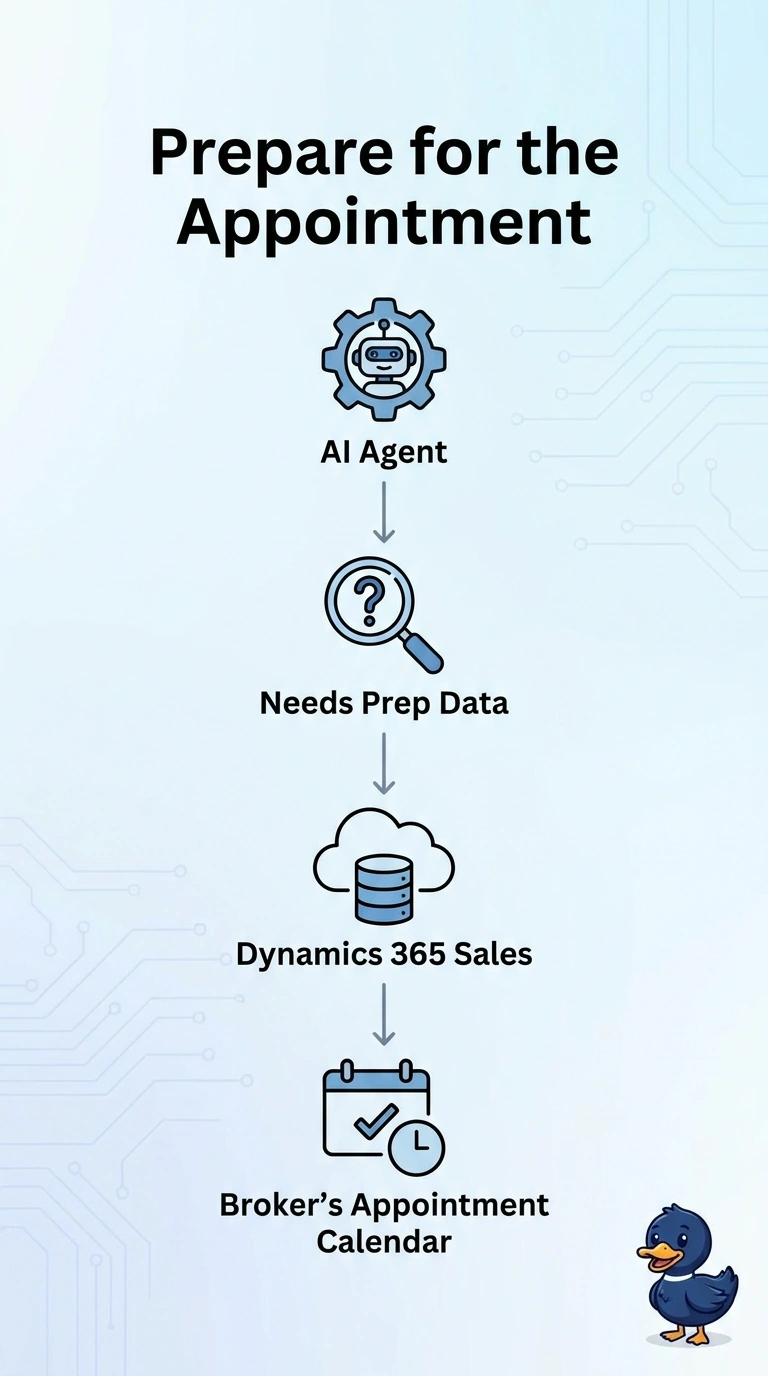
You bring the diary to the meeting, not the whole filing cabinet from the claims floor. You connect the broker's appointment calendar to Copilot in Dynamics 365 Sales. A copy of every claim is more data than this question needs.
Full Explanation
A connector for Copilot in Dynamics 365 Sales should bring the outside data the seller's question needs. Preparing for the next appointment needs the broker's appointment calendar, so that is what the connector should bring. A full copy of the claims database lets the sales copilot browse every claim on every policy, which is a different job, a larger exposure, and not the preparation question. Connecting only the claims schema, with no calendar and no appointment time, gives the copilot a shape of claims data and still no meeting to prepare for. A public web search in place of the calendar and the claims data leaves the copilot without the broker's own appointments and invites an answer from the public internet. Exam caveat: choosing the calendar does not mean a claims adjuster copilot is forbidden from claims data. It means this sales connector is scoped to the sales question. Operational check: ask the sales copilot to prepare for one broker appointment and confirm it uses that calendar entry, and confirm the claims database is not replicated into the sales copilot for this task.