
An airline promotes its Microsoft Foundry agent and the model deployment on separate schedules, and the two have drifted. What should the release do?
Select an answer to reveal the explanation.
Short Explanation
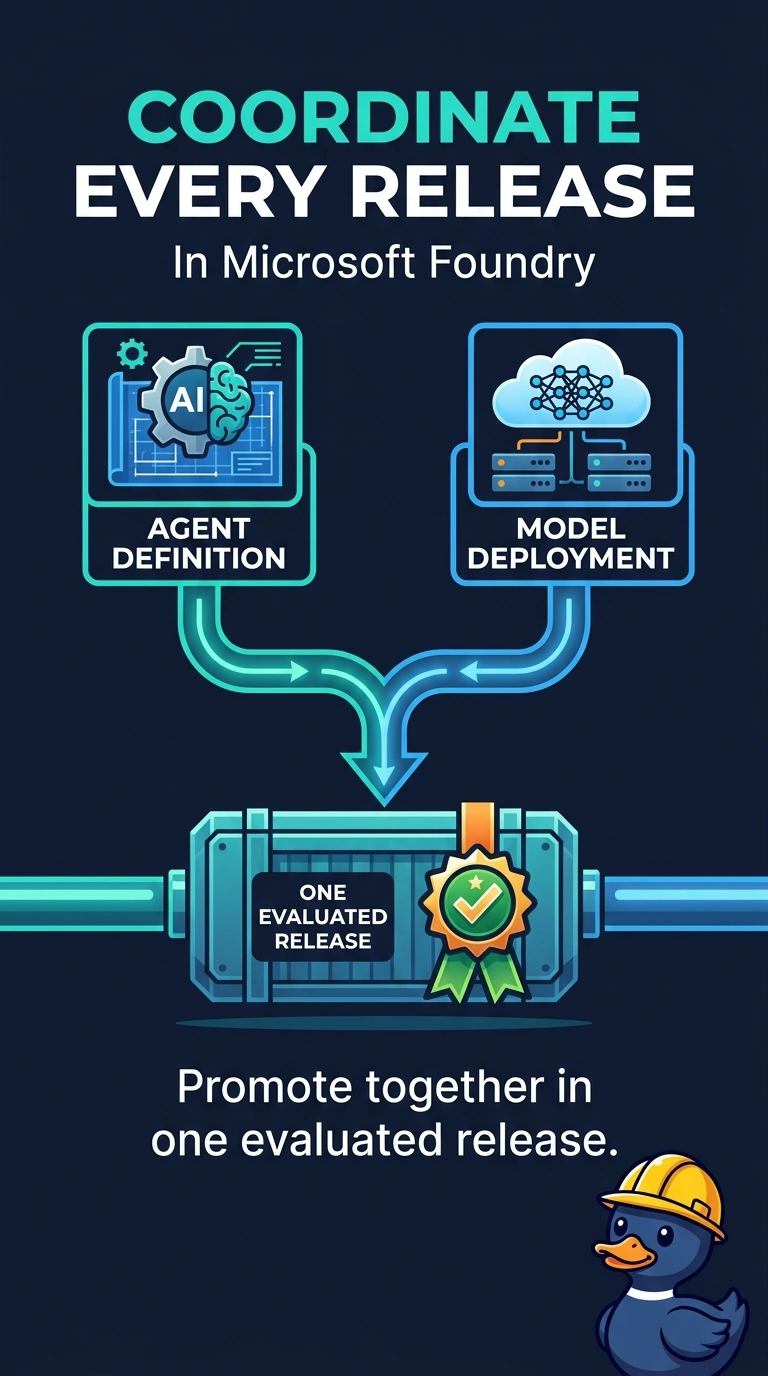
You want the agent definition and the model deployment that were evaluated together to reach production as a pair. Promoting them in one release prevents the drift that separate schedules can create. Separate calendars, unversioned production edits, or a note about a mismatch do not keep the evaluated pair together.
Full Explanation
The agent definition was evaluated against a specific model deployment, so promoting them together in one evaluated release ensures production receives the pair that was proven to work together. Keeping separate calendars lets the agent ship this week and the model deployment next month, leaving production with a combination that was not evaluated together and continuing the drift. Leaving the model deployment unversioned and editing it in production when the agent starts to drift turns the live deployment into a scratch pad and loses the version the agent expected. Shipping whichever artifact is ready and mailing the other team a note records the mismatch but does not prevent it. Exam caveat: tying the agent and deployment together in a release does not skip evaluation; the release should contain the pair that passed, not two untested latest copies. Practical check: inspect the production agent and the model deployment it calls, then confirm that both identifiers match the evaluated release.