
A host offers one-click installation of local MCP servers. A user clicks install on a server whose launch command includes sudo and an rm -rf step. What should the host's consent dialog do before anything runs?
Select an answer to reveal the explanation.
Short Explanation
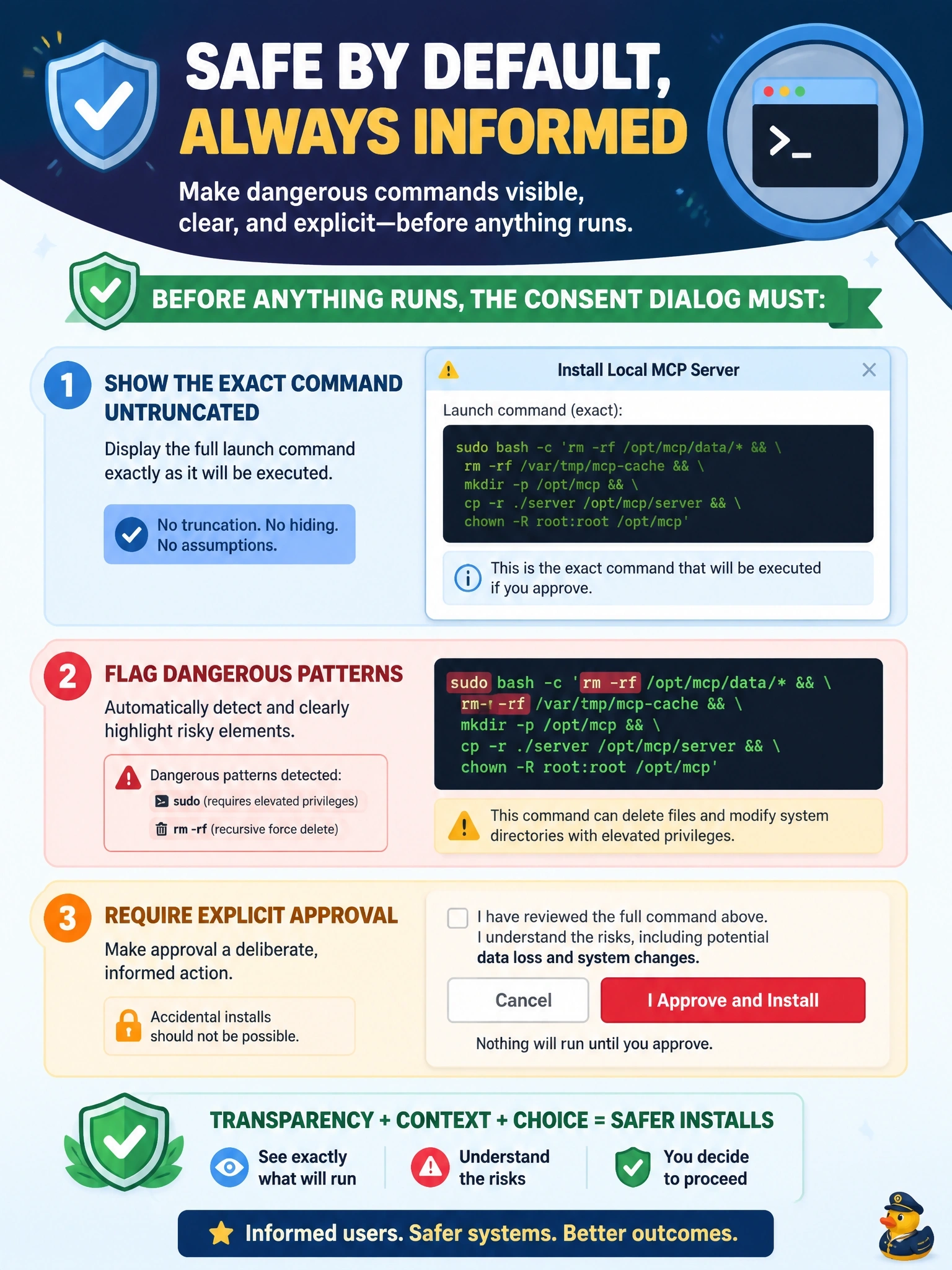
A pretty name and an icon tell you nothing about what's about to run on your machine. You need to see the whole command, with the scary bits like sudo and rm -rf lit up in red, before you say yes. Quietly editing or test-running it isn't consent.
Full Explanation
The security best practices for local server compromise say a client that supports one-click local configuration MUST show the exact command that will be executed without truncation, including arguments, clearly identify it as a potentially dangerous operation that executes code on the user's system, require explicit approval, and allow cancellation. It SHOULD also highlight dangerous patterns such as sudo, rm -rf, network operations and access outside expected directories, warn that servers run with the client's privileges, and prefer sandboxed execution. Showing only a display name and icon hides precisely the information an attacker would embed in a malicious startup command. Silently stripping sudo and running the rest modifies an untrusted command the user never reviewed, and the remaining rm -rf could still destroy data. A dry run is not a defined safeguard, and a destructive command that exits with status zero has already done its damage. Exam caveat: consent dialogs help only if users know what to look for, which is why highlighting and warnings matter alongside the raw command. Operational check: feed the host a test configuration containing sudo and rm -rf and confirm the dialog shows the full command with those patterns flagged and runs nothing until approval.