
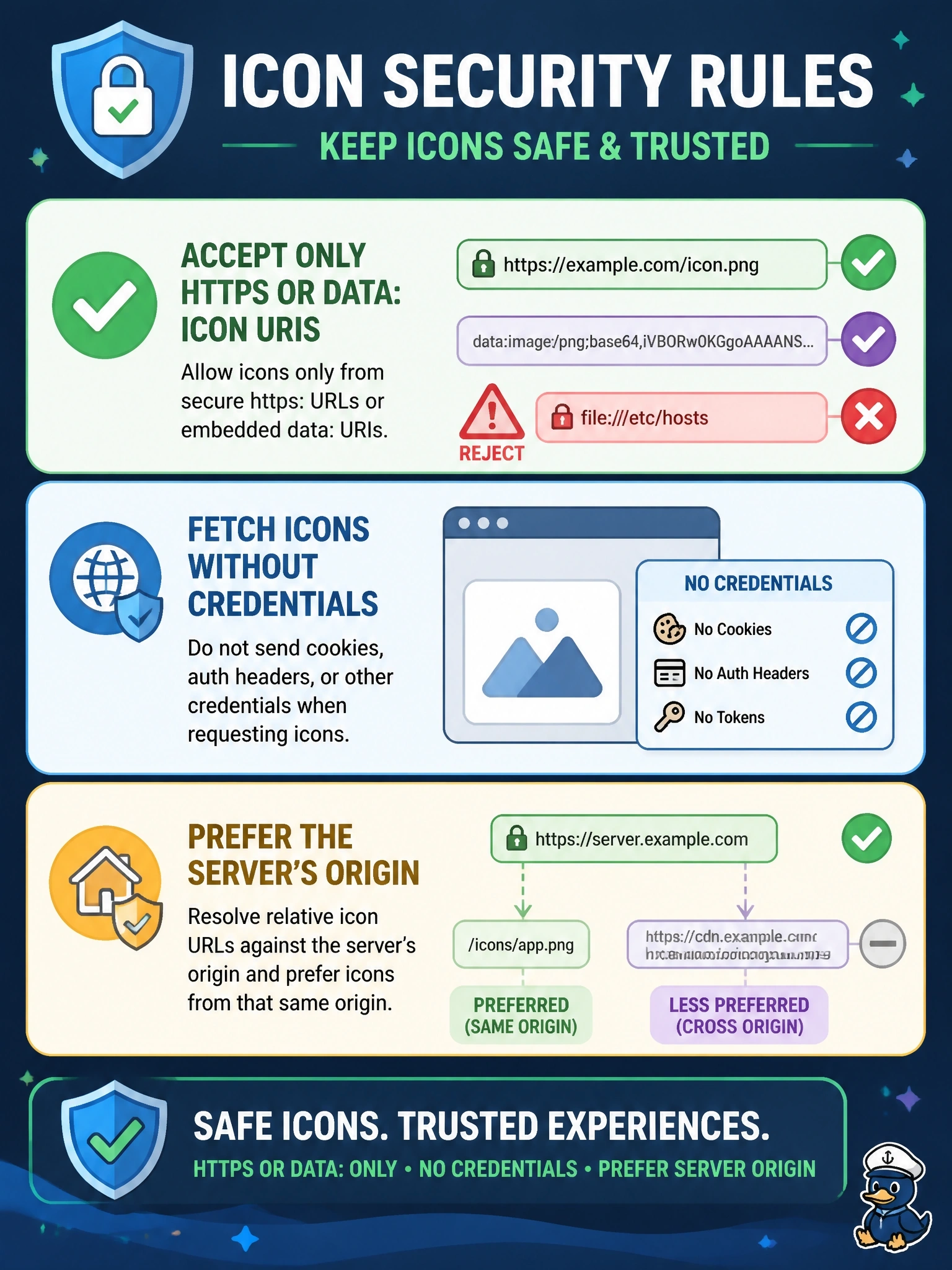
A server lists a tool whose icon src is a file-scheme URI pointing at the local hosts file. The client developer asks how icons should be handled. What do the icon security rules require?
Select an answer to reveal the explanation.
Short Explanation
An icon URL is just another thing a server hands you, and you can't take it on faith. If it's not https or a data URI, you throw it out. A file:// icon is the server trying to get your client to read local files for it.
Full Explanation
Icons are optional visual identifiers on implementations, tools, prompts and resources, and their metadata and bytes are untrusted input. The specification requires that an icon URI be an HTTPS or data URI, and says clients must reject unsafe schemes and redirects such as the javascript, file, ftp and ws schemes or local app schemes, and should disallow scheme changes and redirects to other origins. Consumers should fetch icons without credentials, sending no cookies, Authorization headers or client credentials, should verify icon URIs come from the same origin as the server to limit tracking and data exposure, should guard against oversized or excessive images, and should treat declared MIME types as advisory, detecting type from content against a strict allowlist. Accepting file:// because it stays local fails by concept: the danger is the client reading arbitrary local files at a server's direction, which is why file: is named as unsafe. Rewriting to http:// fails because the requirement is HTTPS, and a rewritten URL is a guess that bypasses the rule rather than satisfying it. Trusting a declared image/png fails because MIME type information is advisory, and content must be checked against the bytes. Exam caveat: SVG icons are allowed but can carry script, so sanitise them. Operational check: give the client icons that use file or javascript scheme URIs and cross-origin redirects and confirm none is fetched.