
An MCP client running on a cloud VM receives a 401 whose resource_metadata URL points to http://169.254.169.254/latest/meta-data/. What should the client do?
Select an answer to reveal the explanation.
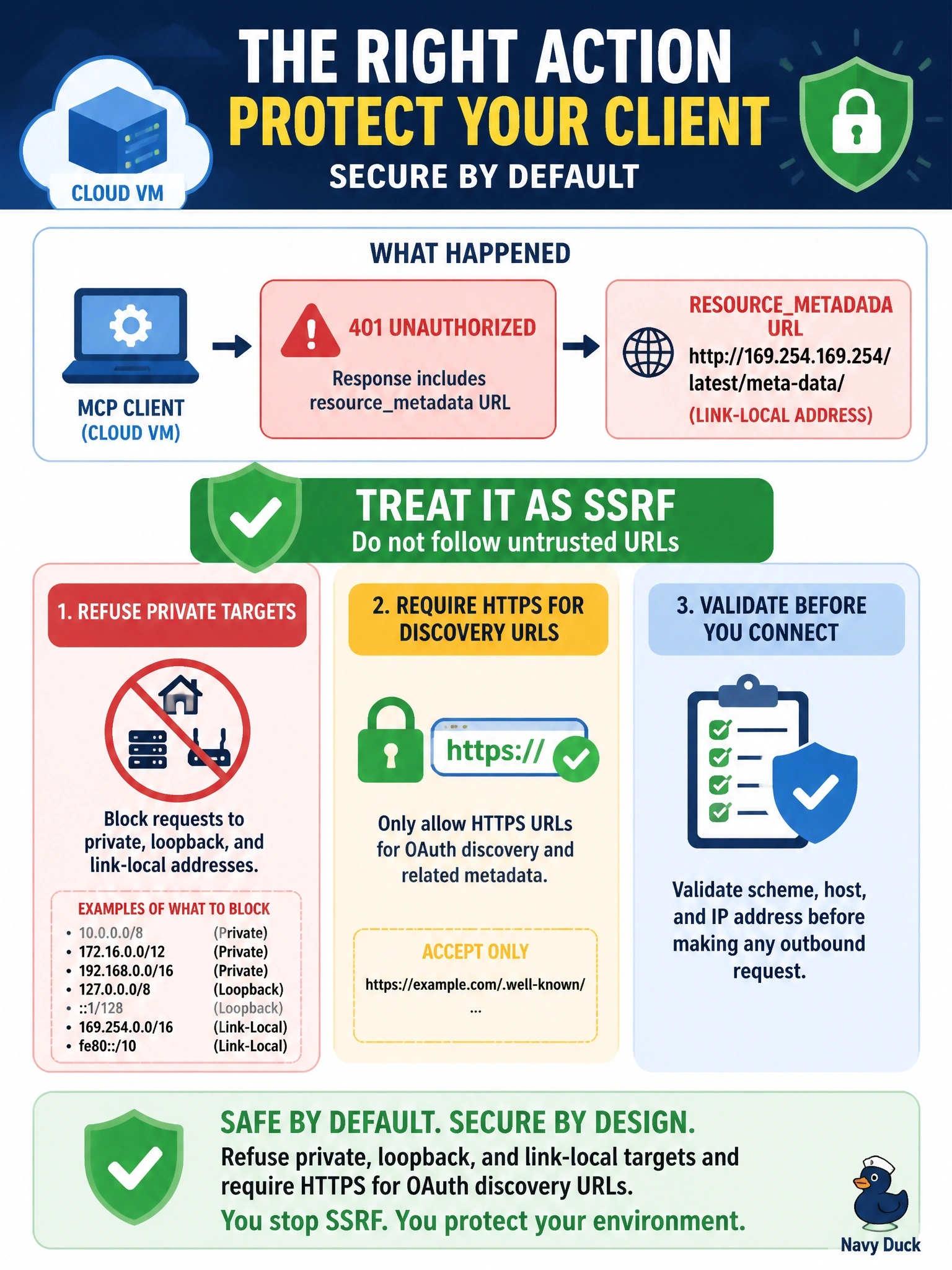
Short Explanation
169.254.169.254 is the cloud's back office, where instance credentials live. A malicious server's pointing your client at it, hoping you'll fetch your own secrets. Block private and link-local ranges and insist on HTTPS, and you'll shut that door.
Full Explanation
During authorization discovery a client fetches URLs that a malicious server can control: the resource_metadata URL in the WWW-Authenticate header, the authorization_servers entries in Protected Resource Metadata, and endpoints in authorization server metadata. The security best practices describe server-side request forgery through these fields, including cloud metadata endpoints at 169.254.169.254 that can expose credentials. Mitigations: clients should require HTTPS for OAuth-related URLs in production, allowing http only for loopback during development; block private and reserved ranges, including 10.0.0.0/8, 172.16.0.0/12, 192.168.0.0/16, loopback, and link-local 169.254.0.0/16; apply the same checks to redirect targets; consider egress proxies; and beware DNS changing between check and use. Following it because metadata is signed fails by concept: Protected Resource Metadata is an ordinary document the MCP server publishes, and the pointer here came from the very server under suspicion. Waiting for a 403 fails because insufficient_scope is unrelated to whether a URL is safe to fetch. Stripping the Authorization header fails because the danger is the request itself; metadata services answer unauthenticated requests from inside the VM. Exam caveat: avoid hand-written IP parsing, since encoding tricks such as octal or IPv4-mapped IPv6 evade it. Operational check: point a test server's resource_metadata at a link-local address and confirm the client refuses.