
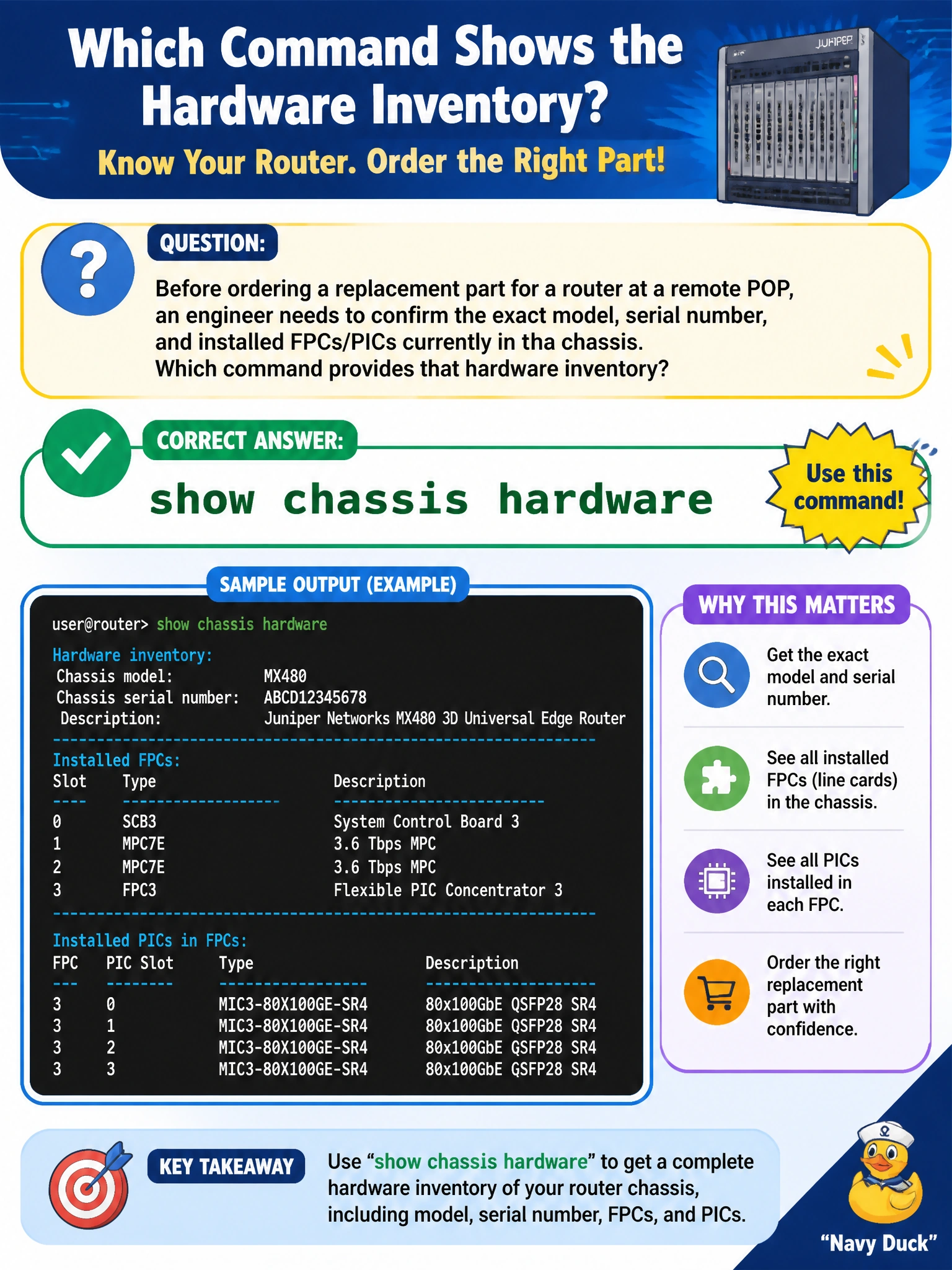
Before ordering a replacement part for a router at a remote POP, an engineer needs to confirm the exact model, serial number, and installed FPCs/PICs currently in the chassis. Which command provides that hardware inventory?
Select an answer to reveal the explanation.
Short Explanation
Ordering the wrong part because you guessed at the hardware wastes a truck roll to a POP that might be hours away. show chassis hardware is the parts list straight from the router itself — model, serial numbers, every FPC and PIC — so the order matches what's actually installed.
Full Explanation
show chassis hardware enumerates every physical component the router can see about itself: the chassis model and serial number, and each installed FPC, PIC, power supply, and fan tray along with its own part and serial numbers — precisely the inventory needed before ordering a replacement part sight-unseen at a remote POP. show version reports the running Junos OS release and the general product model, which is useful context but stops short of listing individual field-replaceable components or their serial numbers. show interfaces terse lists logical and physical interfaces with admin/link state, which identifies interface names but says nothing about the physical card a given interface lives on or its serial number. show chassis alarms only lists currently active alarm conditions — a healthy, fully-populated chassis with no active fault would return an empty list, which is not the same as an inventory. A caveat: on modular chassis, confirm the FPC/PIC slot numbering in the output matches the physical slot the technician will actually pull the part from. A concrete check: cross-reference the serial number in show chassis hardware against the physical label on the card before it ships back for RMA.