
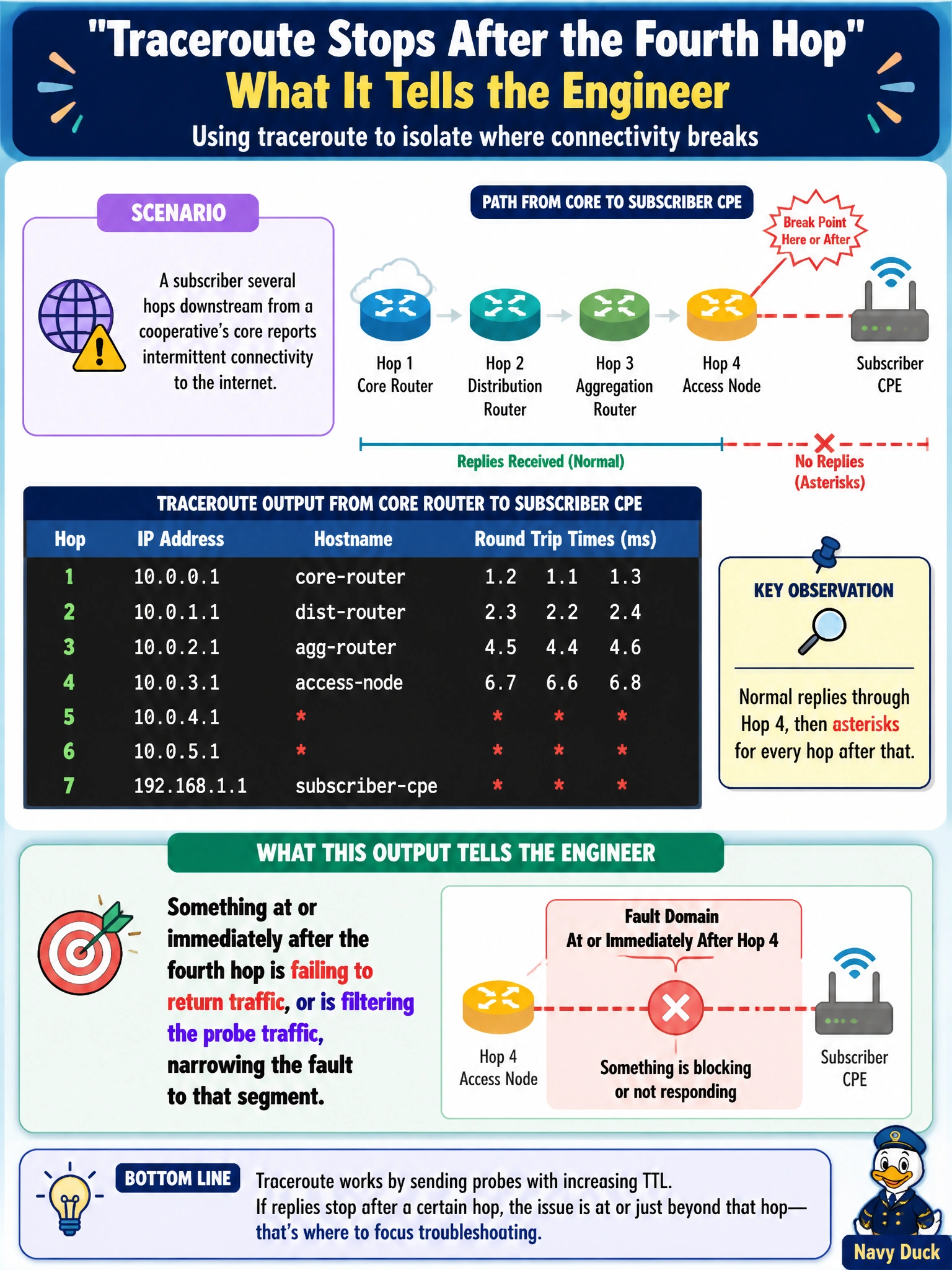
A subscriber several hops downstream from a cooperative's core reports intermittent connectivity to the internet. Running traceroute from the core router toward the subscriber's CPE shows normal replies through the fourth hop, then asterisks for every hop after that. What does this output tell the engineer?
Select an answer to reveal the explanation.
Short Explanation
Traceroute works like a relay race where each runner reports back before the baton moves on. When the replies stop cold after hop four, the baton made it that far and then something went quiet — a device that's down, or one deliberately declining to answer — so that's exactly where to point the next test.
Full Explanation
Traceroute works by sending probes with progressively increasing time-to-live values and recording which device along the path returns the corresponding expiration message, so a clean sequence of replies through hop four followed by asterisks means probes are successfully reaching that device and then failing to get a response from whatever lies beyond it. That failure has two common causes: the device at or past hop four is down or unreachable, or an intermediate device is filtering the ICMP/UDP probe traffic traceroute relies on without actually blocking the subscriber's real traffic — both point diagnostic effort at that specific segment rather than the whole path. A misconfigured default gateway on the subscriber's CPE is a plausible real-world cause of the outage, but it wouldn't be visible from a traceroute run starting at the core; the trace would simply stop wherever the actual failure is, which happens to align with hop four here, not confirm the gateway setting itself. Traffic reaching hop four at all disproves a completely missing route at the core, since a hard route failure would produce no replies from the very first hop outward. DNS failure would affect only the resolution of hostnames traceroute optionally displays, not whether ICMP/UDP replies return; the trace's actual reachability behavior would be unchanged. A concrete check: run traceroute from the opposite direction, subscriber toward core, to see whether the same segment shows up as the break point.