
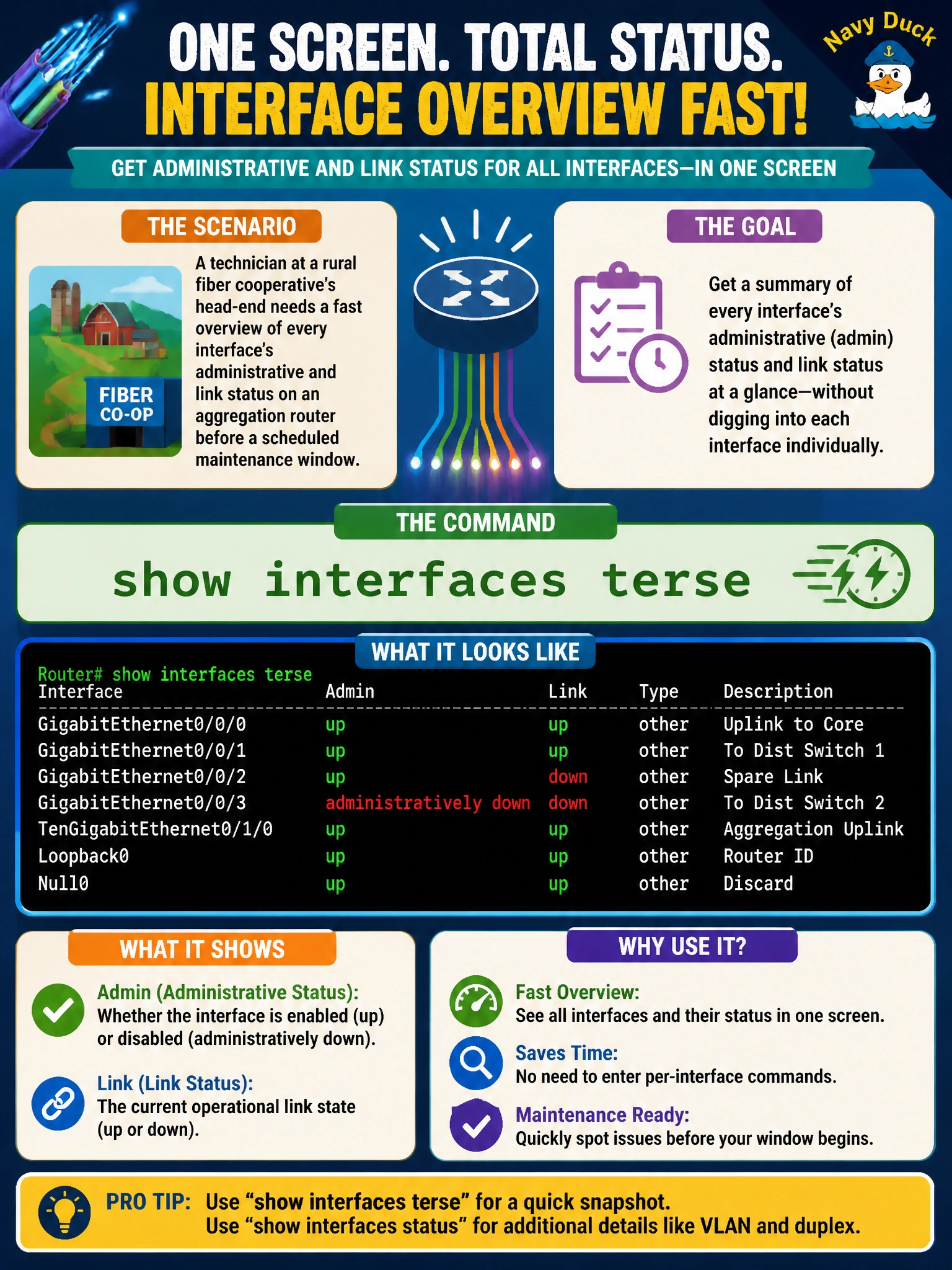
A technician at a rural fiber cooperative's head-end needs a fast overview of every interface's administrative and link status on an aggregation router before a scheduled maintenance window. Which command gives that summary in one screen without digging into per-interface detail?
Select an answer to reveal the explanation.
Short Explanation
Think of it like a switchboard operator glancing at a bank of status lights instead of opening every phone up to inspect it. show interfaces terse gives you one line per interface — admin state, link state, and IP address — so you can scan dozens of ports in seconds before you start real troubleshooting.
Full Explanation
The mechanism here is scope: show interfaces terse deliberately trims its output to the columns that matter for a quick health check — Interface, Admin, Link, Proto, and Local address — one row per logical unit, which is exactly what a pre-maintenance sweep across a whole chassis needs. show interfaces extensive returns the opposite: full packet and error counters per interface, which is the right tool once you already know which interface has a problem, but it's far too dense to scan across a full POP. show chassis hardware answers a different question entirely — what physical components are installed — and says nothing about whether a given interface is currently up. show system alarms only surfaces conditions the router has flagged as alarm-worthy, so a link that's administratively down but otherwise unremarkable never shows up there at all. A good operational check: run show interfaces terse before and after the maintenance window and diff the two outputs to confirm nothing unexpected changed state.