
A co-op operates POP routers across several small towns and wants their system clocks to stay tightly synchronized so that log timestamps line up when correlating an outage across multiple sites. Which configuration accomplishes this?
Select an answer to reveal the explanation.
Short Explanation
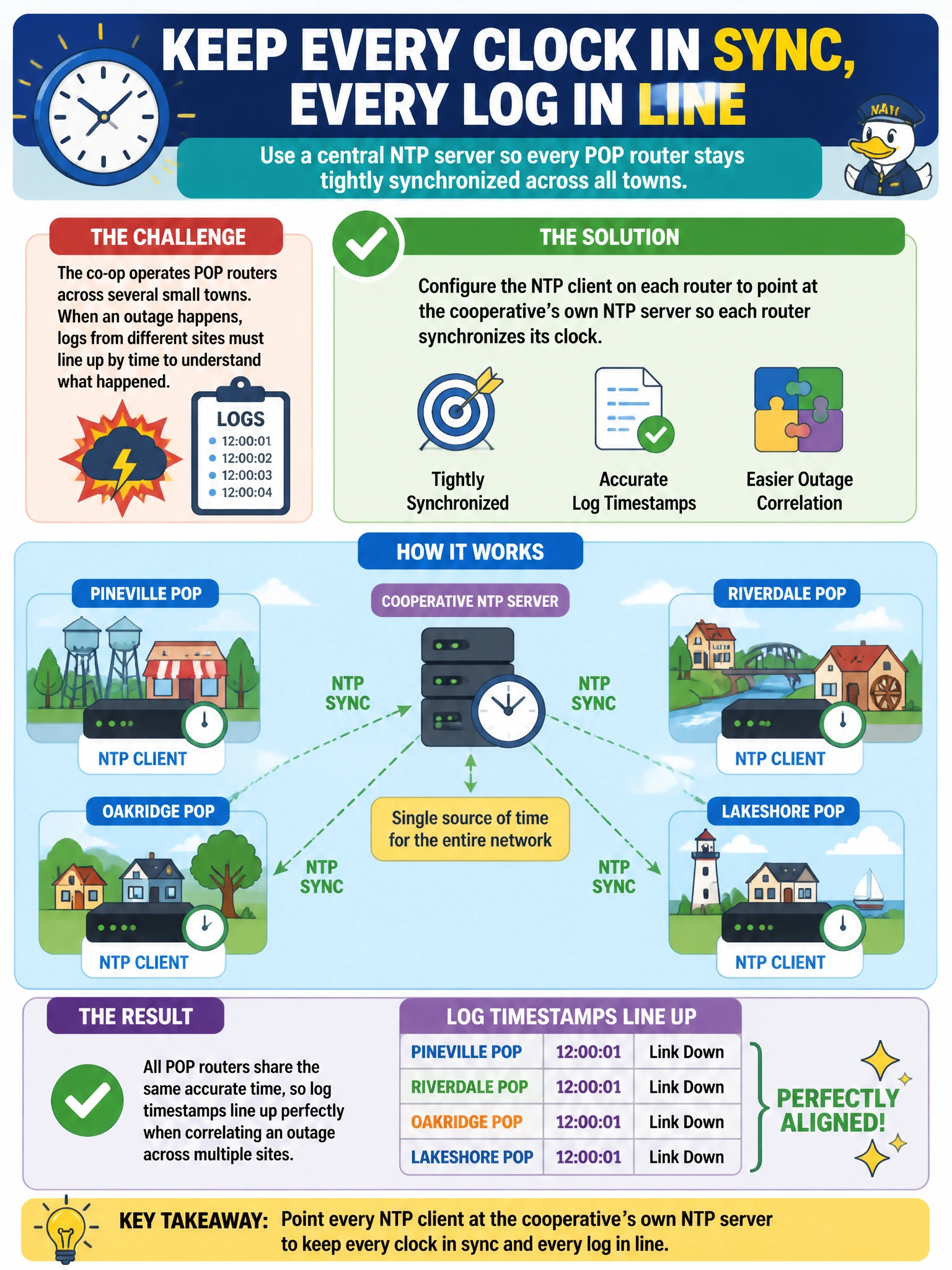
If every POP router is quietly drifting a few seconds in a different direction, correlating an outage across sites turns into guesswork. Pointing each one at the same NTP server keeps every clock locked to the same second, so timestamps actually mean something when you stack the logs side by side.
Full Explanation
Network Time Protocol, configured under the system ntp server hierarchy, is the mechanism Junos uses to synchronize a device's own system clock against an external time source, and it's the correct tool for keeping timestamps consistent across a fleet of routers. When every POP router points at the same NTP server — ideally one the cooperative operates and trusts — their clocks converge to the same reference time, which is exactly what's needed to correlate events across multiple sites during a shared outage. A syslog host only receives log messages; it doesn't distribute or synchronize time to the devices sending it those messages, so pointing multiple routers at one syslog server does nothing to align their clocks. Matching host-names would make every router display the identical label in logs and the CLI prompt, which actively harms the ability to tell sites apart and has no bearing on clock accuracy at all. SNMP polling intervals control how often a monitoring station queries device statistics; they don't synchronize the polled devices' internal clocks with each other. A useful operational check after configuring NTP is confirming each router has actually reached and synchronized with the configured server, rather than assuming the statement alone guarantees a synced clock.