
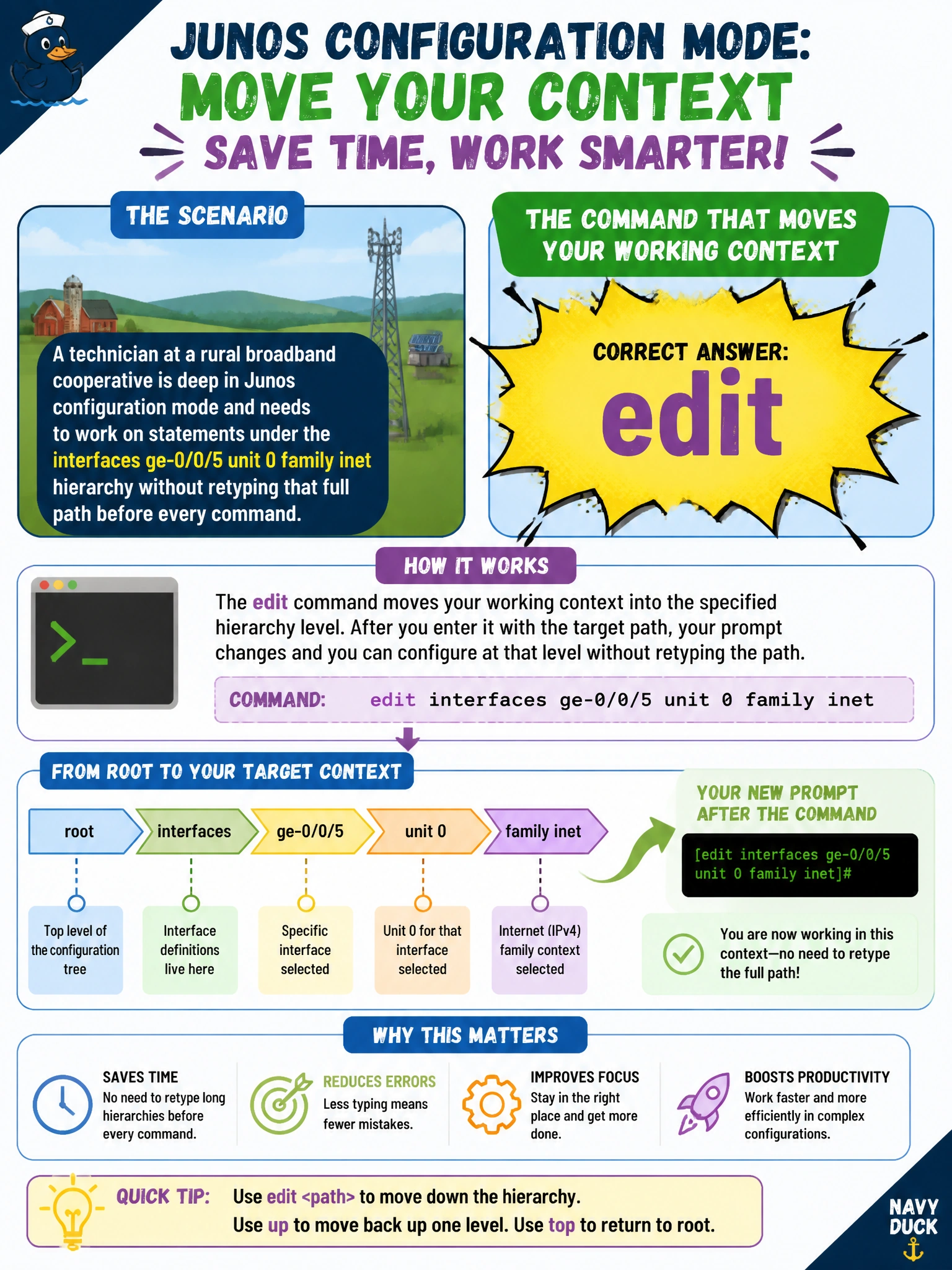
A technician at a rural broadband cooperative is deep in Junos configuration mode and needs to work on statements under the interfaces ge-0/0/5 unit 0 family inet hierarchy without retyping that full path before every command. Which command moves the technician's working context into that hierarchy level?
Select an answer to reveal the explanation.
Short Explanation
Think of it like changing directories on a file system — you don't want to type the full path every time you touch something in that folder. The edit command drops you into a hierarchy level so every set, delete, or show after it is relative to that spot.
Full Explanation
The edit command changes the CLI's current position inside the configuration hierarchy, so a technician working on interfaces ge-0/0/5 unit 0 family inet can type edit interfaces ge-0/0/5 unit 0 family inet once and then issue short, relative commands like set address 203.0.113.1/30 instead of the full statement path each time. The prompt updates to show the current hierarchy level, which is the operational check worth performing before typing anything else: read the prompt to confirm you're editing the level you think you're in. top does the opposite of what's needed here — it jumps back to the root of the hierarchy rather than descending into a branch, which would force the technician back to typing full paths again. run is for issuing an operational-mode command, such as a ping, without leaving configuration mode, which has nothing to do with hierarchy navigation. activate re-enables a statement that was previously deactivated with the deactivate command; it does not move the working context anywhere. One caveat: edit only changes where relative commands are aimed inside the candidate configuration — it has no effect on the active configuration until a commit is issued.