
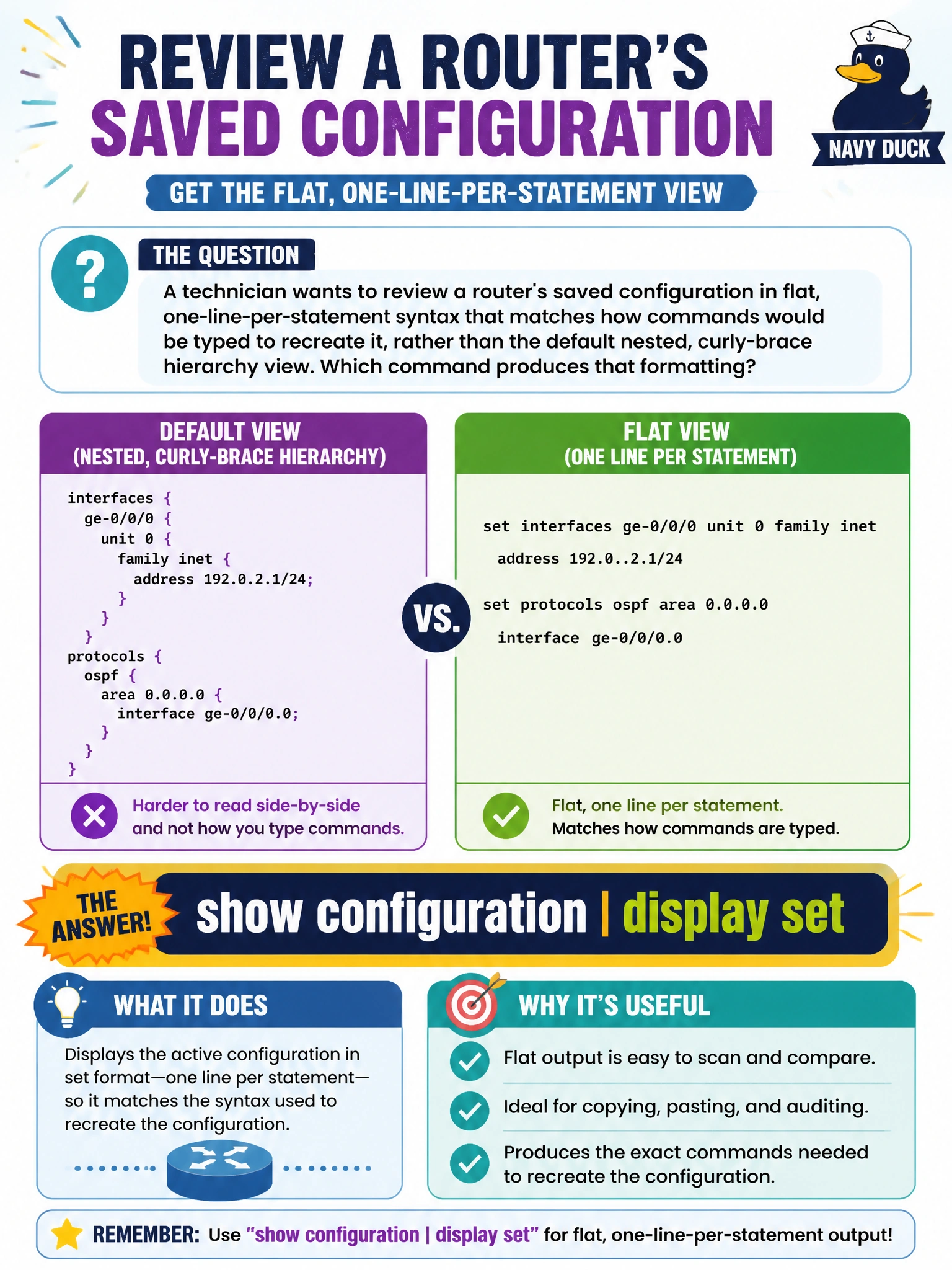
A technician wants to review a router's saved configuration in flat, one-line-per-statement syntax that matches how commands would be typed to recreate it, rather than the default nested, curly-brace hierarchy view. Which command produces that formatting?
Select an answer to reveal the explanation.
Short Explanation
The default curly-brace view is great for reading structure, but sometimes you just want to know exactly what commands to retype elsewhere. Pipe it through display set and Junos rewrites the same configuration as a flat list of set statements.
Full Explanation
Appending display set to a show configuration command reformats the output as a series of individual set statements, one per configuration line, which mirrors the exact syntax an operator would type to build that configuration from scratch rather than the default nested, brace-delimited hierarchy view. Plain show configuration is the baseline command that already displays the hierarchy, but in its default indented, brace-based structure rather than the flat set-style syntax being asked for, so it does not by itself produce the requested formatting. Show interfaces terse is an entirely different operational command reporting interface administrative and link status, with no relationship to configuration formatting at all. Piping into count would discard the configuration content entirely in favor of a single line reporting how many lines resulted, which is the opposite of what's needed when the goal is reviewing readable statements. A practical use for the set-style view is copying individual lines out for reuse on another device with a similar role, since set syntax lines are self-contained and order-independent in a way that fragments of the nested view are not.