
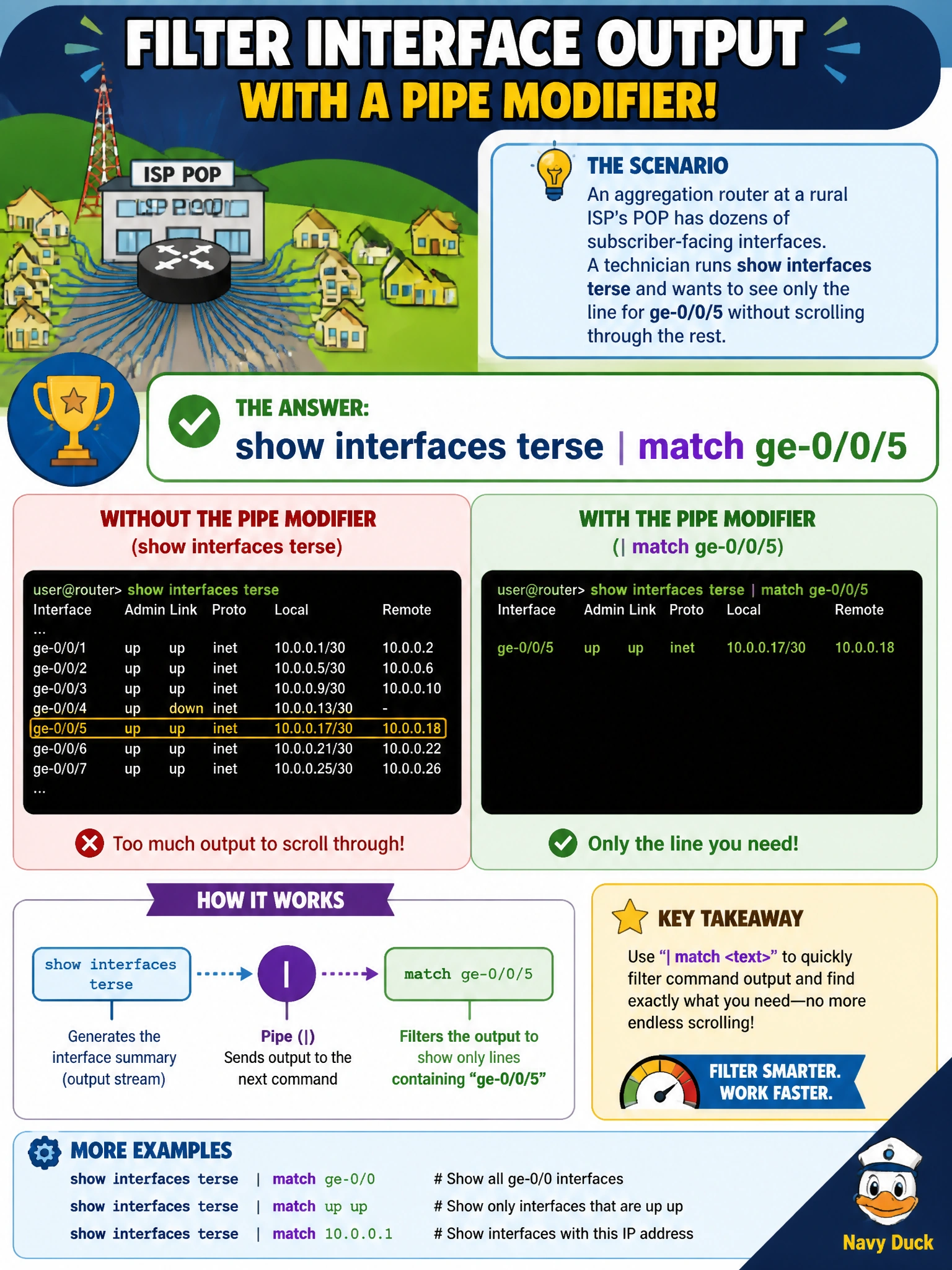
An aggregation router at a rural ISP's POP has dozens of subscriber-facing interfaces. A technician runs show interfaces terse and wants to see only the line for ge-0/0/5 without scrolling through the rest. Which pipe modifier accomplishes this?
Select an answer to reveal the explanation.
Short Explanation
Piping into match with a search string is like using find on a page of text: only the lines containing that string make it through, everything else gets filtered out. It's the fastest way to zero in on one interface in a long listing.
Full Explanation
The match pipe modifier filters command output so that only lines containing the specified pattern are displayed, which is precisely what is needed to isolate a single interface's line out of a terse listing covering dozens of ports. No-more is unrelated to filtering content; it disables the interactive pagination that pauses long output screen by screen, so it would still show every interface, just without stopping between pages. Count also does not filter by content; it replaces the output entirely with a single line reporting how many lines the command produced, discarding the actual interface details the technician needs to see. Display set changes the formatting of configuration output into set-style command syntax and has no bearing on operational show output like interface status, nor does it filter by a search term. A related check worth knowing is that match supports regular expressions, so a slightly broader pattern like ge-0/0/5 would also catch that interface's logical unit lines, which is often exactly what's wanted when confirming both the physical and logical interface state during a subscriber turn-up.