
While troubleshooting a subscriber-aggregation port from a small-town POP, a technician types show interf and presses the space bar. Junos immediately fills in the rest of the keyword to read show interfaces. What CLI feature just occurred?
Select an answer to reveal the explanation.
Short Explanation
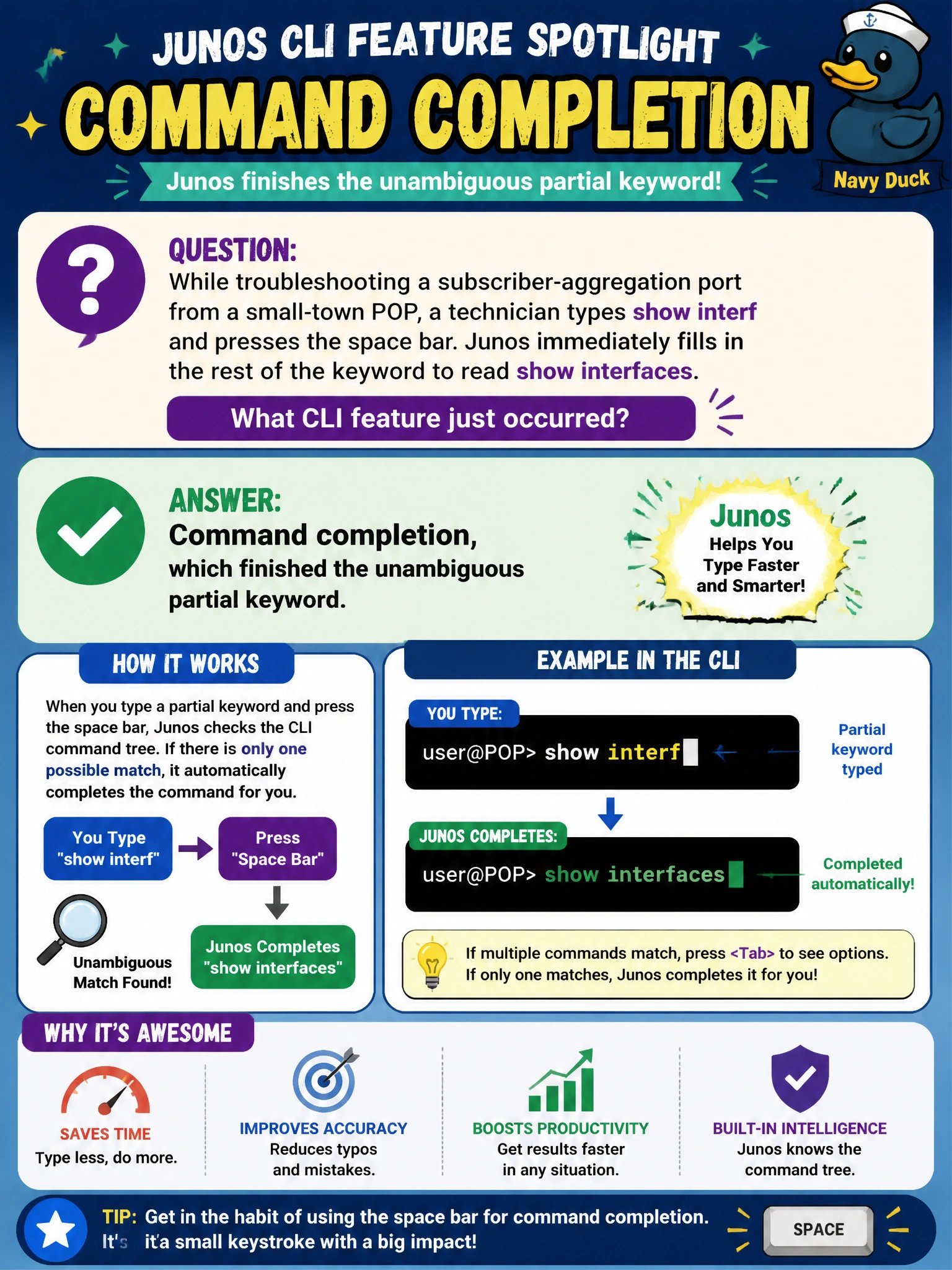
Junos doesn't make you type every letter of a long command. As long as what you've typed so far only matches one possible keyword, hitting the space bar (or tab) auto-finishes it for you: that's command completion, plain and simple.
Full Explanation
Command completion lets a technician type only enough of a keyword to make it unambiguous and then press the space bar or tab key to have Junos fill in the remainder automatically, which is exactly the behavior described: interf uniquely identifies interfaces among available keywords at that position, so it completes without any list being shown. Context-sensitive help is a related but distinct feature triggered by a question mark, which displays a list of valid next keywords rather than silently completing one, so it does not match a scenario where the keyword filled in without any list appearing. Output filtering refers to pipe modifiers like match or count that act on already-returned command output, which is unrelated to typing a partial command name. Nothing in the scenario involves entering configuration mode, and Junos never switches modes on its own in response to a space bar press. A useful check when completion behaves unexpectedly, such as an error about an ambiguous command, is that more than one keyword shares that prefix, in which case typing another character or two before completing again resolves it.