
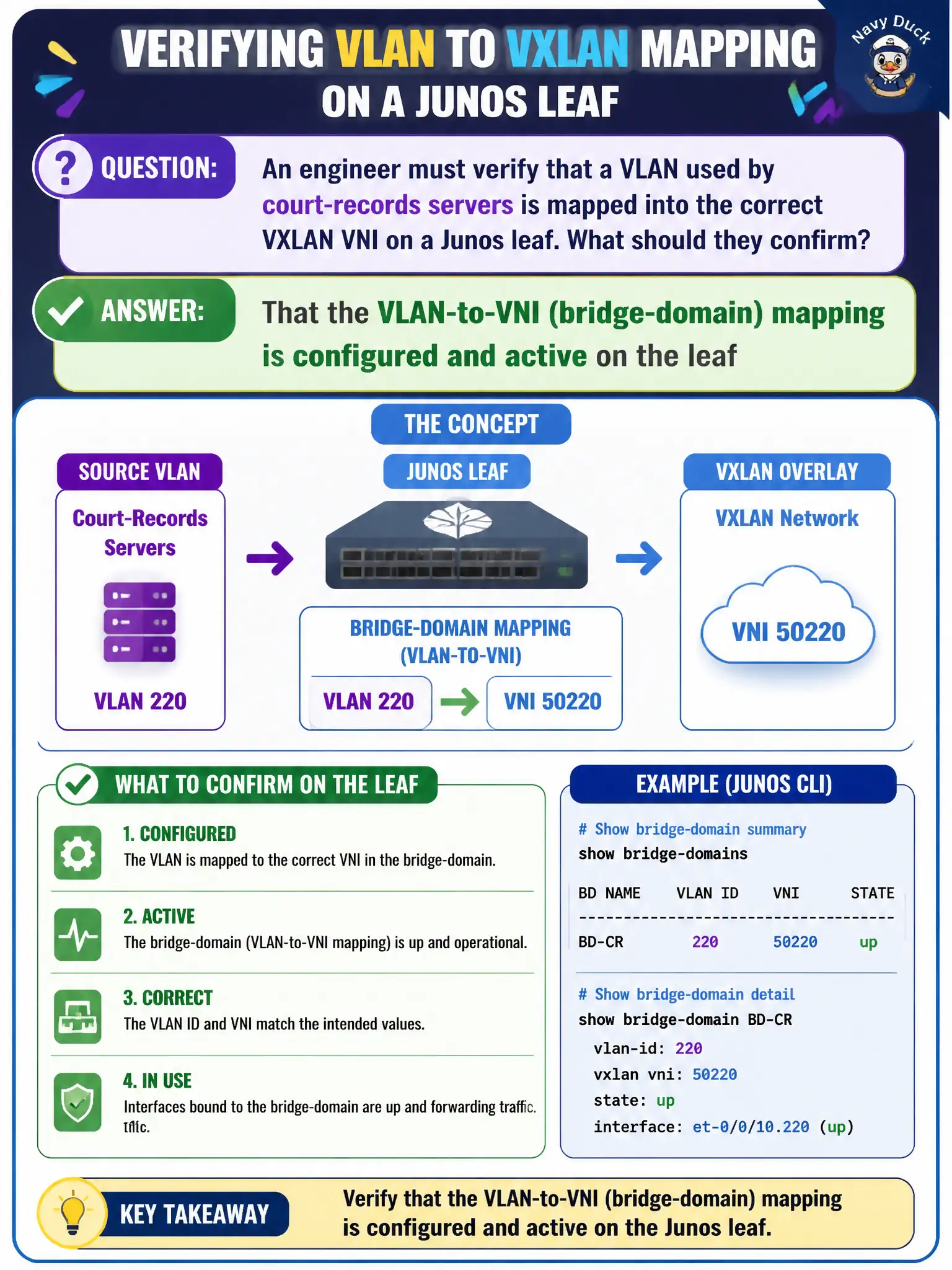
An engineer must verify that a VLAN used by court-records servers is mapped into the correct VXLAN VNI on a Junos leaf. What should they confirm?
Select an answer to reveal the explanation.
Short Explanation
VLAN is the local room number; VNI is the campus-wide hallway ID—you need the map that ties them together. On the leaf, check the VLAN-to-VNI / bridge-domain binding is present and up. Matching AS numbers or wishing on DHCP won’t build that map.
Full Explanation
To verify that a VLAN used by court-records servers is mapped into the correct VXLAN VNI on a Junos leaf, confirm that the VLAN-to-VNI (bridge-domain) mapping is configured and active on the leaf. Tenant VLANs associate to VXLAN through bridge-domain or equivalent configuration; without that mapping, underlay health will not deliver the overlay segment the court application expects.
The VLAN ID need not equal the underlay autonomous system number. Every spine does not need the same access VLAN locally switched to servers for VXLAN bridging across the fabric. DHCP option 82 alone does not create the VNI without bridge-domain configuration.
Exam caveat: Junos VXLAN bridging verification starts at VLAN-to-VNI/bridge-domain state on the leaf hosting the servers.
Operational check: show bridge-domain or VXLAN mapping for the court VLAN, confirm the expected VNI is active, and send a test frame that increments encap counters for that VNI toward a remote VTEP. If mapping is absent, add it and retest before chasing BGP or optic faults. Keep VLAN-to-VNI tables in the court DC change documentation for auditors. Record the validated outcome in the municipal fabric runbook for the next change window.