
An audit finds that several commercial off-the-shelf components deployed in a company's cloud workloads appear in no inventory, and no one tracks vendor security advisories for them. What should be established first?
Select an answer to reveal the explanation.
Short Explanation
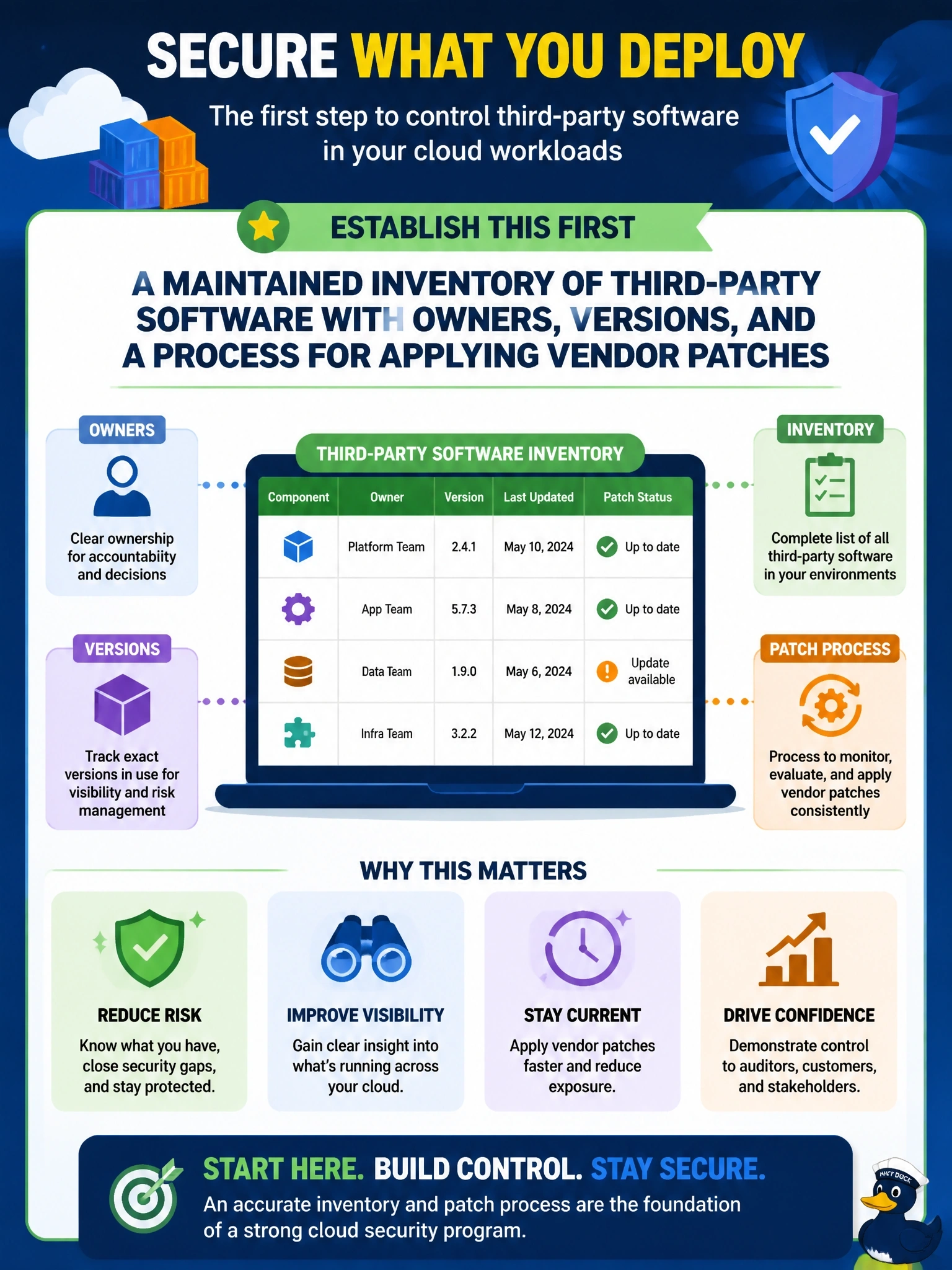
You can't patch what you don't know you've got. Start with an inventory: what's installed, which version, who owns it, and who's watching the vendor's advisories. A WAF might buy you time, but it doesn't fix the blind spot the audit found.
Full Explanation
Third-party software management starts with knowing what is deployed. An inventory records each commercial component, its version, where it runs, its owner, its support status and the vendor's advisory channel. With that in place, the organization can subscribe to advisories, assess applicability when a vulnerability is announced, and apply patches through change management within defined timeframes. A web application firewall can provide compensating protection for some web-facing components against known attack patterns, but it does not cover non-web components, does not reveal what is deployed, and does not replace patching. Contract clauses can define support and patch availability, but vendors generally do not and should not reach into a customer's cloud tenant to change its systems; deployment of patches stays with the customer under change control, and the contract does nothing until the components are known. Prohibiting commercial software outright is disproportionate, slow and costly, and in-house code carries its own vulnerabilities; it also leaves the current exposure unaddressed. Exam caveat: the outline names third-party software management in 4.5, and the inventory is the foundation for both patching and license compliance. Operational check: reconcile the inventory against what discovery tools find in the cloud workloads, and confirm each entry has an owner and a current patch status.