
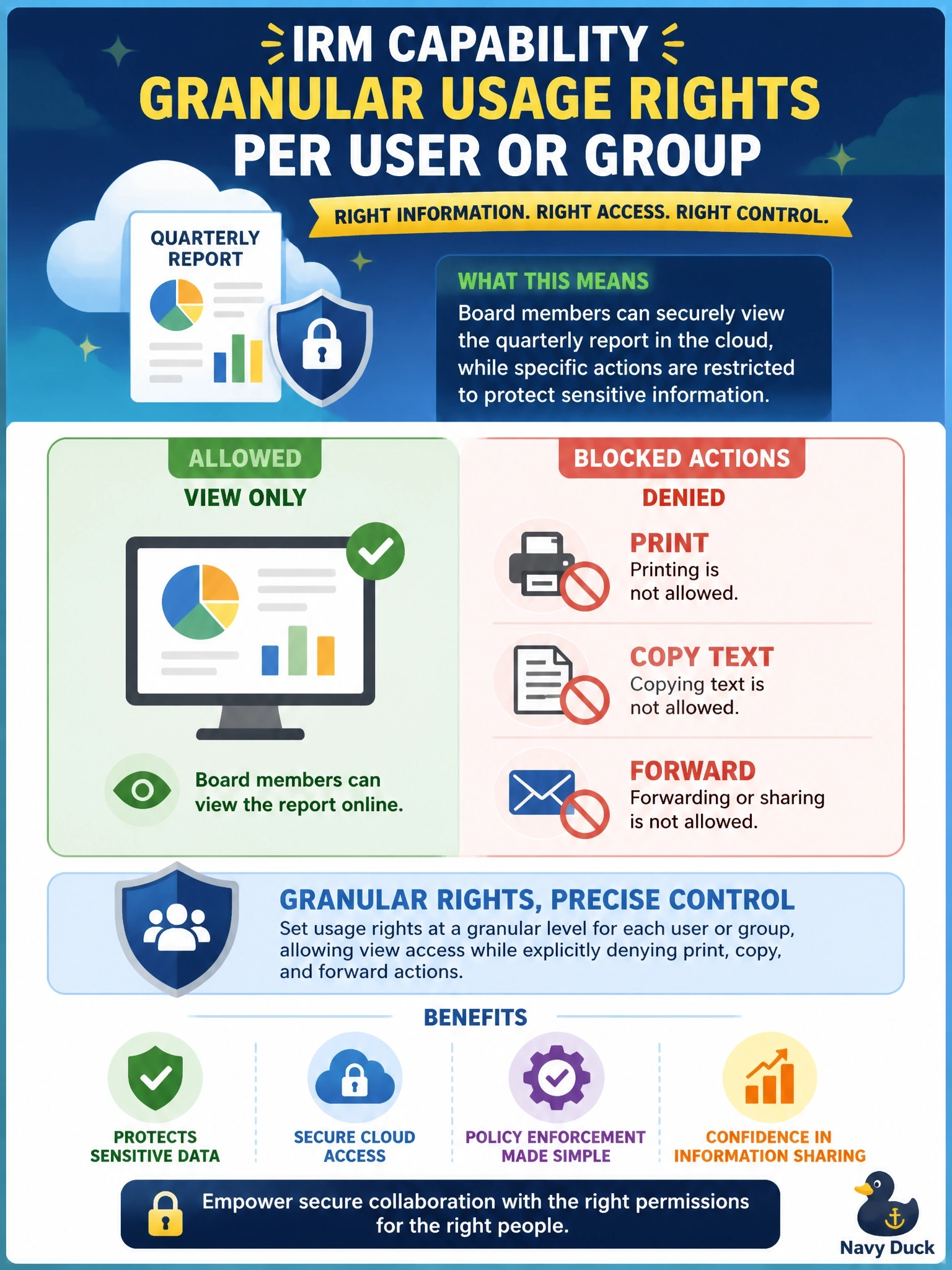
Board members must be able to view a quarterly report stored in the cloud, but they must not be able to print it, copy text from it or forward it to anyone else. Which IRM capability satisfies this requirement?
Select an answer to reveal the explanation.
Short Explanation
Read-only doesn't mean 'can't copy'; you can still highlight and paste, or hit print. IRM usage rights let you grant 'view' and deny everything else, right down to print and copy. Each wrong answer here only covers a slice of the problem, or none of it.
Full Explanation
Information rights management enforces usage rights at the level of individual actions on a file. A policy can grant a user or group permission to view while denying print, copy, edit, forward or screen capture, and the IRM-aware application enforces those restrictions whenever the protected file is opened. Assigning such rights to the board group meets the requirement precisely. Encryption at rest protects stored data from unauthorized access to storage media, but once an authorized user opens the file it is decrypted for use, and nothing prevents printing or copying. Read-only file system permissions prevent modification of the stored file, but reading allows the user to copy text, save a duplicate or print, so they do not satisfy the requirement. A DLP rule on the email gateway may stop forwarding through company email to external addresses, but it does nothing about printing, copying text or using other channels, so it addresses only one part of the requirement. Exam caveat: IRM cannot stop someone photographing a screen, so it reduces rather than eliminates leakage risk. Operational check: open the protected report as a board member account and attempt to print, copy and forward, confirming each action is blocked and the attempts are logged.