
Threat intelligence shows ransomware groups now routinely locate and encrypt or delete backups before encrypting production systems. Which measure BEST protects the organization's ability to recover?
Select an answer to reveal the explanation.
Short Explanation
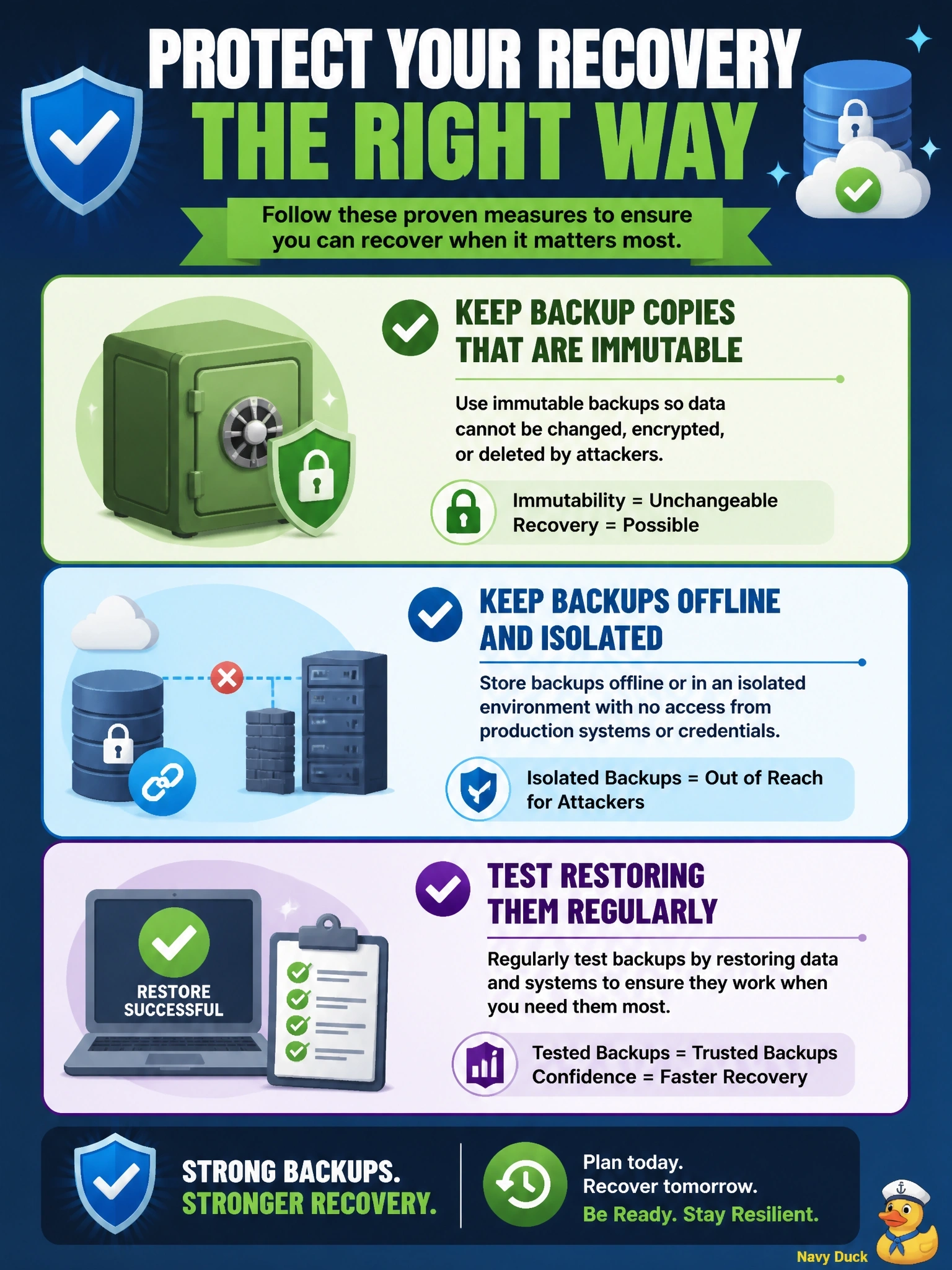
If the burglar's first stop is your spare-key drawer, you'd better keep a spare somewhere they can't reach. Immutable or offline backups, separated from the admin accounts attackers steal, are that hidden spare. Encrypting backups is the trap; it keeps attackers from reading them, not from wiping them.
Full Explanation
Ransomware operators target backups because destroying them removes the organization's ability to recover without paying. The effective protection is a backup copy that the attacker cannot alter or delete even with compromised administrative credentials: immutable storage that prevents modification for a retention period, or offline and air-gapped copies, with separate authentication from the production environment. Regular restore tests confirm these copies are usable. Increasing backup frequency reduces potential data loss, but if attackers can reach and destroy the backups, more frequent copies are simply destroyed too. Encrypting backup files protects confidentiality against data theft, but it does not prevent an attacker from deleting or re-encrypting them, so availability is not protected. Extending retention keeps older copies for longer, yet copies held in the same reachable environment remain exposed to the same deletion, regardless of age. Exam caveat: isolation must extend to the backup management console and its credentials, which are a common route to the backups themselves. Operational check: confirm at least one backup copy is immutable or offline, its credentials are separate from the production directory, and a restore from it succeeded within the recovery time objective.