
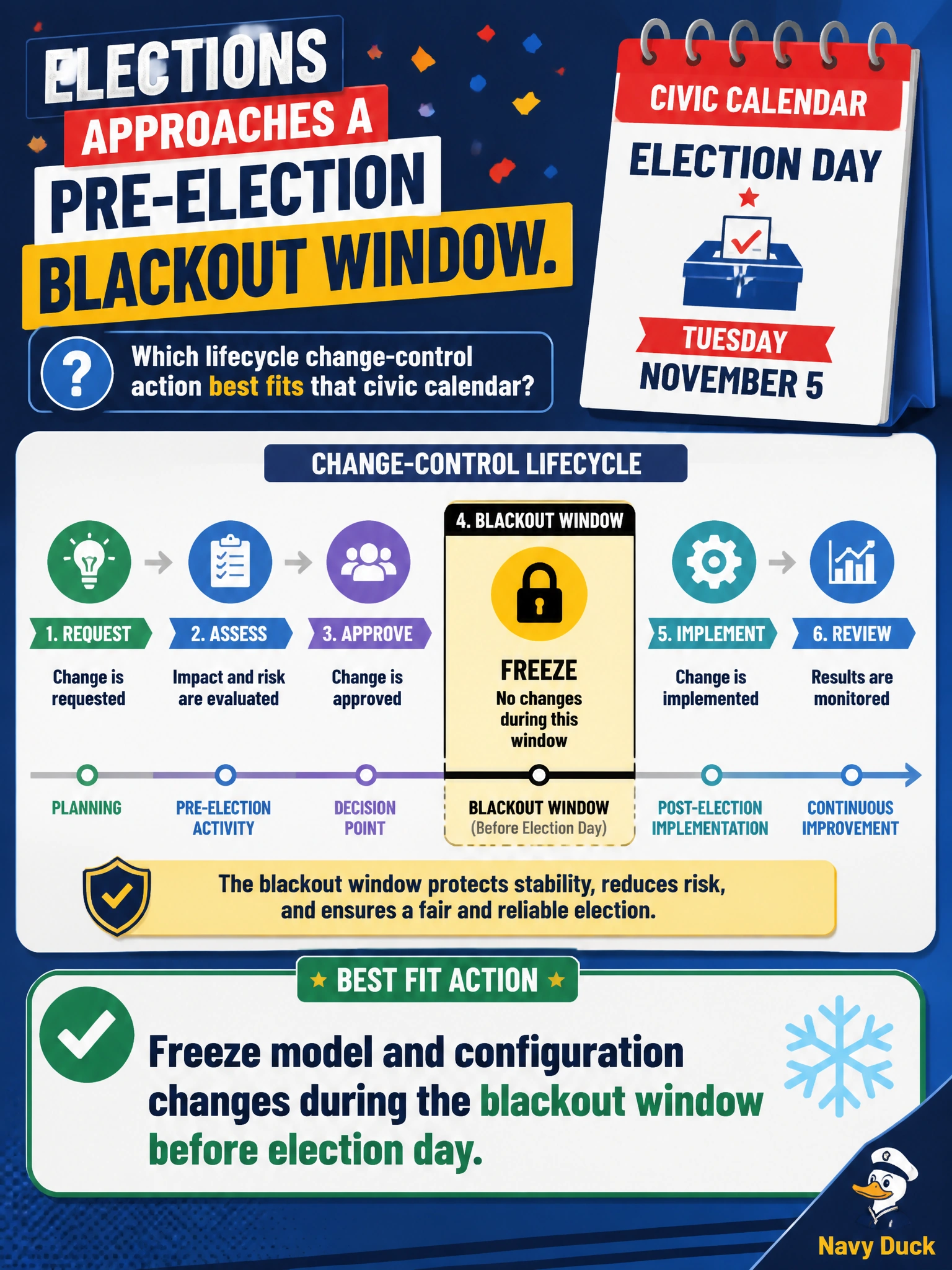
Elections approaches a pre-election blackout window. Which lifecycle change-control action best fits that civic calendar?
Select an answer to reveal the explanation.
Short Explanation
Election week isn’t the time for surprise model swaps. Freeze the ballot-help stack during the blackout window so voters aren’t riding untested changes.
Full Explanation
Elections AI change control must respect the civic calendar. A pre-election blackout window exists so ballot-help systems remain stable, integrity-preserving, and supportable when scrutiny and volume peak. Freezing model and configuration changes during that window prevents last-minute updates from introducing untested behavior, unexplained answer shifts, or rollback complexity under time pressure. Freezing model and configuration changes during the audit window after election day misses the critical timing — stability is required before election day when voters and poll workers need consistent guidance, not only after votes are cast. Freezing ballot-help prompts but continuing versioned model updates before election day is only a partial freeze — model changes alone can still introduce untested behavior and answer drift when consistency matters most. Freezing model updates but permitting emergency config changes during the blackout window still allows changes when the civic calendar requires a complete freeze, leaving the ballot-help stack exposed to configuration-driven drift and untested behavior at peak scrutiny. Exam caveat: lifecycle discipline for municipal AI means aligning the freeze to the pre-election blackout window, not shifting it to the audit window after election day. Operational check: publish an elections blackout policy covering models, prompts, configs, and feature flags; lock deployments; verify rollback artifacts remain available; and require emergency exception procedures with dual approval if a critical fix is unavoidable.
Prefer to study offline? Printable PDF study book + test engine ($7.50, unofficial). These questions stay free here.