
Nurses on a med-surg ward can ping the electronic health records (EHR) application server without any loss, but the EHR client software itself times out and never loads a patient chart. Other applications on the same server, using different ports, work normally. What should you investigate first?
Select an answer to reveal the explanation.
Short Explanation
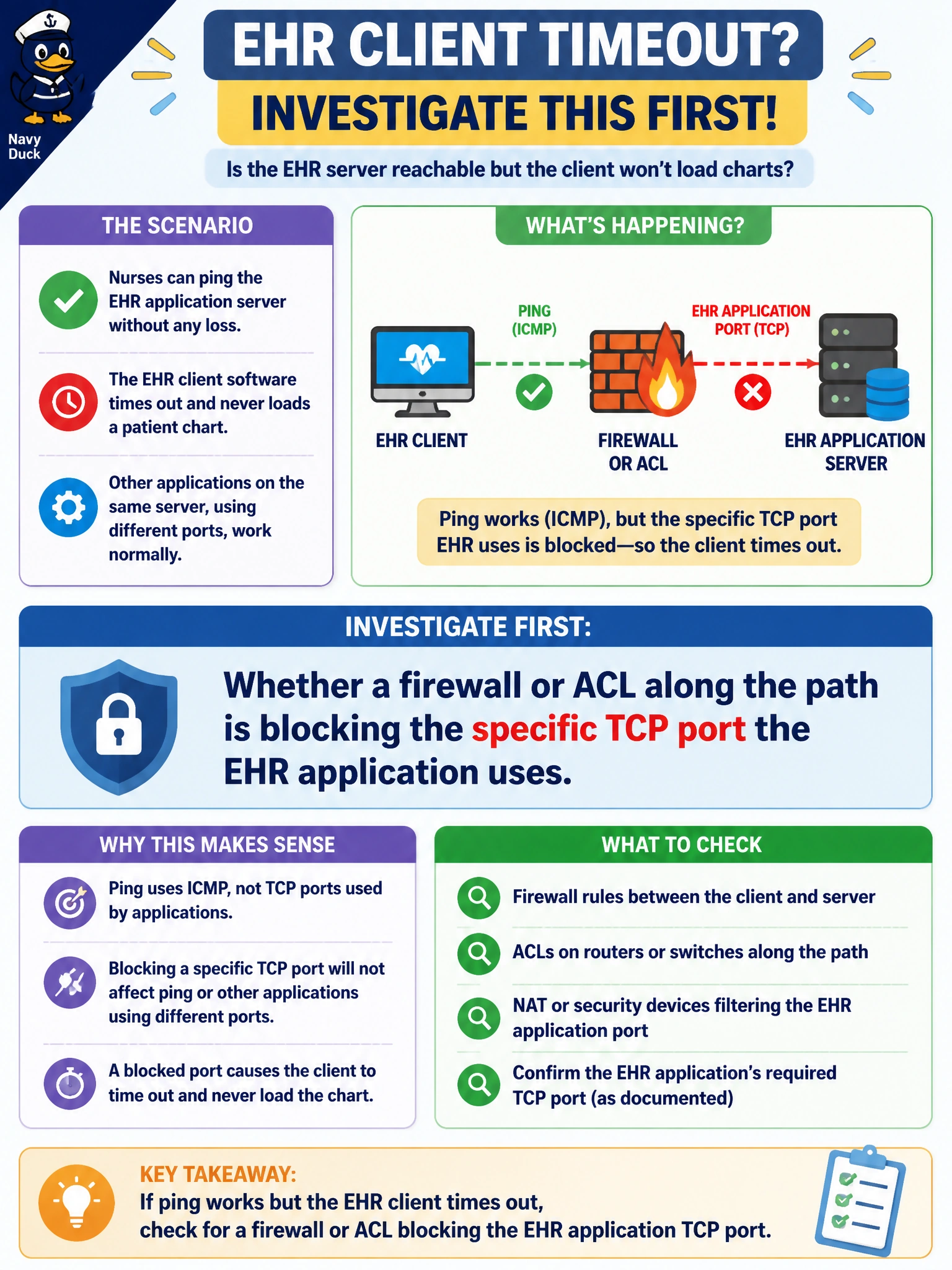
A working ping only proves ICMP gets through, and ICMP isn't what the EHR app actually talks over. When one specific service fails while everything else to the same server is fine, something between here and there is picking off just that one port. That's a filter doing its job a little too well.
Full Explanation
ICMP echo (ping) and the EHR application's actual traffic are different protocols and, almost always, different port numbers, so a successful ping only demonstrates basic Layer 3 reachability to the server, not that every service on it is accessible. Because other applications on that same server work fine, the server itself, its IP addressing, and the general path are clearly functional, which points squarely at something selectively filtering traffic to the EHR application's specific TCP port — an ACL on a Layer 3 switch, a firewall rule, or a security policy applied somewhere between the ward and the server. This rules out DNS (name resolution isn't in play once the app has already reached the server by ping), DHCP (addressing is clearly fine since the host is on the network and can ping), and wireless RF interference (which would cause intermittent or slow behavior, not a clean, consistent block of one specific service). The operational check is to attempt a connection test to the application's exact port from the affected workstation and see whether it's refused, times out, or resets, and to review any ACLs or firewall rulesets along the path for an entry matching that port. As a caveat, a rule that was recently added or changed as part of a security hardening effort is a common cause, so checking the change log for the segment is a fast way to confirm suspicion before digging through every device in the path.