
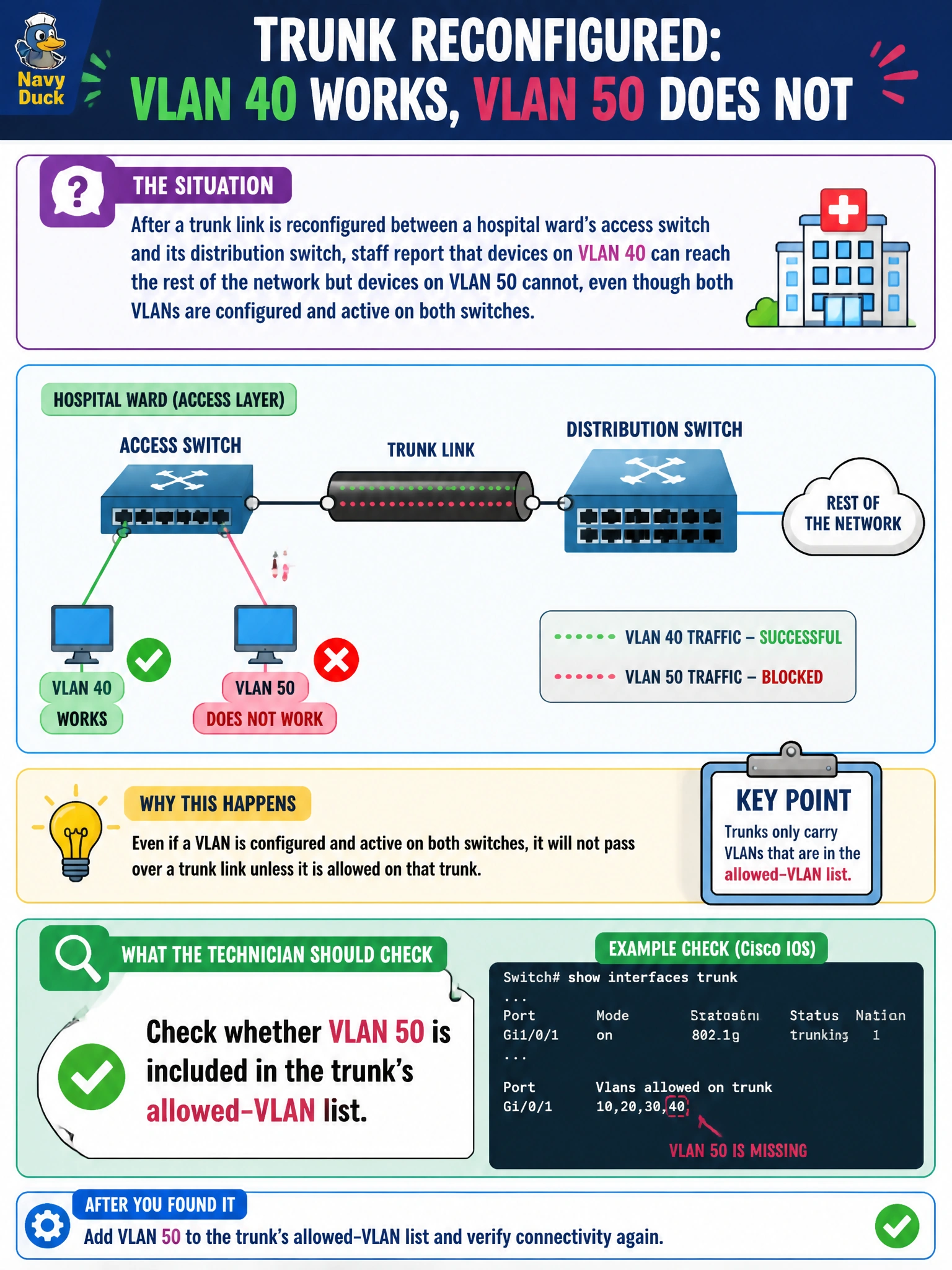
After a trunk link is reconfigured between a hospital ward's access switch and its distribution switch, staff report that devices on VLAN 40 can reach the rest of the network but devices on VLAN 50 cannot, even though both VLANs are configured and active on both switches. What should the technician check on the trunk?
Select an answer to reveal the explanation.
Short Explanation
One VLAN riding the trunk fine while another doesn't move at all points straight at the trunk's allowed list. If VLAN 50 simply isn't on that list, its tagged frames get dropped right at the trunk boundary even though everything downstream is configured correctly. Add it to the allowed VLANs and traffic for that VLAN should start crossing again.
Full Explanation
A trunk link carries multiple VLANs by tagging frames, but only for the VLANs explicitly permitted in its allowed-VLAN configuration; any VLAN excluded from that list has its traffic dropped at the trunk, even if that VLAN is fully configured and active on both connected switches. This precisely explains why VLAN 40 works while VLAN 50 does not: the trunk is simply not carrying VLAN 50's tagged frames across, regardless of correct configuration everywhere else. A native VLAN misconfiguration specifically affects untagged traffic on the trunk, and having the native VLAN set to VLAN 50 would not by itself block VLAN 50's tagged frames if it were properly included in the allowed list; more importantly, this symptom is about VLAN 50 not passing at all, which points to exclusion rather than native VLAN handling. Whether spanning-tree is enabled on the access switch is unrelated, since STP concerns loop prevention across the whole switch, not selectively blocking one VLAN's traffic while permitting another's on the same trunk. An LACP mode mismatch would typically prevent an aggregated bundle from forming at all, or cause instability across every VLAN on the link, not a selective per-VLAN failure. A concrete check is reviewing the trunk's allowed-VLAN configuration on both switches and adding VLAN 50 if it is missing.