
A hospital IT technician notices an unusually high count of CRC errors on the interface counters for a copper uplink connecting two wiring closets, even though the link stays up. What does this most likely indicate?
Select an answer to reveal the explanation.
Short Explanation
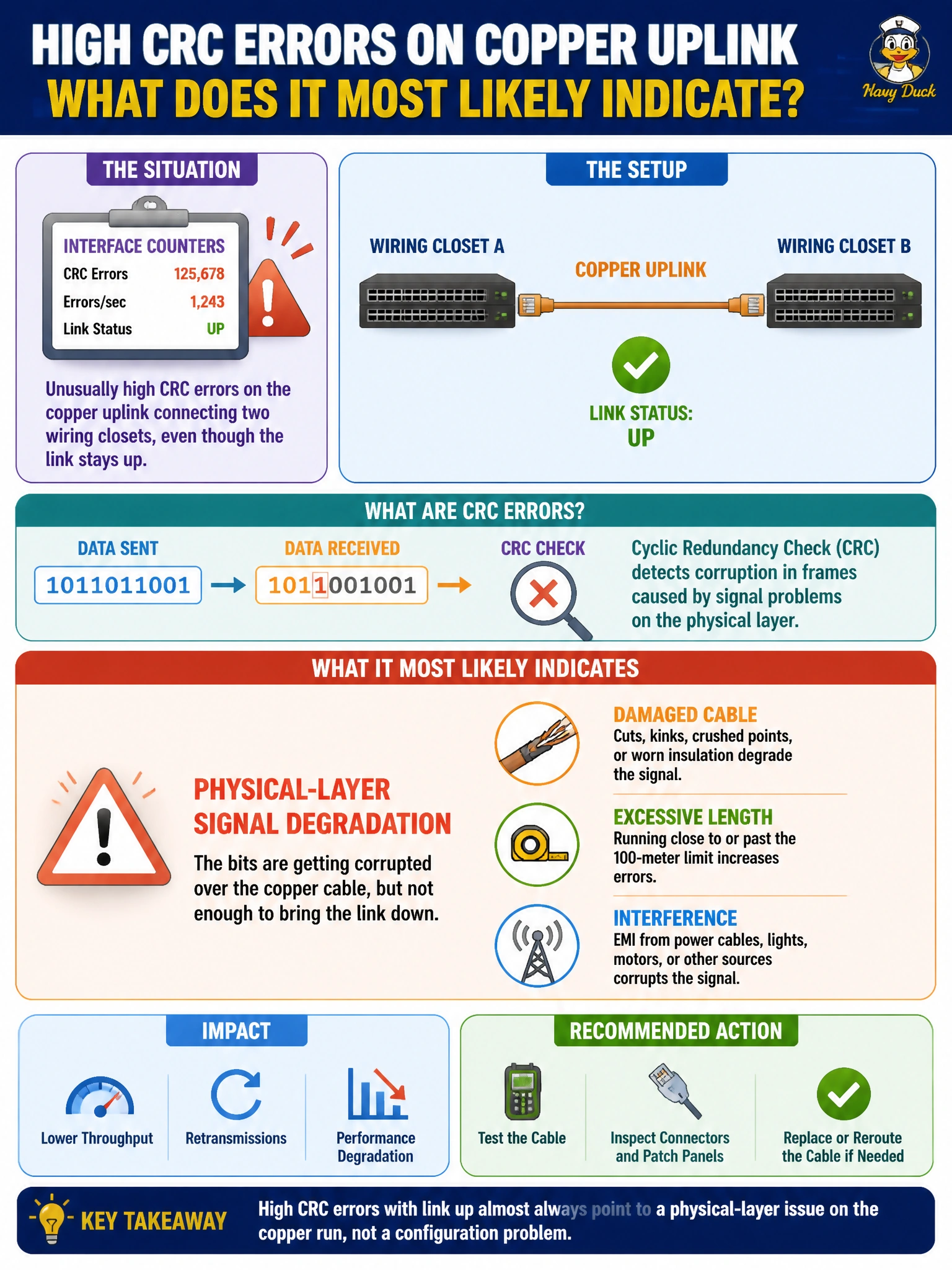
CRC errors mean frames are literally arriving corrupted, and that's a signal-quality story, not a switching-logic one. Something along that physical path, like a damaged run, too much length, or nearby electrical interference, is scrambling bits before they even get evaluated by any VLAN or spanning-tree rule. Chase the cable first when you see this counter climbing.
Full Explanation
A cyclic redundancy check error means a received frame failed its integrity check, which happens when the physical signal was corrupted somewhere between transmitter and receiver, commonly from a damaged or substandard cable, excessive run length beyond specification, poor terminations, or nearby sources of electromagnetic interference. Because this corruption happens at the physical layer, it occurs regardless of what VLANs, spanning-tree state, or IP addressing are configured on the link, and it explains why the link can remain up while still producing errors. A spanning-tree loop typically produces symptoms like broadcast storms, MAC table instability, or repeated topology change notifications, not frame-level CRC corruption, since STP itself does not damage the electrical signal. A wrong allowed-VLAN list on a trunk causes specific VLANs' traffic to be dropped or mistagged, which is a logical forwarding issue, not a bit-level corruption problem, so it would not raise CRC counters. A full DHCP scope prevents new clients from obtaining addresses, which is unrelated to frame integrity on an already-established uplink. A concrete check is inspecting the physical run for damage or excessive length and testing with a known-good cable or port to see if the CRC count stops climbing.