
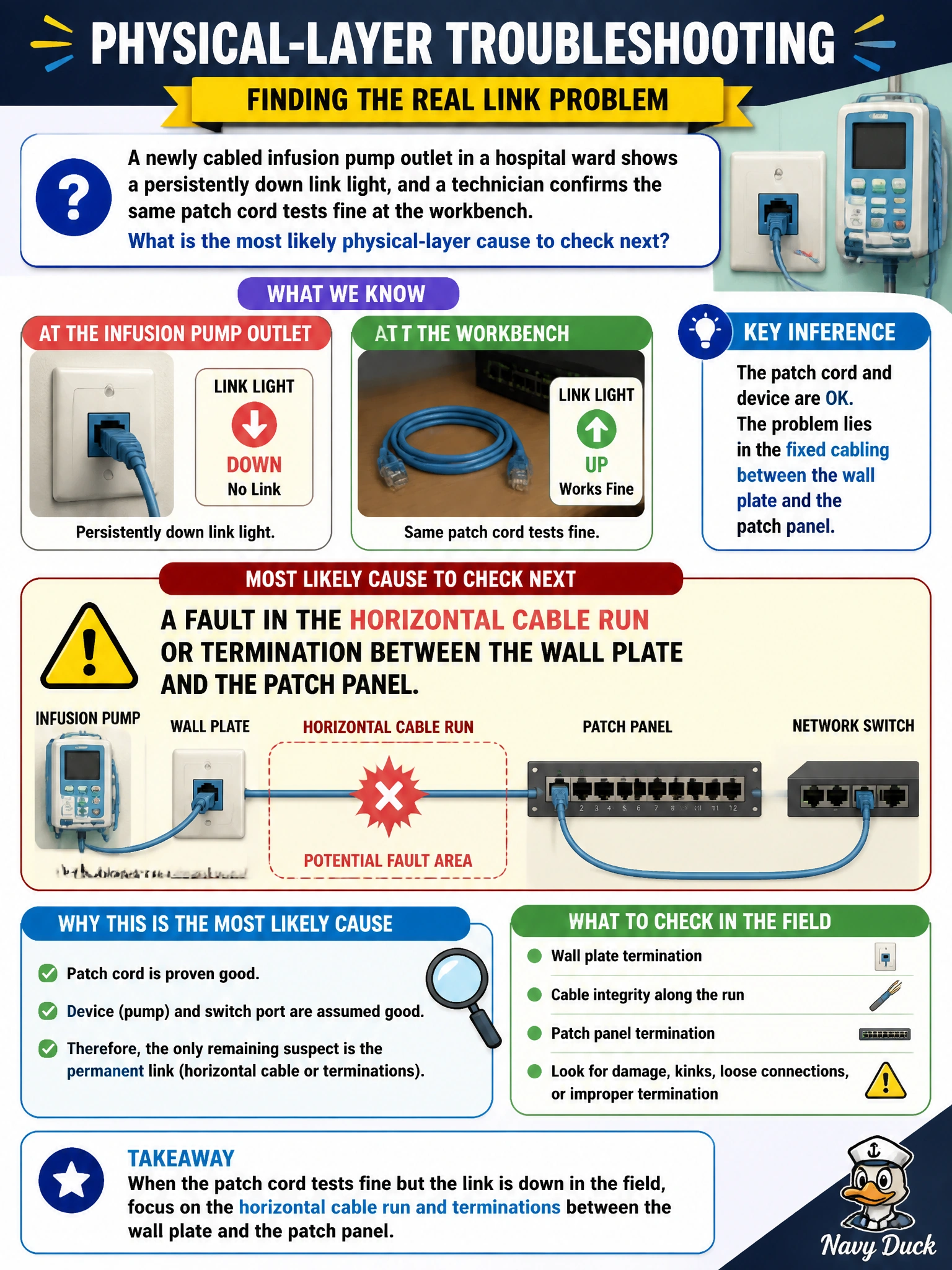
A newly cabled infusion pump outlet in a hospital ward shows a persistently down link light, and a technician confirms the same patch cord tests fine at the workbench. What is the most likely physical-layer cause to check next?
Select an answer to reveal the explanation.
Short Explanation
You already ruled out the patch cord, so the fault has to live somewhere in the run you haven't tested yet. That's the permanent cabling between the wall plate and the patch panel, things like a bad termination or a nick in the run during install. Physical link problems live at the physical layer, not in a VLAN or wireless setting.
Full Explanation
Physical-layer troubleshooting isolates a link failure to the actual copper or fiber path, and process of elimination is the key tool: if the patch cord tests good on a bench, the remaining untested segment is the horizontal cabling between the wall plate and the patch panel, along with its terminations at each end. A poor termination, a damaged pair, or excessive cable bend during a recent install are common causes of a link that simply will not come up, independent of anything configured on the switch. A VLAN misconfiguration is a Layer 2 logical setting, and it does not prevent a link light from coming up at all; a wrong VLAN typically still shows link and just misroutes traffic, so it does not match a persistently down link light. Spanning-tree port role is also a logical Layer 2 concept applied after a link is already physically up, so it cannot be the cause of link failing to establish in the first place. An SSID profile is entirely unrelated, since this is a wired outlet with no radio or SSID involved. A concrete operational check is testing the horizontal run itself with a cable tester or by swapping to a known-good jack on the same patch panel to confirm whether the fault is in the permanent link.