
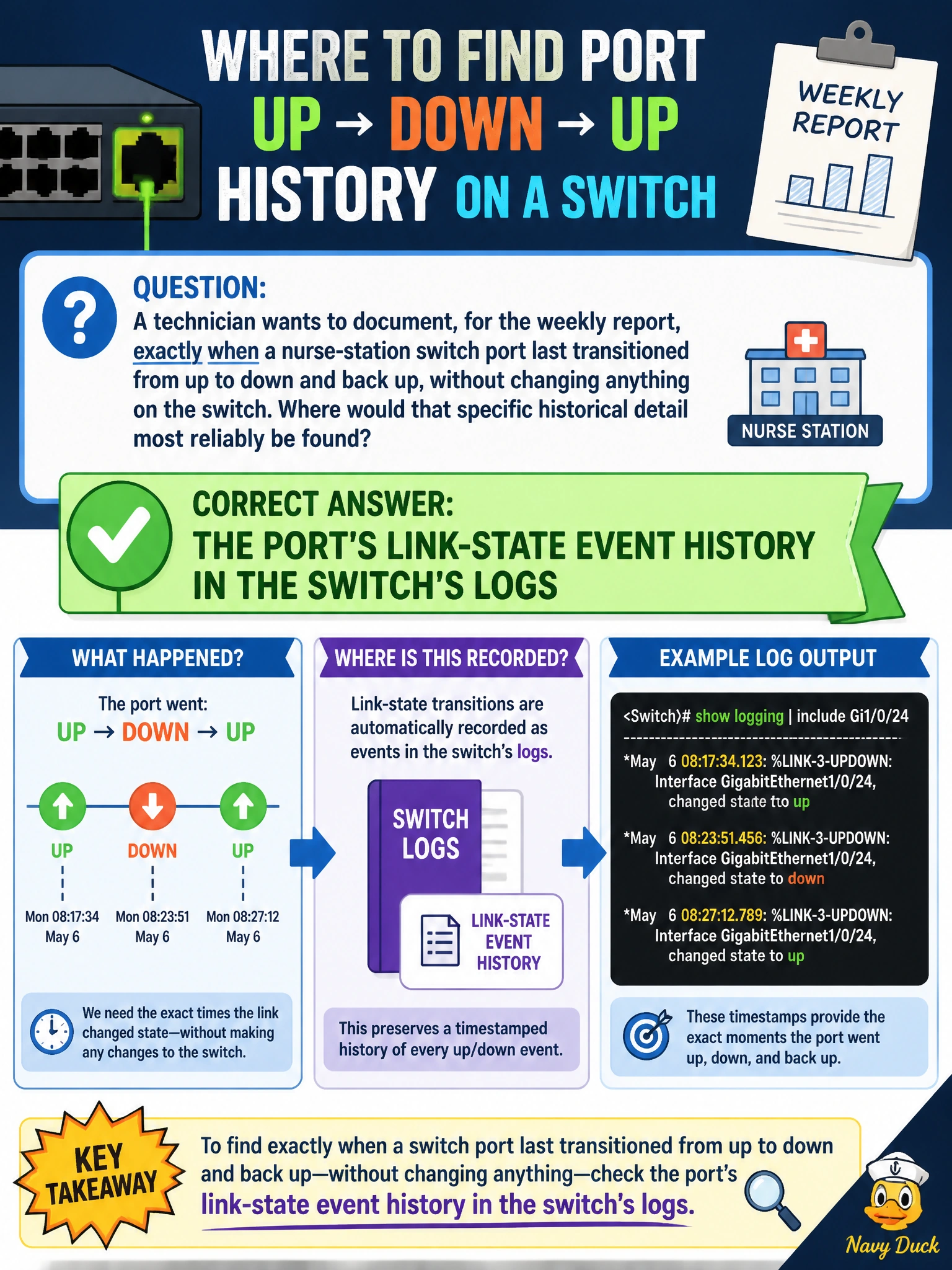
A technician wants to document, for the weekly report, exactly when a nurse-station switch port last transitioned from up to down and back up, without changing anything on the switch. Where would that specific historical detail most reliably be found?
Select an answer to reveal the explanation.
Short Explanation
A running config tells you what a port is set to do, not what it has done. To find the exact moment a link went down and came back, you want the log — the timestamped record of events, like a security camera's timestamp log rather than the building's floor plan.
Full Explanation
Documenting exactly when a specific link-state transition occurred requires a timestamped event record, and that is precisely what a switch's logs capture: each up-to-down and down-to-up transition on a port gets written as a discrete event with a timestamp, which is exactly the detail the weekly report needs. The running configuration file describes the port's current settings, such as VLAN membership or speed/duplex settings, but it is a static snapshot of configuration, not a history of state changes, so it cannot show when a transition happened. An access point's RF neighbor scan results describe nearby wireless devices and channels detected over the air, an entirely unrelated wireless-layer function with no connection to a wired port's link-state history. A DHCP scope's lease utilization percentage describes how many addresses in a pool are currently assigned, which has nothing to do with a specific port's up/down timeline. The principle to keep in mind is that configuration data describes intended state while logs describe what actually happened and when, and a report asking for a specific timestamped event needs the log, not the configuration. A reasonable follow-up check is confirming the switch's log retention period covers the timeframe being reported, since an event older than the retention window will not appear even if it did occur.