
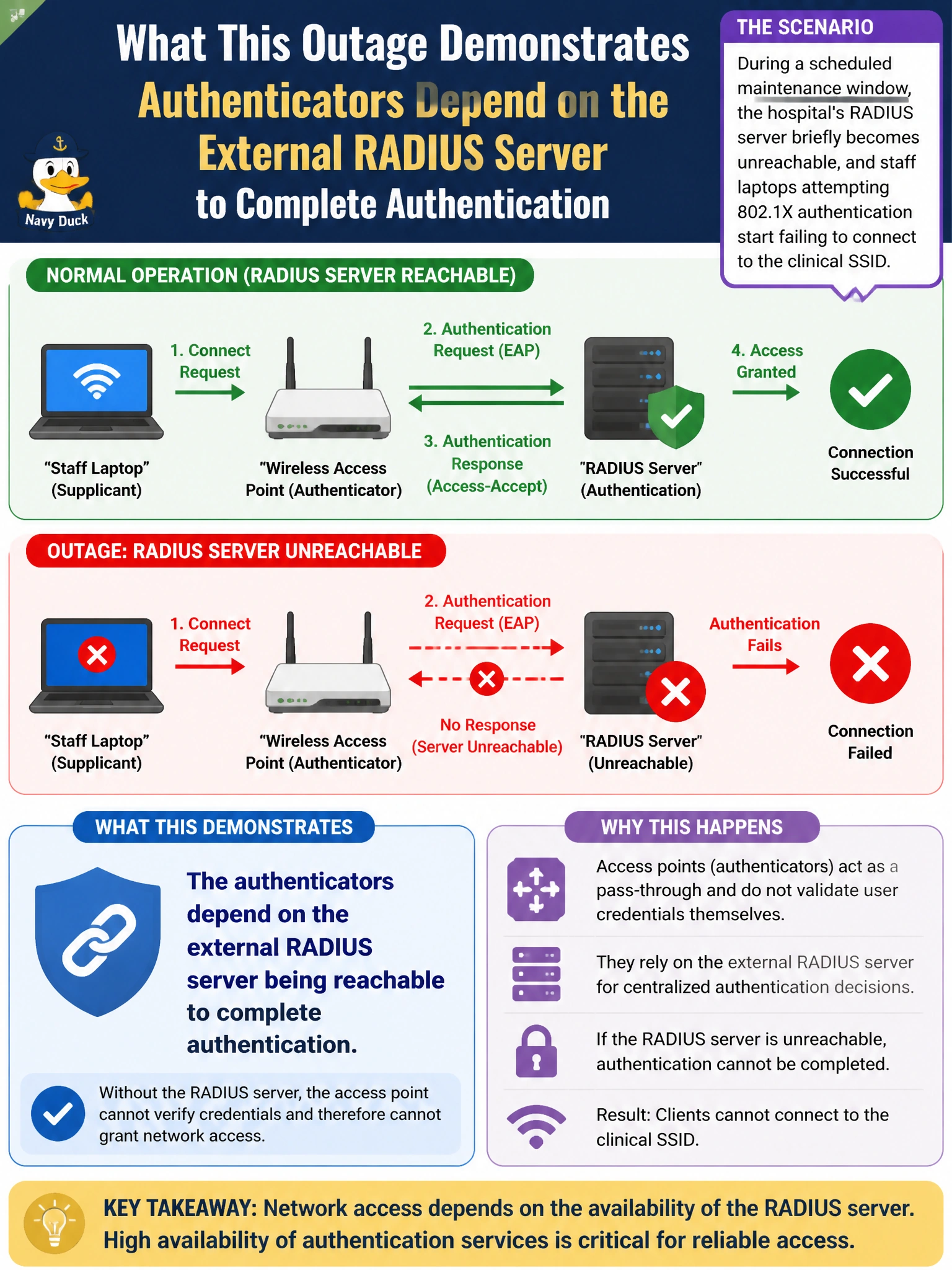
During a scheduled maintenance window, the hospital's RADIUS server briefly becomes unreachable, and staff laptops attempting 802.1X authentication start failing to connect to the clinical SSID. What does this outage most directly demonstrate about the deployment's authentication design?
Select an answer to reveal the explanation.
Short Explanation
No badge office, no ID check — and no ID check means the door stays shut. This outage just shows the plain dependency chain: authenticators can't finish an 802.1X exchange if the RADIUS server they rely on isn't answering.
Full Explanation
RADIUS as an external authentication source means the authenticator, in this case the wireless controller or AP, has no local ability to validate staff credentials on its own; it forwards every request to RADIUS and waits for an accept or reject. When RADIUS is unreachable, the authenticator has nothing to validate against, so 802.1X exchanges stall or fail outright, and clients cannot get past authentication regardless of how correctly everything else is configured. This is a straightforward symptom of that dependency, not evidence of a misconfiguration elsewhere. A misconfigured role attribute would still let authentication succeed but assign the wrong policy afterward, which is a different symptom than a total inability to authenticate. Access points losing a DHCP lease would affect the AP's own management IP address, not a client's 802.1X exchange, and would produce a completely different failure signature, like the AP disappearing from Central entirely. A pruned VLAN trunk would cause traffic for an already-authenticated client to be dropped somewhere in the wired path, not prevent the authentication handshake itself. The useful troubleshooting takeaway is that when authentication broadly fails across many unrelated clients at the same moment, checking RADIUS server reachability should come before suspecting individual device or role configuration.