
During AP provisioning for the new clinic wing, the network team wants each AP to receive its management IP address, subnet mask, and gateway automatically rather than typing these in on every device. Which provisioning approach fits this need?
Select an answer to reveal the explanation.
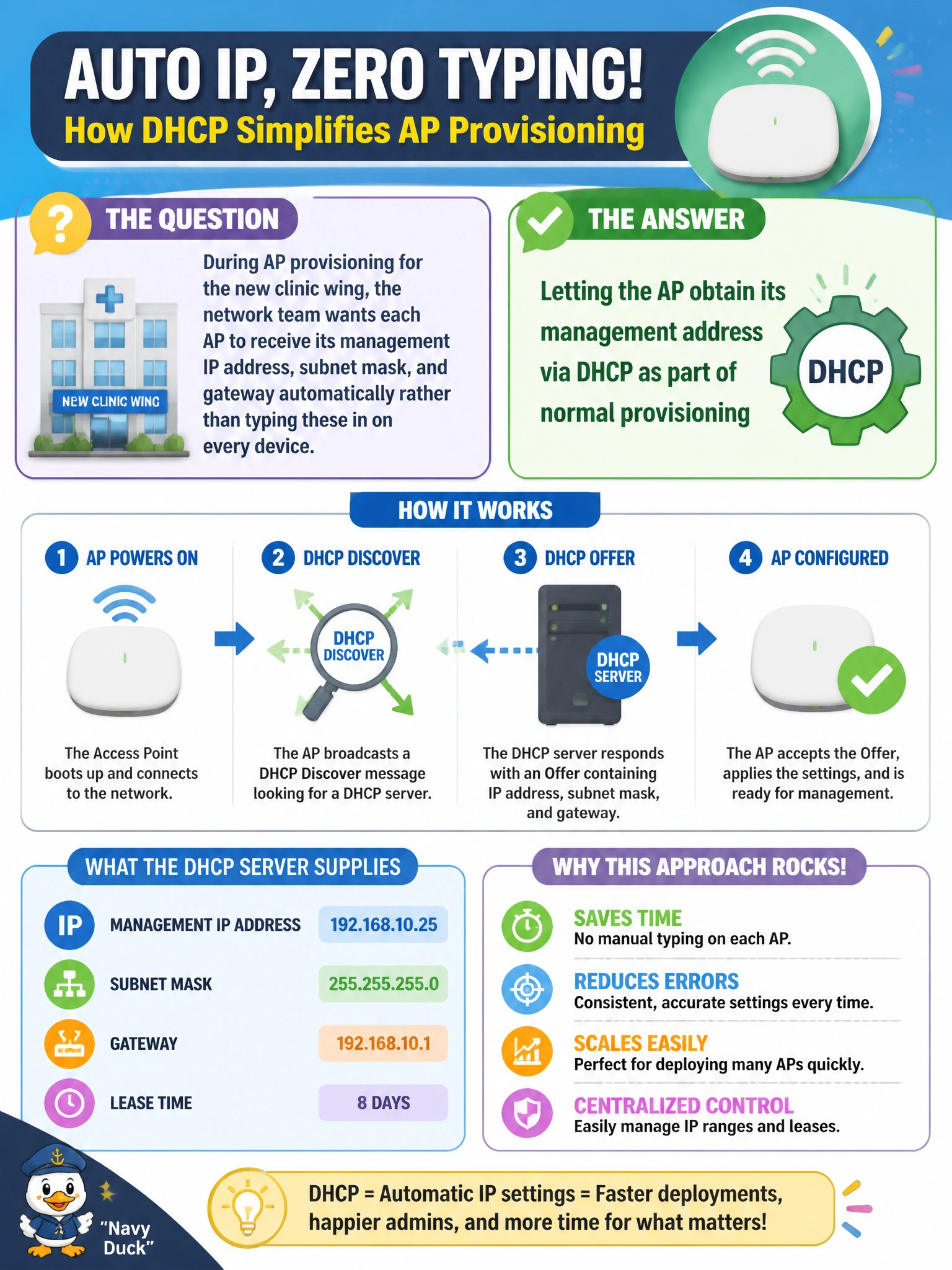
Short Explanation
Typing the same three settings into dozens of new APs by hand is exactly the kind of busywork provisioning is meant to skip. Let DHCP hand out the address automatically, the same way it does for any other device that just needs to join the network and get to work.
Full Explanation
Using DHCP for AP management addressing means each device requests and receives its IP, subnet mask, and gateway automatically the moment it is connected and powered on, which is exactly what removes the manual, per-device data entry the team wants to avoid — and it plays directly into a zero-touch onboarding workflow that depends on the AP having reachability without human intervention. Manually configuring a static address on every AP is the labor-intensive approach the requirement explicitly wants to eliminate, and it doesn't scale across dozens of devices in a new wing. Assigning one identical IP to multiple APs would create an IP conflict on the network, breaking management reachability for all but possibly one of them — this isn't a shortcut, it's a fault. An AP absolutely needs a management IP address regardless of whether it is also broadcasting client SSIDs, because Central (or a controller) needs a reachable address to push configuration and monitor status; without one, the AP cannot be managed at all. A caveat: this assumes appropriate DHCP scope and options exist on the management VLAN the AP lands on, including any options needed to help it find the activation/provisioning service. Operational check: confirm each new AP shows a valid, unique leased address in the DHCP server's lease table shortly after being connected.